Workspaces & Tabs
How to read the crypto market heatmap in the Market Map tab
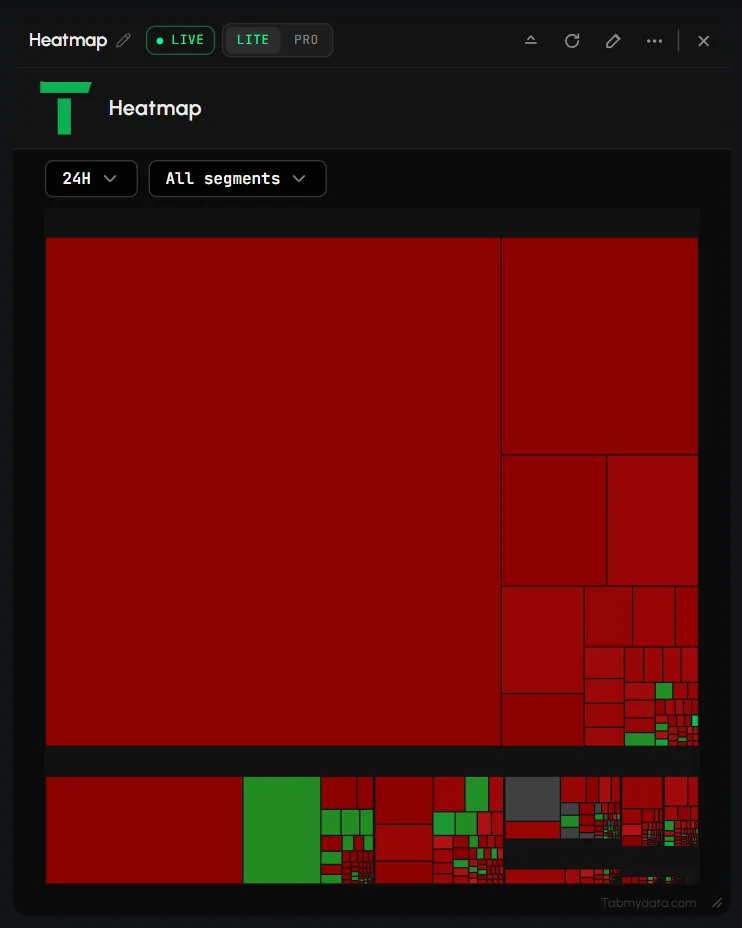
Read the crypto market heatmap in the Market Heatmap tab: each coin is one tile, sized by market cap and coloured by its price move. Every coin is a tile: a bigger tile is a bigger market cap, and the colour is the price change over the window you pick (1H, 24H, 7D or 30D). Tiles are grouped by sector. It shows moves that already happened. It is not a signal.
On this page
The menu entry is named Heatmap. This is not the Orderbook Heatmap, which draws order-book depth (see that guide).
Product overview: crypto market heatmap.
What you can do
- Read the market as a treemap, grouped by sector.
- Choose the window: 1H, 24H, 7D or 30D.
- Choose which sectors to show.
- Hover a tile for its name, price, change, market cap and rank.
- Refresh, screenshot, rename, resize and restyle the tab.
How do I add the Heatmap tab?
- Click + (Add a tab) on the tool rail.
- Open Charts and analysis and click Heatmap (shortcut Shift+7).
- The tab opens on 24H with every sector. It has no presets.
How do I read the tiles?
- Tile size is market cap.
- Colour is the price change over the chosen window. Green is up, red is down.
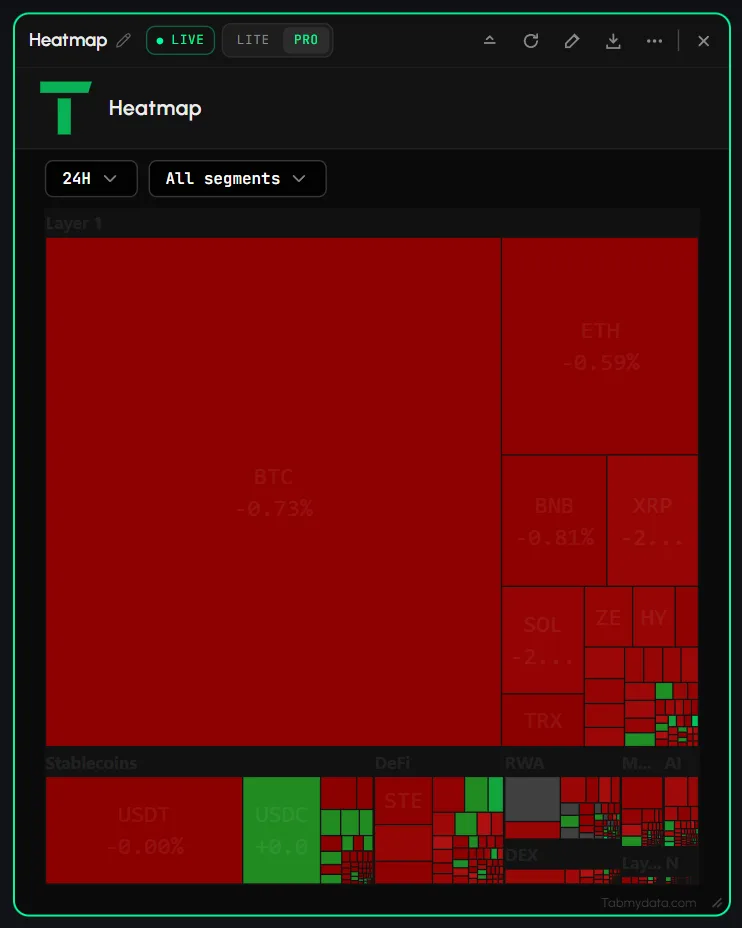
- Each tile shows the symbol and the change, for example BTC with a percentage.
- Tiles sit inside sector blocks such as Layer 1, Stablecoins, DeFi, RWA, DEX, Meme, AI and Layer 2.
How do I choose the time frame?
- Click the time frame dropdown (it shows 24H by default).
- Pick 1H, 24H, 7D or 30D. Tile colours update.
Tip: use 1H for a quick look at the last hour and 7D or 30D to see which sectors led over a longer stretch.
How do I show only some sectors?
- Click the dropdown All segments.
- The menu lists Layer 1, Layer 2, DeFi, NFT, Gaming, DEX, Meme, RWA, AI and Stablecoins, all ticked by default. A click unticks one. All ticks everything again.
- The menu stays open while you click. Press Escape to close it. The button then reads for example "7 segments".
- Untick all but one to read a single sector.
The sector choice is not kept when you reload the page. The tab opens on every sector again.
How do I see a coin's details?
Hover a tile. A popup shows the coin name and symbol, Price, Change, Market Cap and Rank, for example Ethereum, ETH, its price, change, market cap and #2.
How do I refresh, screenshot, rename and close?
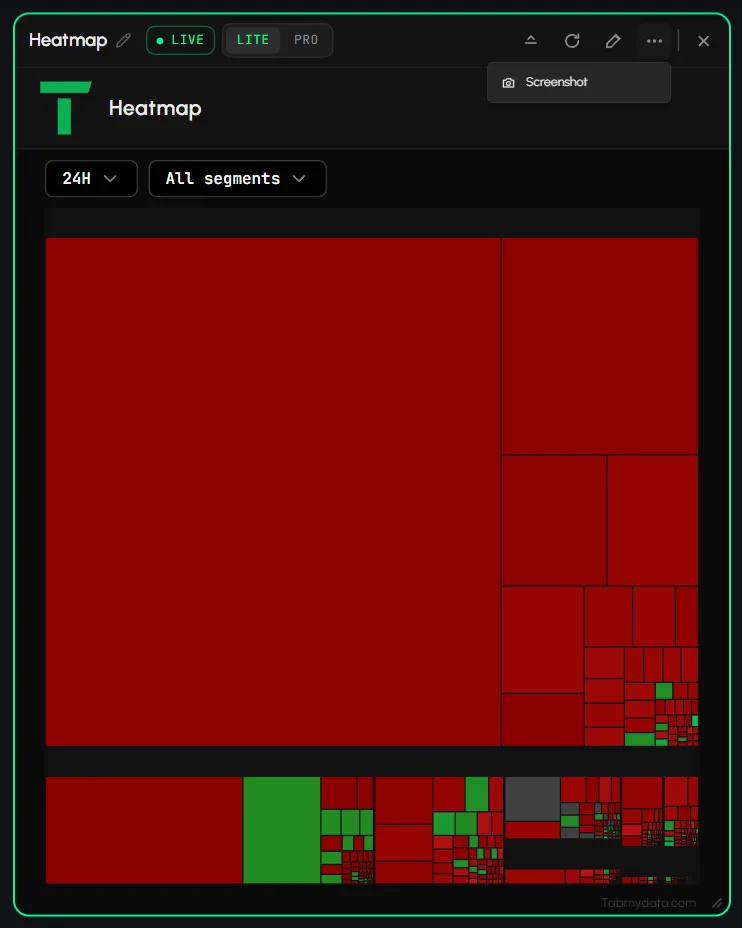
- The title bar also has a LIVE badge, Ask Tami (PRO) and Share. On a narrow tab, Minimize, Screenshot and Edit appearance collapse into More; from about 900 px wide everything sits inline.
- Refresh (circular arrow in the header) reloads the tab.
- More (...) holds Minimize, Screenshot and Edit appearance. It has no Refresh or Favourites entry.
- LITE | PRO is one button shared by all Heatmap tabs. PRO adds Ask Tami; the map itself looks the same.
- Rename, resize and close work as in every tab: Tab controls.
Settings
| Setting | Options | Scope |
|---|---|---|
| Time frame | 1H, 24H, 7D, 30D | This tab |
| Sectors | Ten sectors, any mix (not kept after a reload) | This tab |
| Edit appearance | Tab Color, Tab Skin, Font | This tab |
| Display density | LITE or PRO | Every Heatmap tab |
The tab has no plan limits.
States
- Loading: while the tab's data loads, it shows the letter T (the Tabmydata logo) bouncing slowly in a loop, like a ball, until the data arrives.
- After you change the time frame: the tiles stay one dark colour for about two seconds while the new data arrives. Picking a time frame you just used again can be instant.
- Empty and error states have not been seen. If tiles do not load, click Refresh.
Frequently asked questions
What does a crypto market heatmap show?
Every coin as a tile, sized by market cap and coloured by how it moved over the window you picked.
What does tile colour mean?
Price change over the window you picked. Green is up, red is down.
What does tile size mean?
Market cap.
Can I see only one sector?
Yes. Untick the others under All segments.
Which time frames can I pick?
1H, 24H, 7D and 30D.
What does a tile popup show?
The coin name and symbol, price, change, market cap and rank.
Why did my sectors reset?
The sector choice is not kept after a page reload. Pick them again.
How is it different from the Orderbook Heatmap?
The Market Map shows how coins moved. The Orderbook Heatmap shows where resting order-book depth sat over time for one instrument.
Does it tell me what to buy?
No. It shows what already moved. It is not financial advice.