Help Center
Tabmydata Help Center
Search our help articles from the bar above, or browse by category below.
Browse by category
Getting Started
New to Tabmydata? Learn what the platform does, create your account, build your first workspace and take a tour of the dashboard in minutes.
11 articlesWorkspaces & Tabs
Everything about Tabmydata workspaces: creating them, using the tools bar, adding and arranging tabs, and customizing colours, zoom and backgrounds.
35 articlesAlerts & Notifications
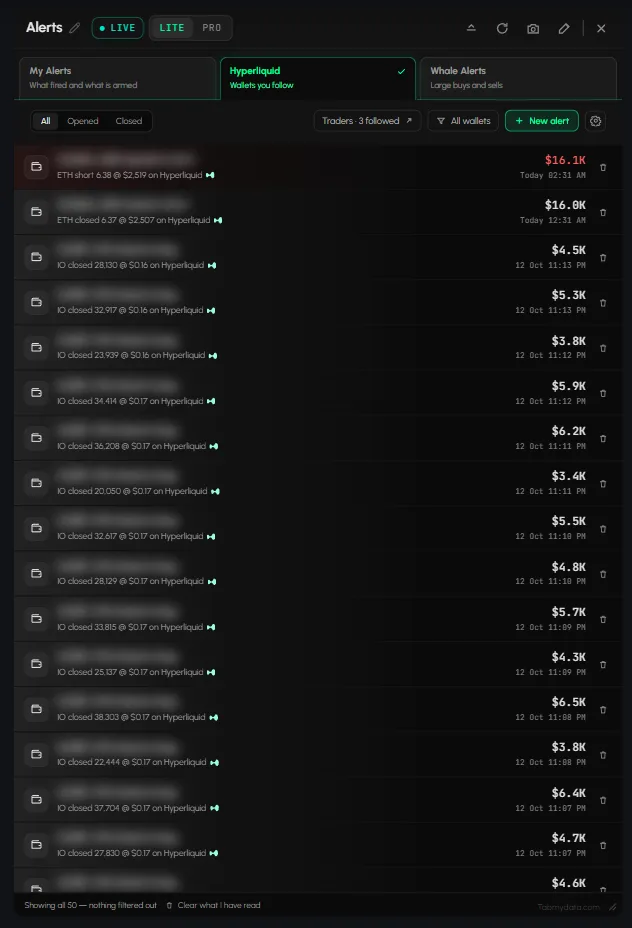
Set up crypto alerts, follow Hyperliquid wallets and whale alerts, choose how they reach you, and clear your notifications inbox.
6 articlesMessages
Send messages, add friends, manage requests and block users on Tabmydata. Everything about the social side of the platform in one place.
4 articlesMore Tabs
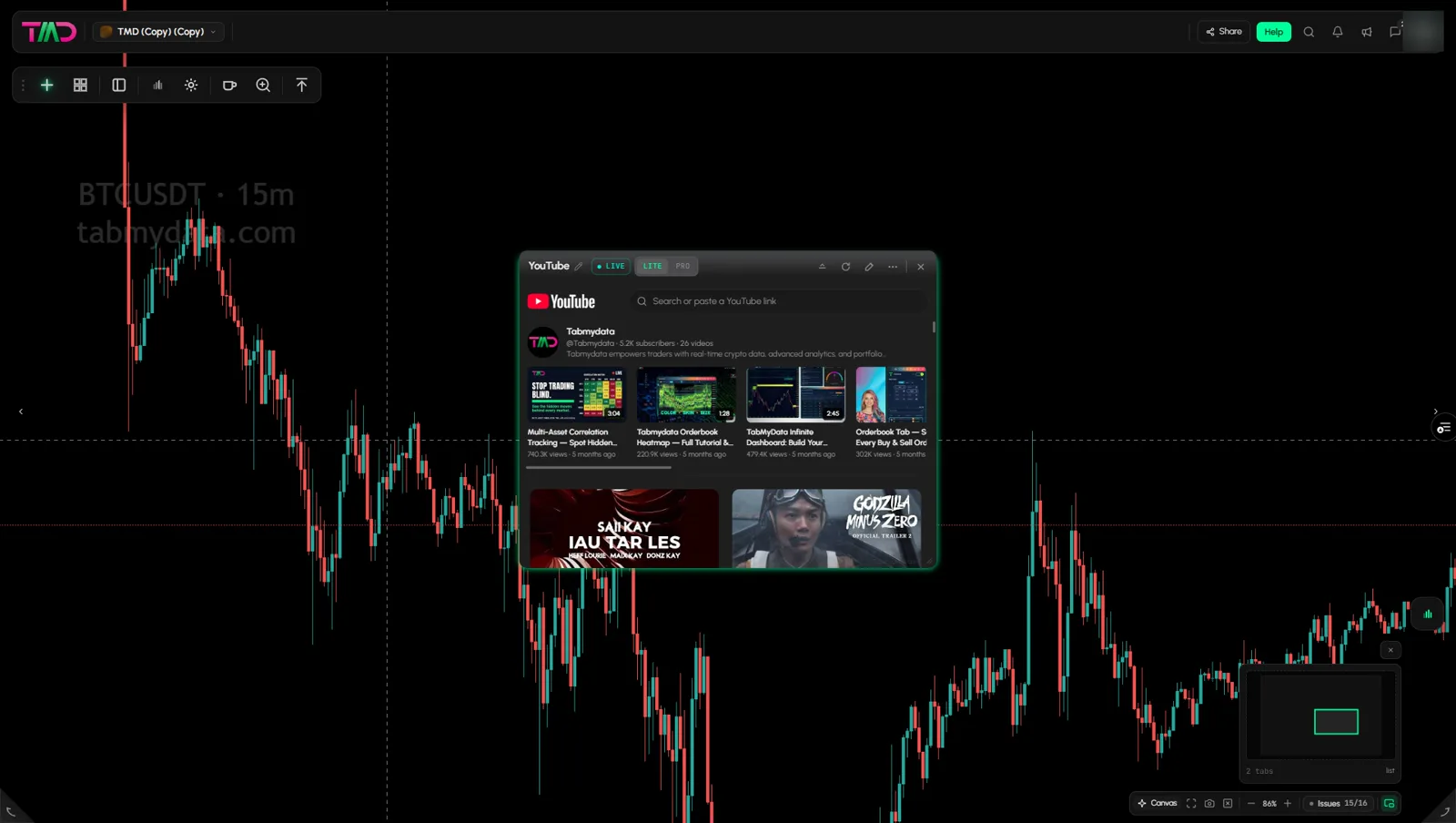
Tabs that are not covered by their own service page: play YouTube video inside your workspace and find the Cards referral button. New tabs will be added here.
2 articlesAccount & Settings
Manage your Tabmydata account: profile and avatar, security and 2FA, social and notification preferences, taking a break, and account deletion.
8 articlesTroubleshooting
Tabmydata not loading? Fix a stalled feed, a paused tab or a broken workspace layout, and find out how to reach support if it persists.
3 articles



Learning paths
Short, ordered routes through the articles. Pick a goal and follow it step by step.
First 10 minutes
go from a new account to a workspace with live data on the screen.
6 articles · ~12 min · not startedReading the order flow
put the order book, the trades and the liquidations side by side and read them together.
8 articles · ~21 min · not startedAlerts setup
get the alerts you care about, on the channel you read first.
6 articles · ~14 min · not startedCustomise your workspace
make the workspace look and behave the way you work.
9 articles · ~19 min · not startedMarket context and sentiment
add the macro and sentiment tabs around your chart.
6 articles · ~15 min · not started
Get started with Tabmydata
Everything you need to set up your workspace and start trading smarter.
- What is Tabmydata and how do you use it?Tabmydata is a market workspace: Orderbook Heatmap and Liquidation Heatmap, order book, liquidations, charts and the Hyperliquid Whale Tracker tab side by side....
- How to create a Tabmydata accountTo create a Tabmydata account, go to the sign-up page and choose Continue with Google, Continue with Wallet or Email & password. Then verify your email if you u...
- How to set up your first workspaceTo set up your first trading workspace in Tabmydata, open a workspace from the Dashboard, then either start from a ready-made desk or add tabs one by one with A...