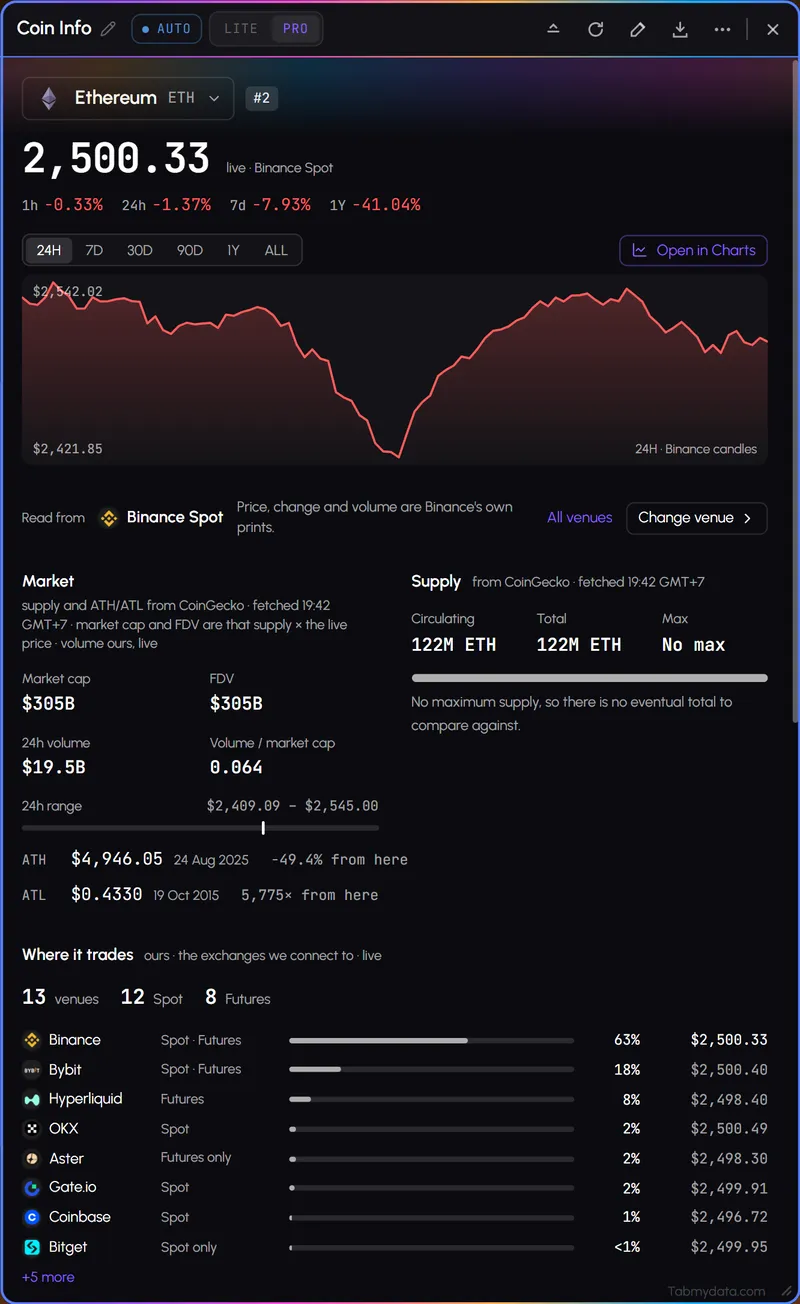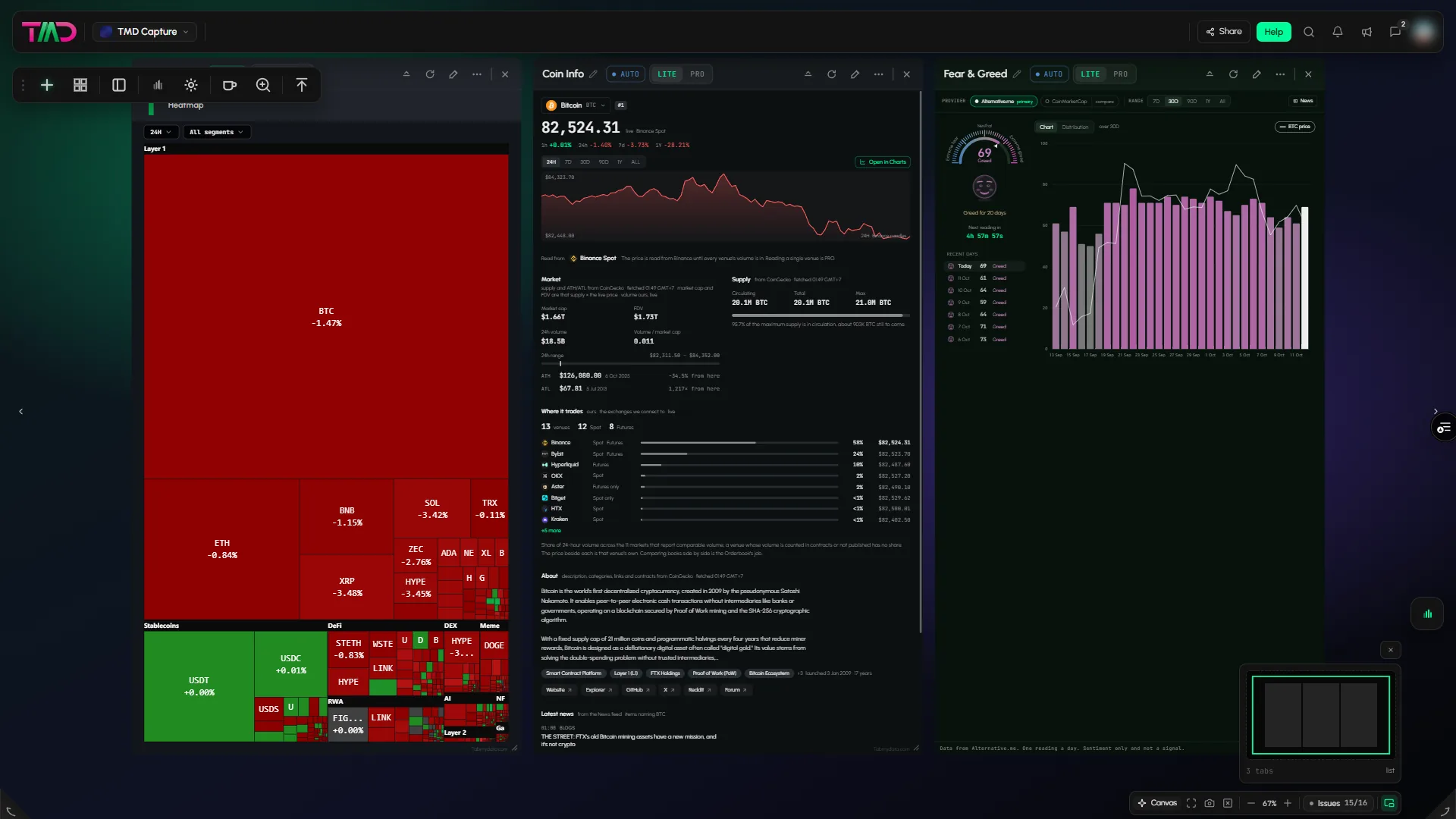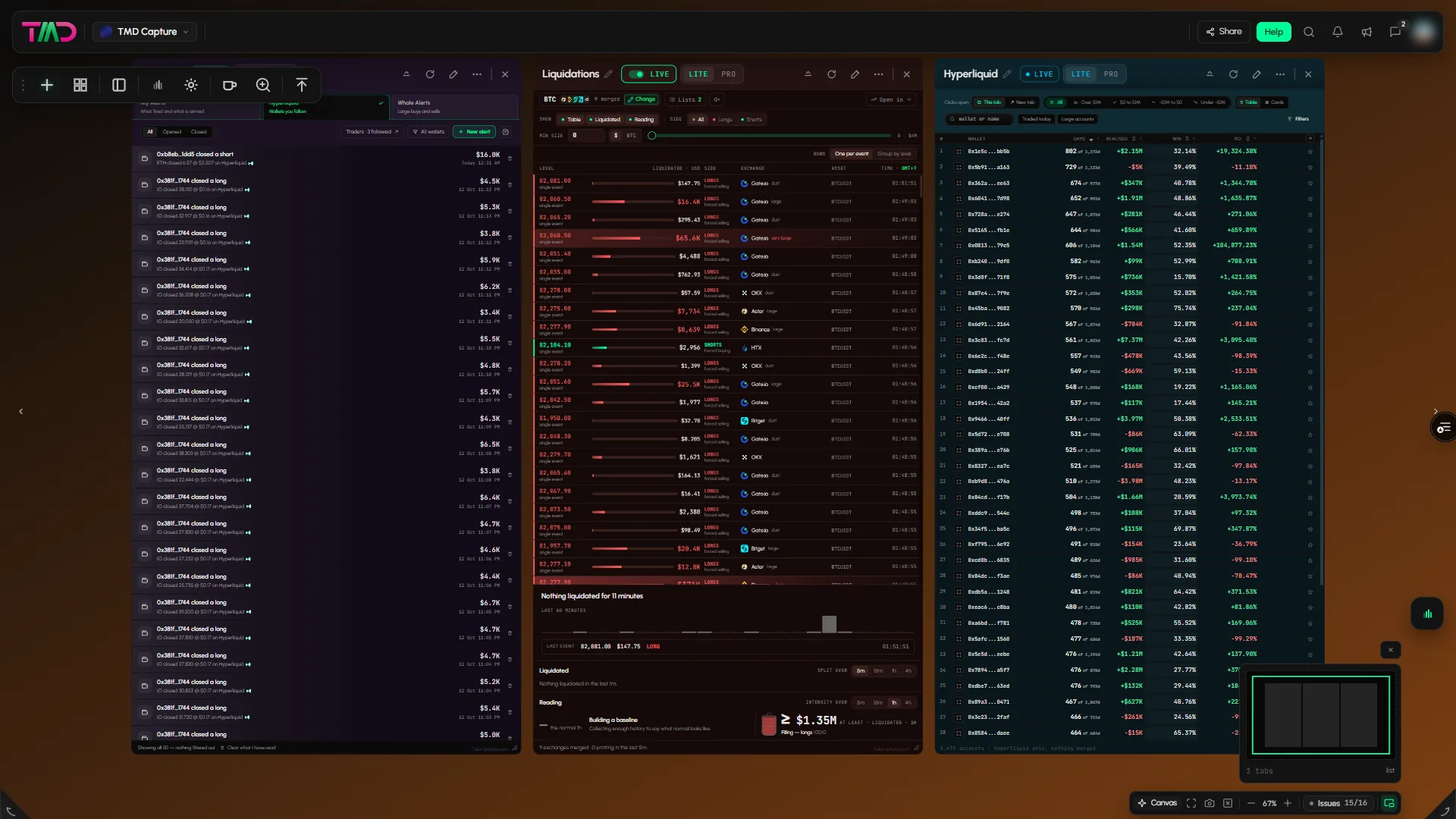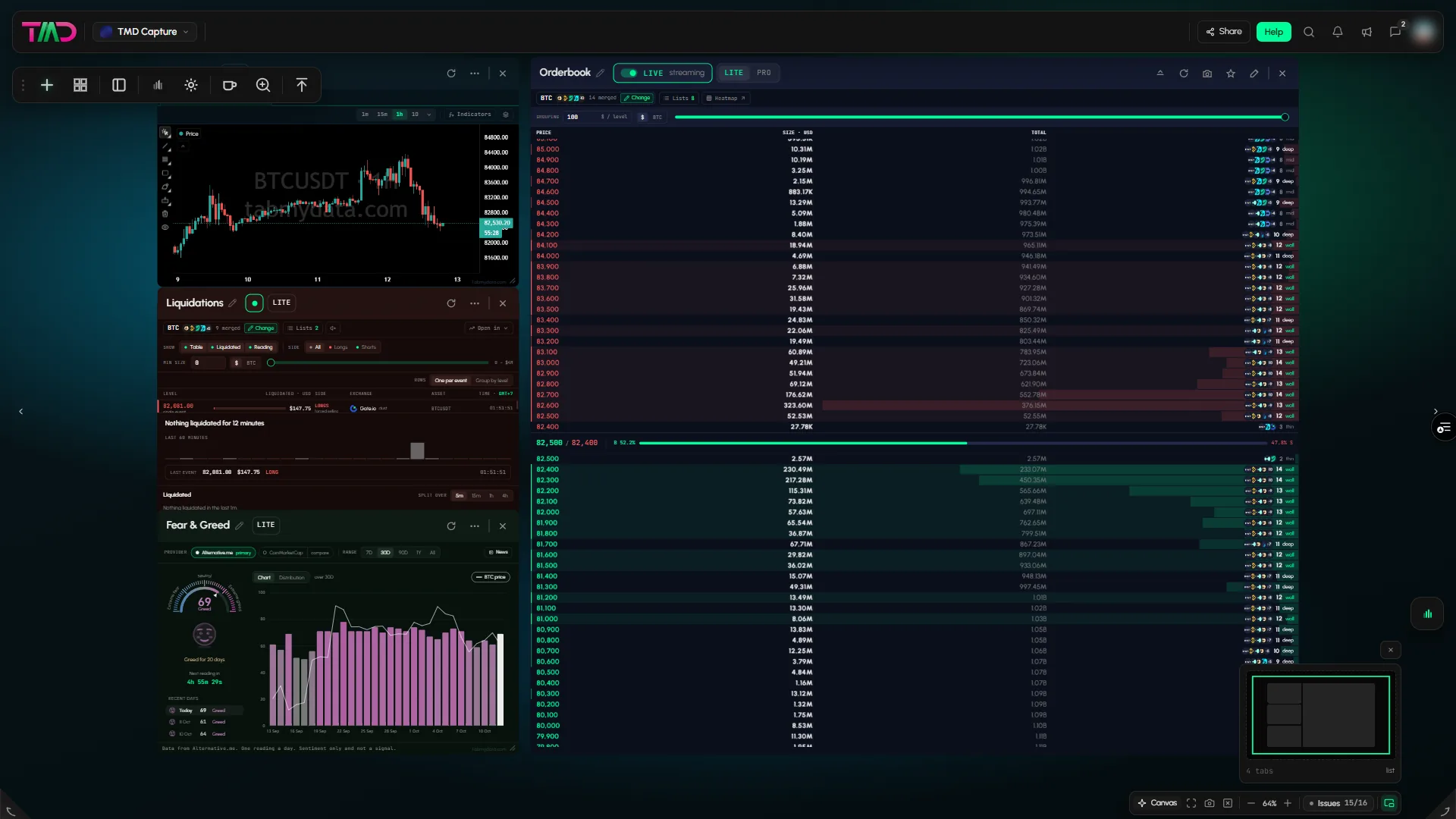
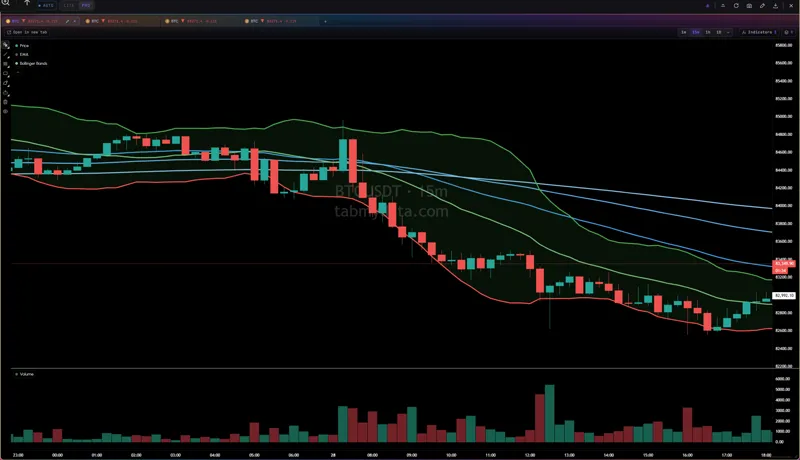
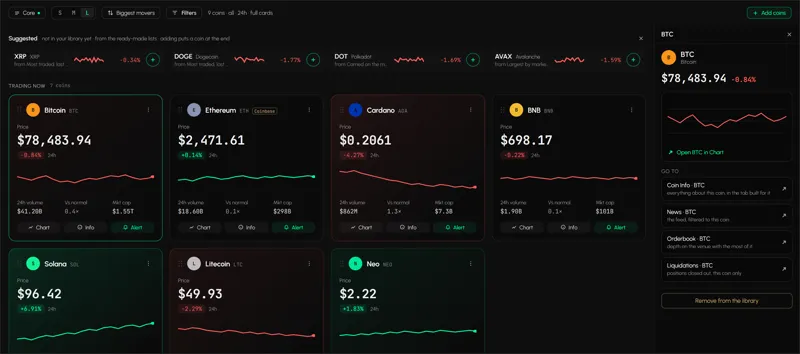
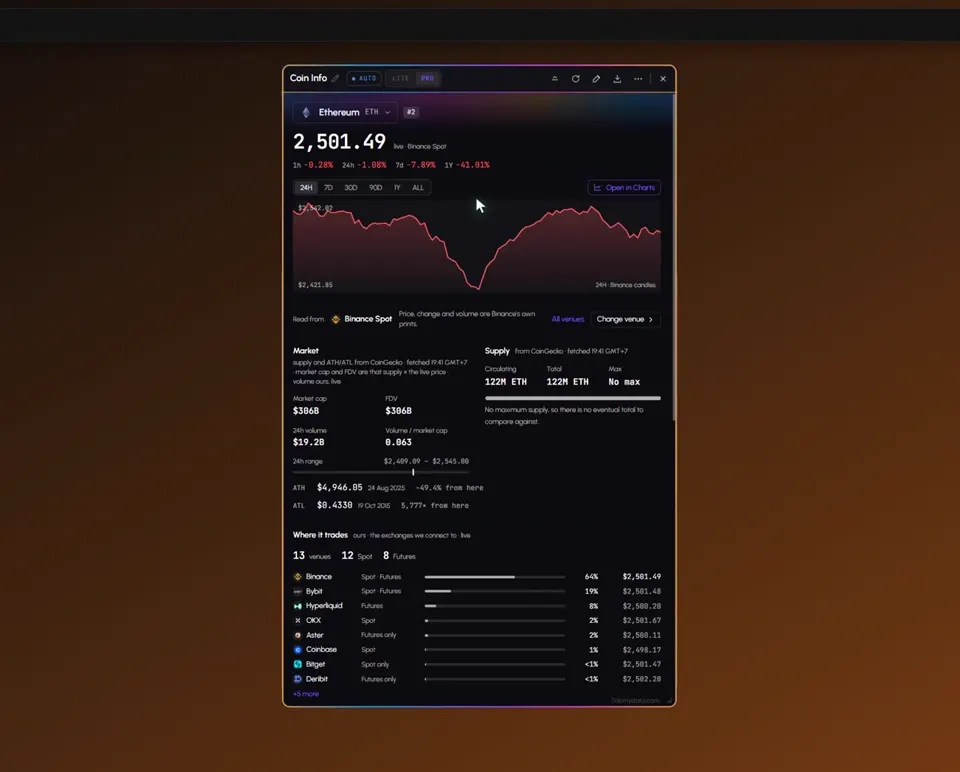
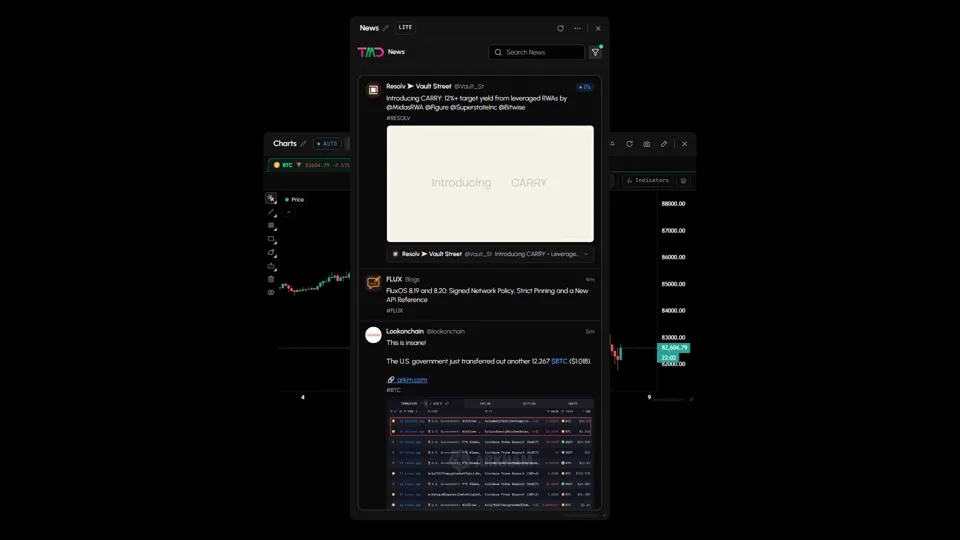
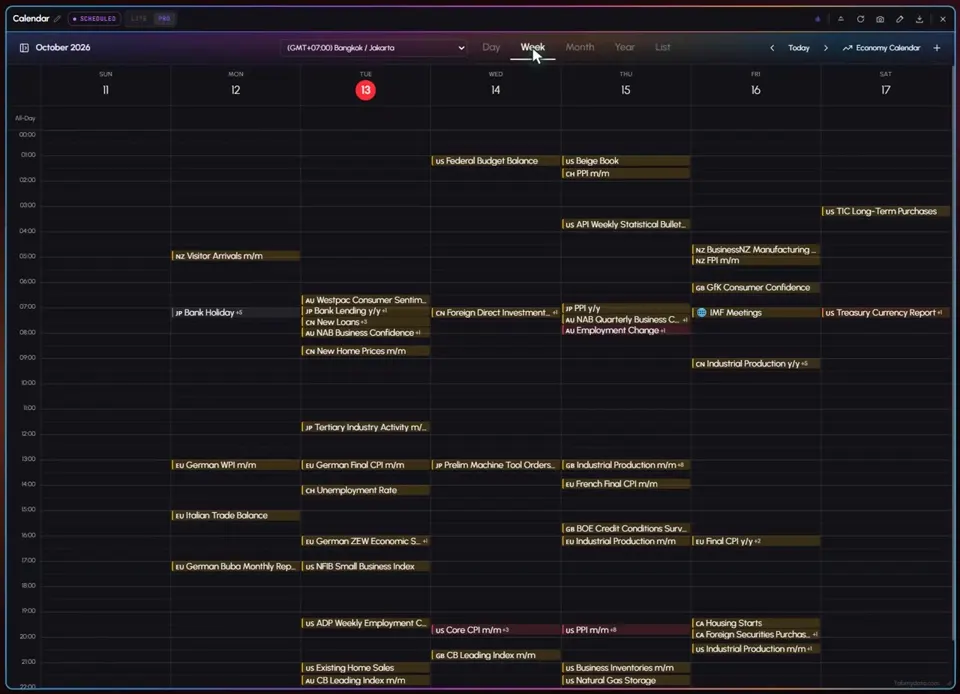
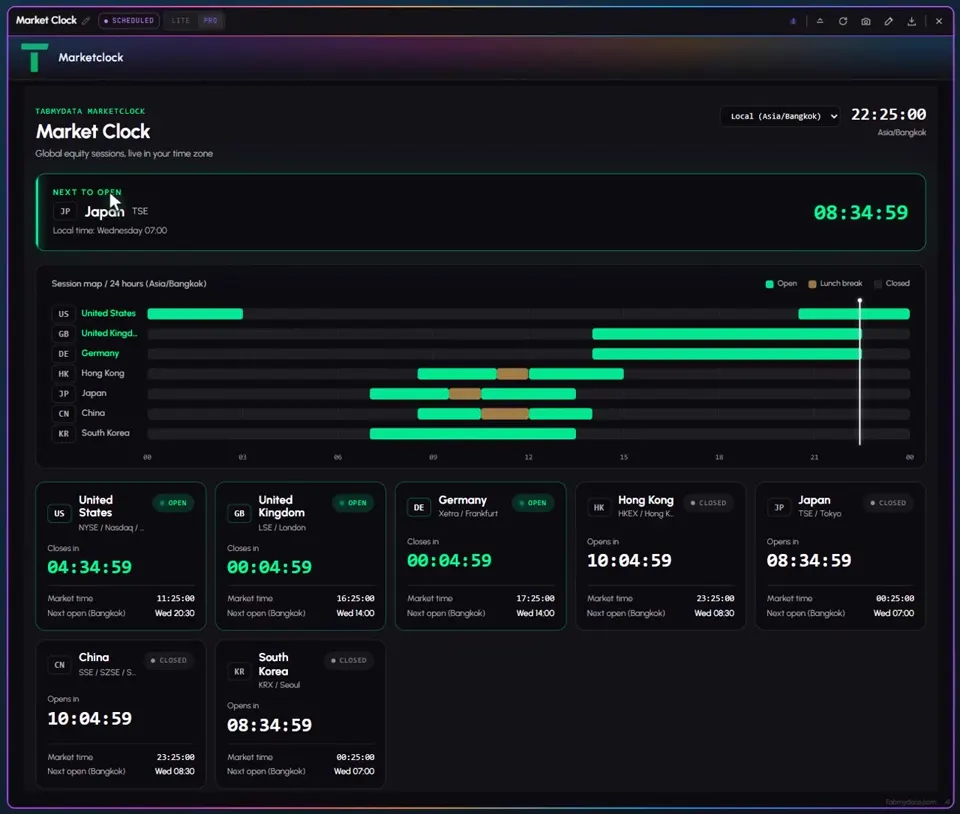
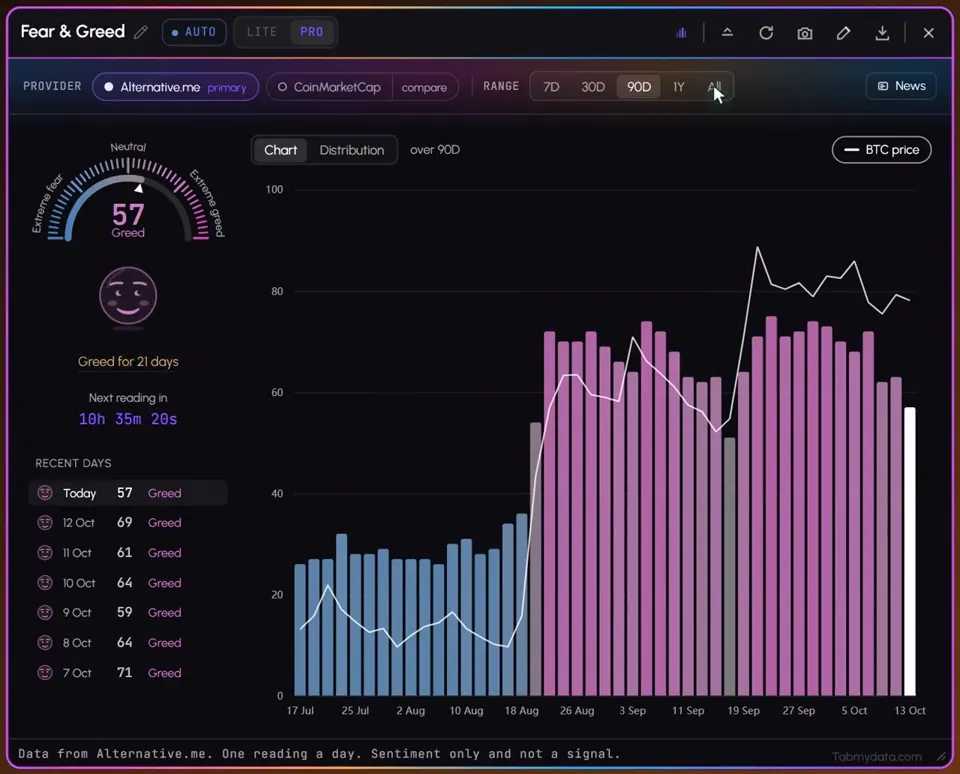
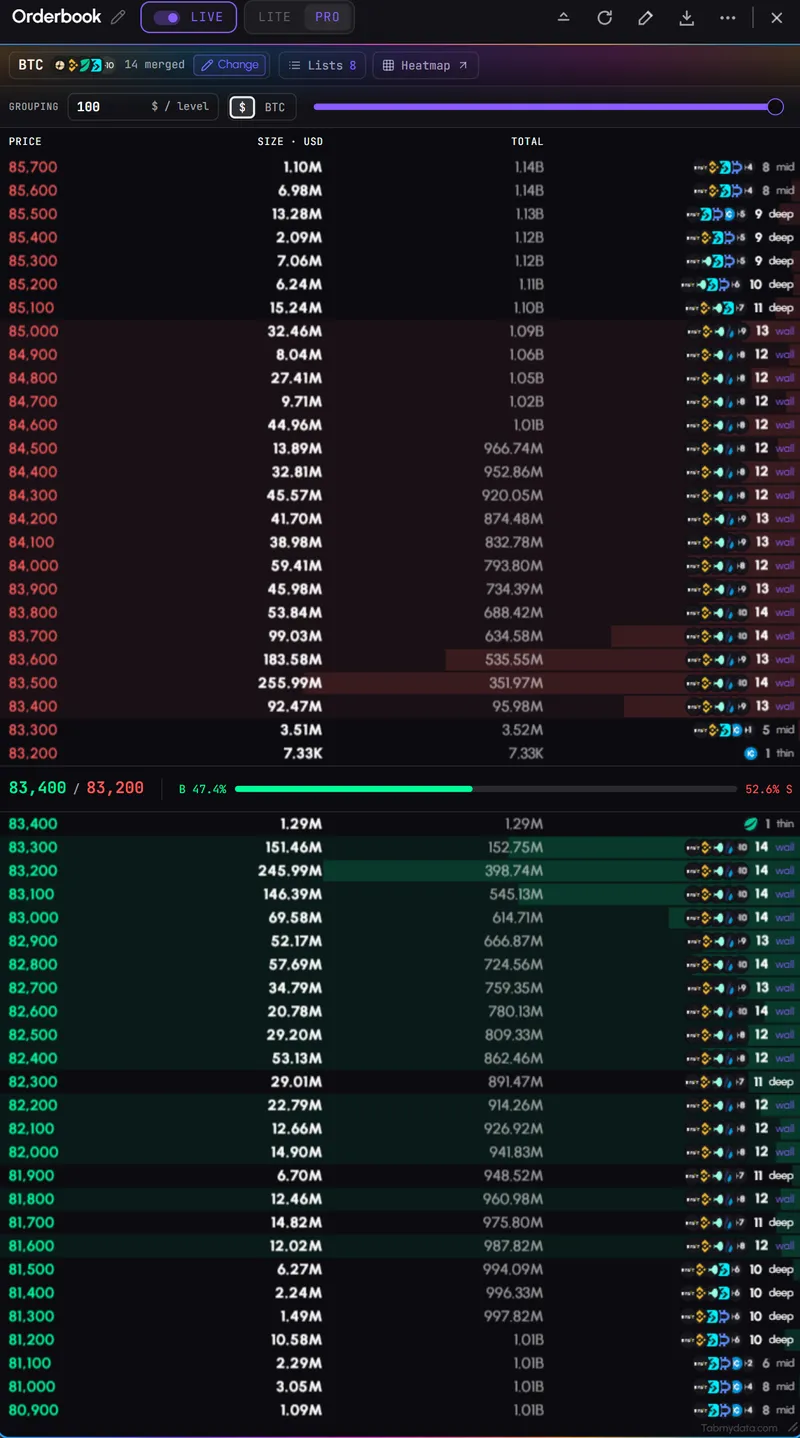
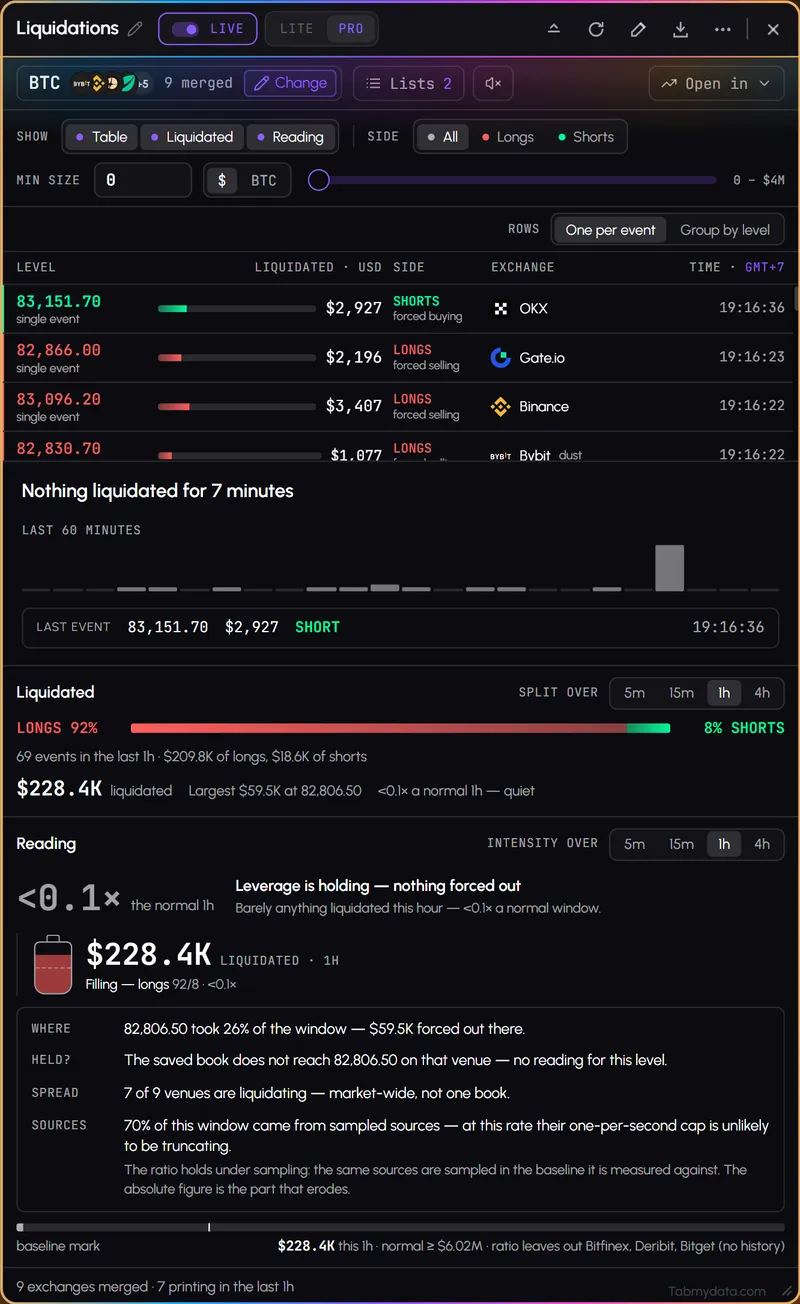
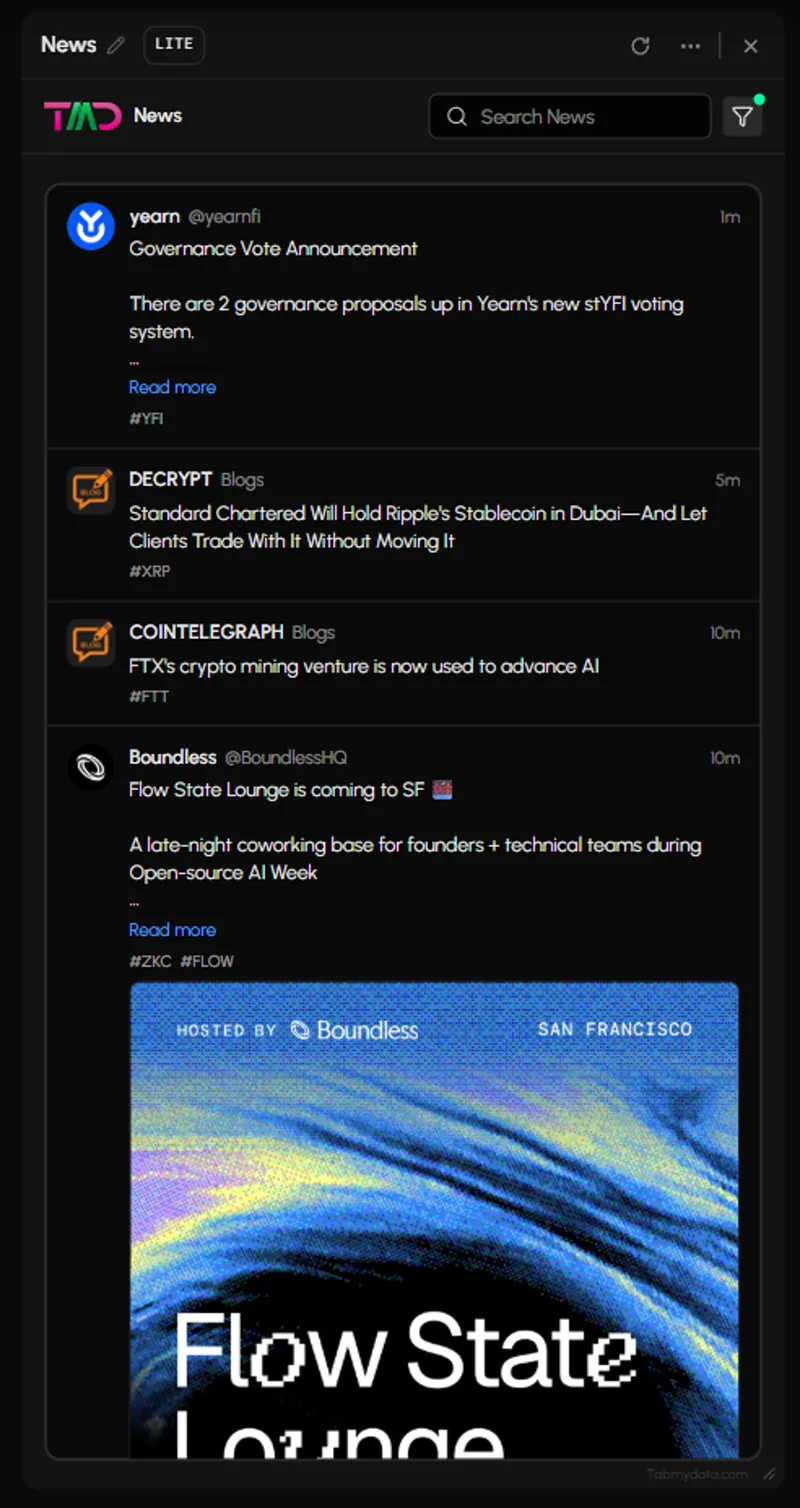
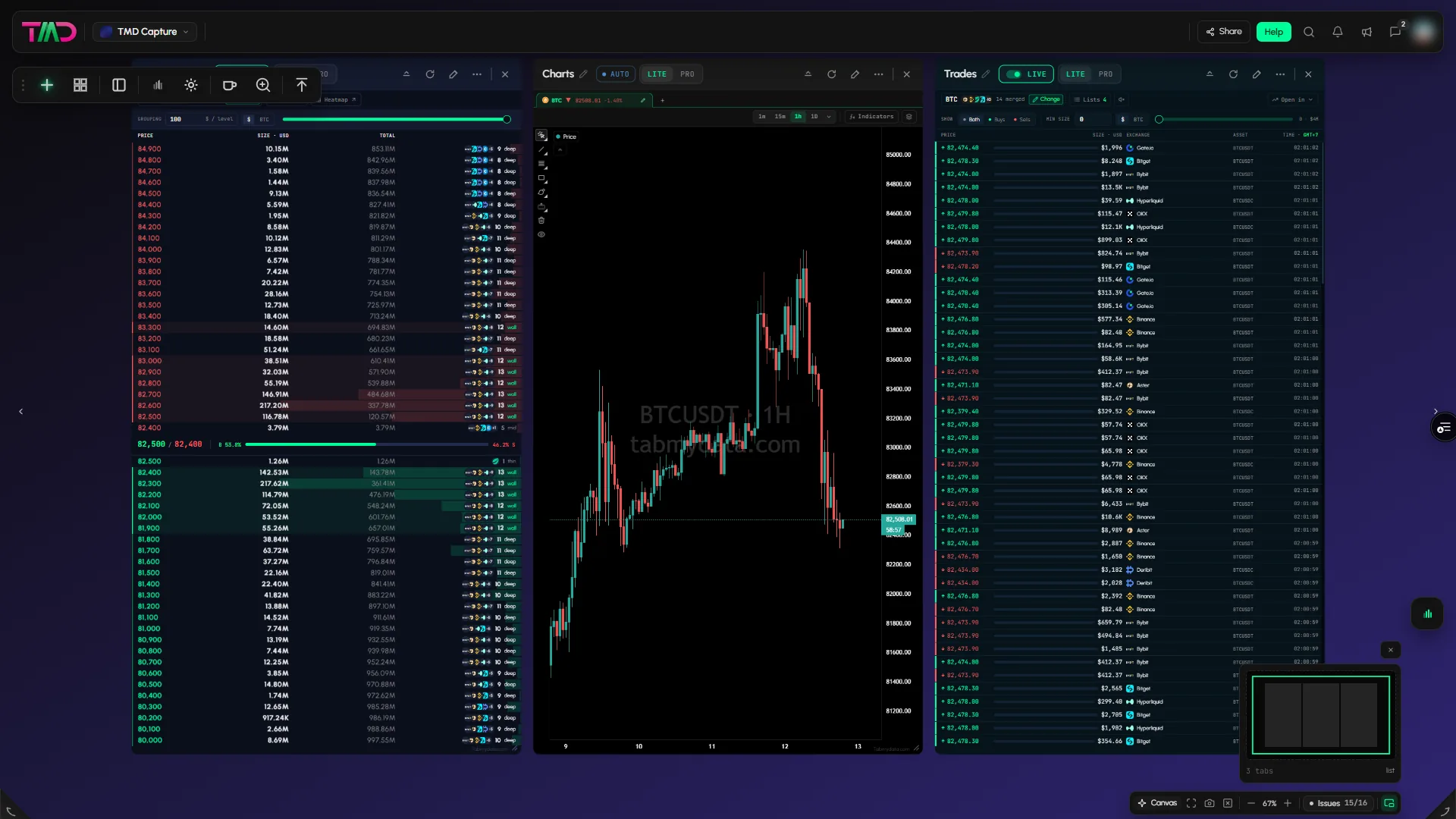
Tabs side by side
Drag, resize, or minimize it to a card. Or let a layout preset tidy everything up in a click.
Tabmydata market workspace Alpha
Tabmydata is a market workspace: a liquidity heatmap with months of history, beside live liquidations, the order book, charts and Hyperliquid accounts.
Free during Alpha. Crypto, stocks, ETFs and commodities.












Step through them, or open the one you need.
1 of 17Liquidity
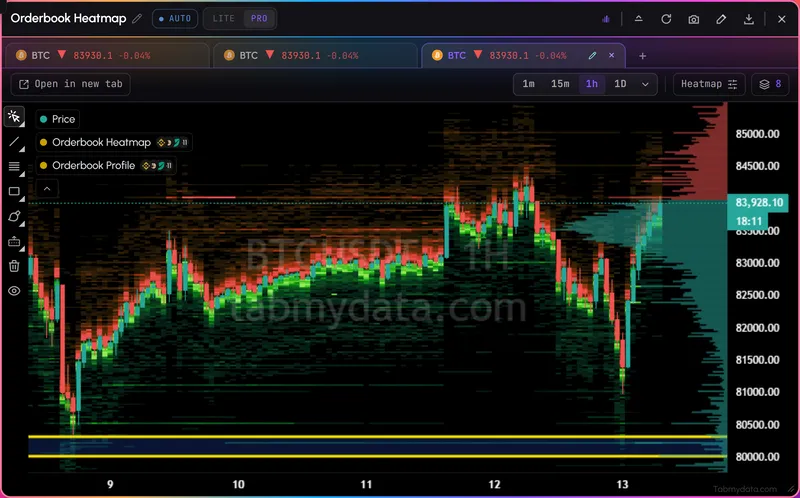
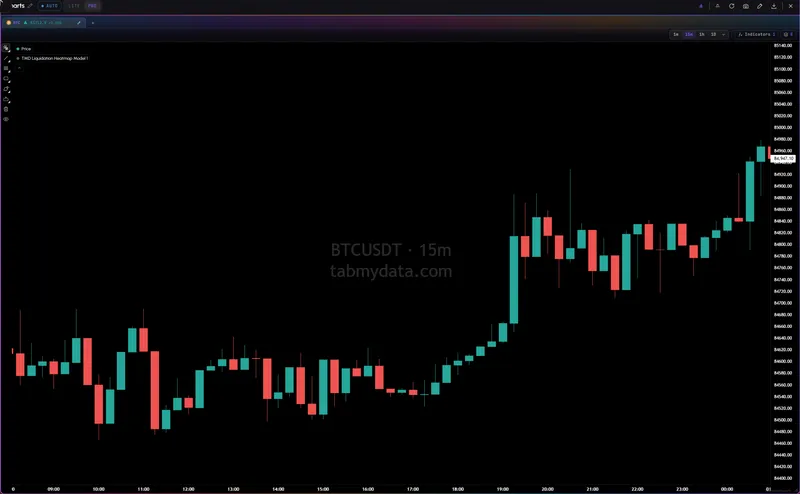
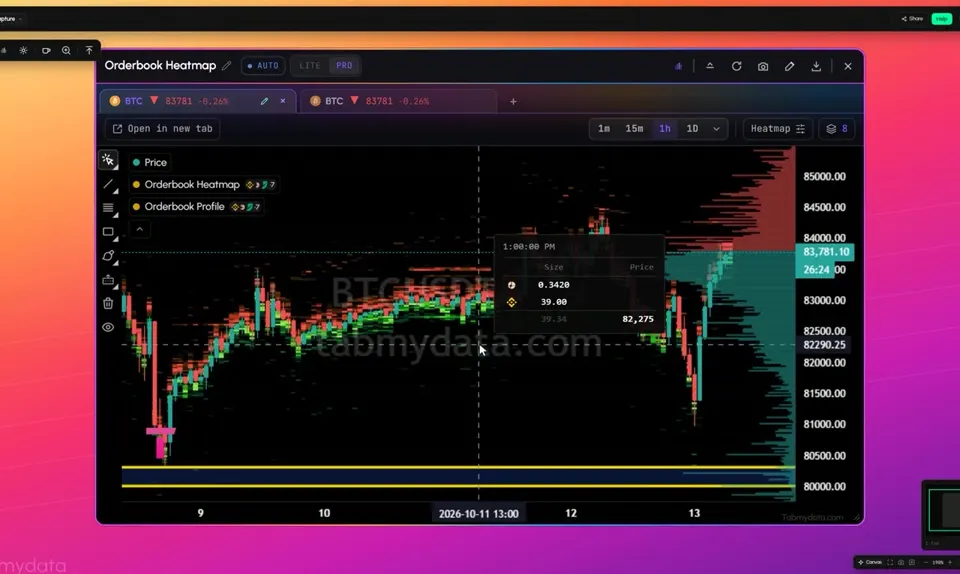
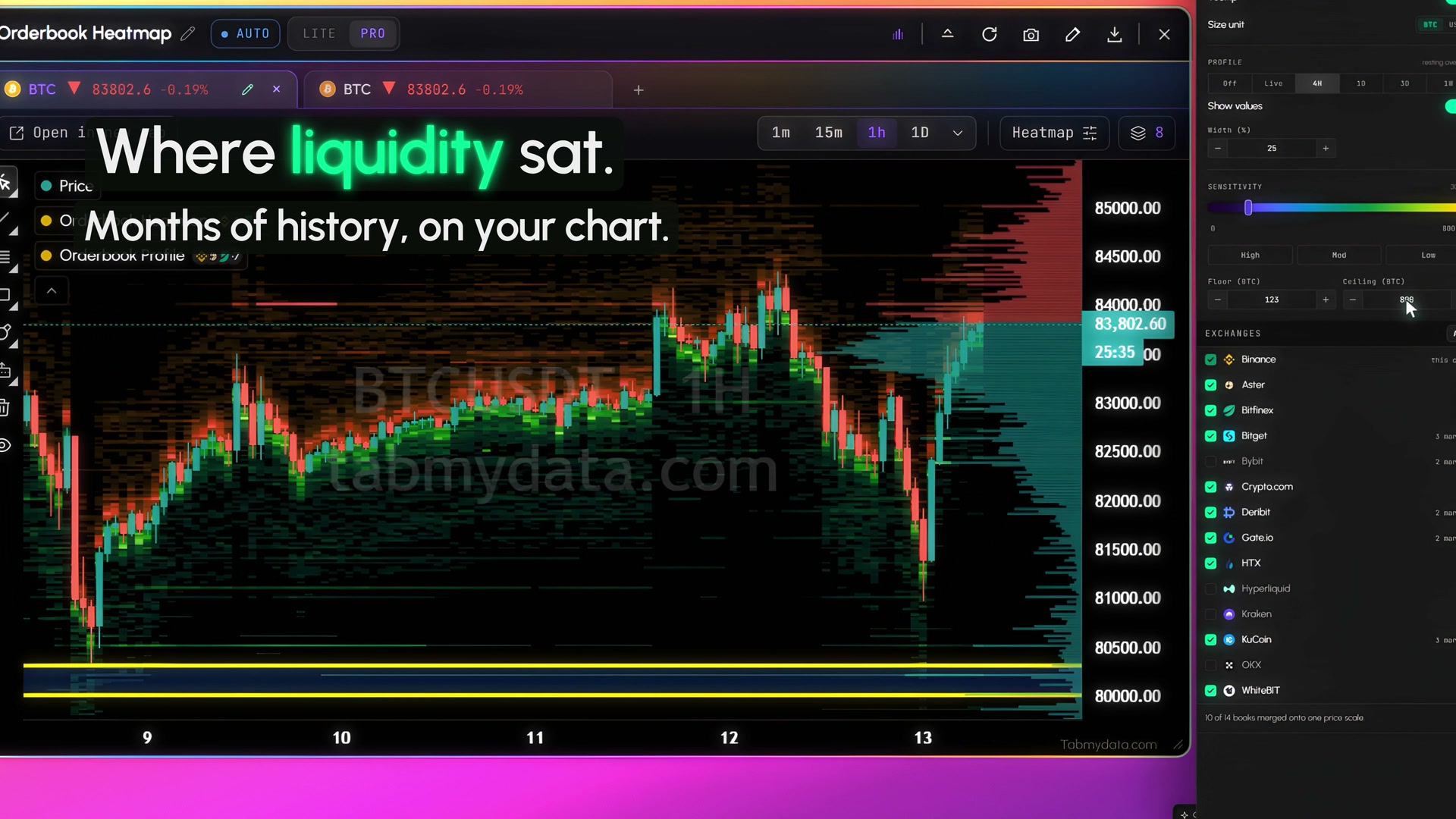
Liquidity across exchanges, with months of history, on your chart.
4 of 17Liquidity
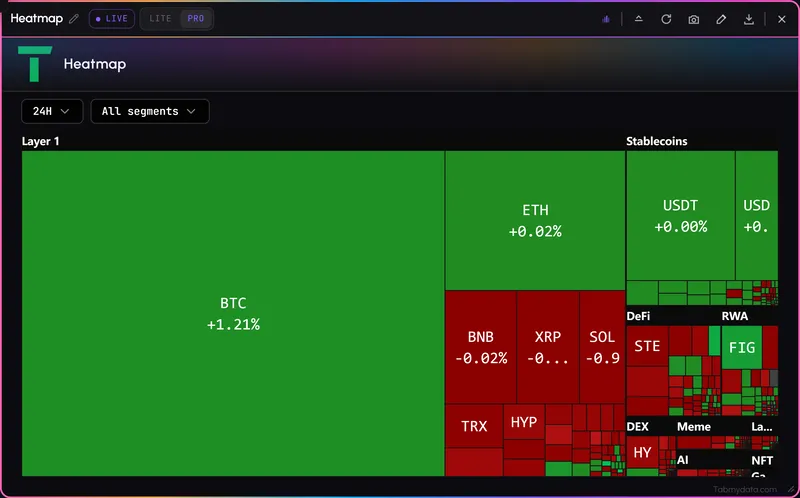
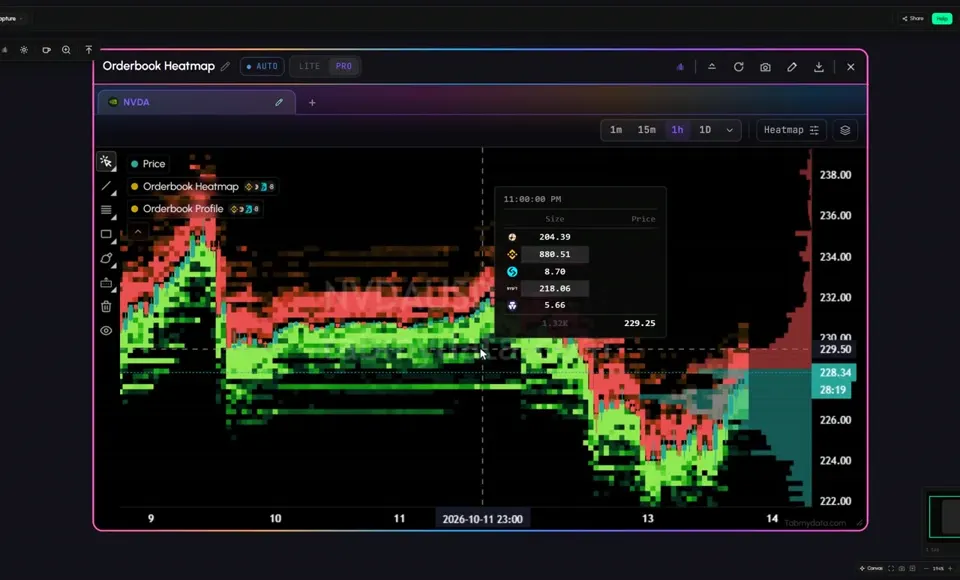
Stocks, ETFs and gold as traded on crypto exchanges, with months of history.
Tokenized instruments traded on crypto exchanges. See the supported list
5 of 17Liquidity
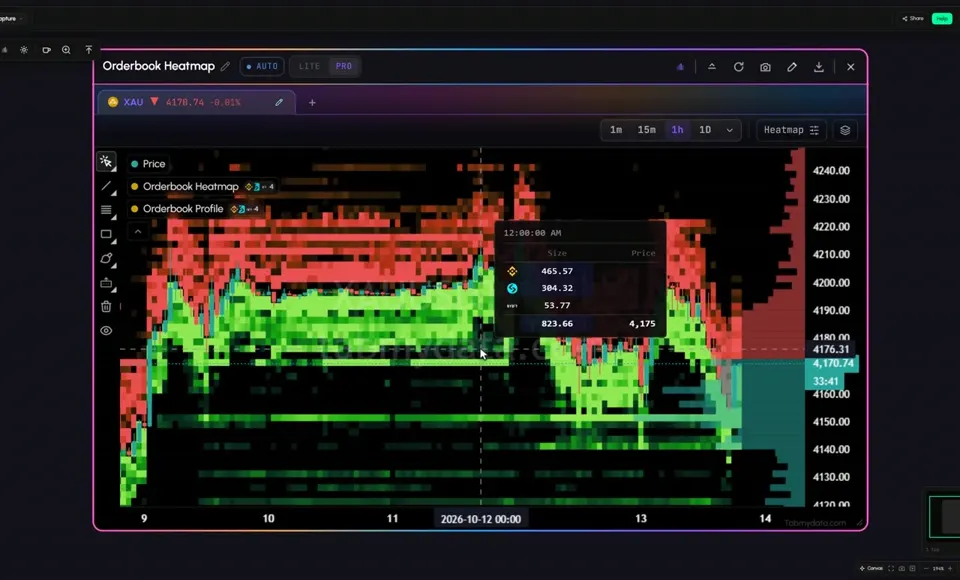
Where liquidity sat on gold (XAU), on the same heatmap.
The same heatmap runs on stocks, ETFs and gold. Gold liquidity heatmap
7 of 17Liquidations and derivatives
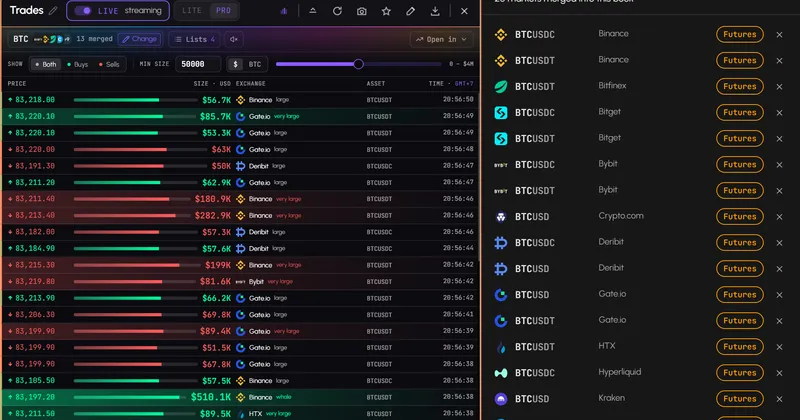
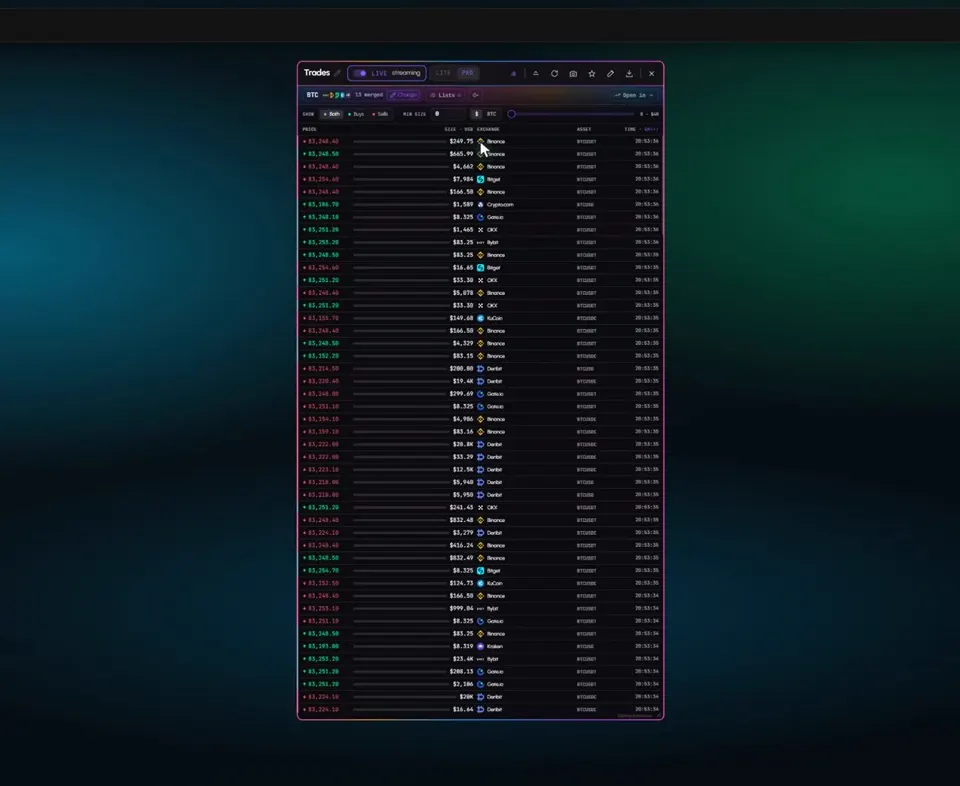
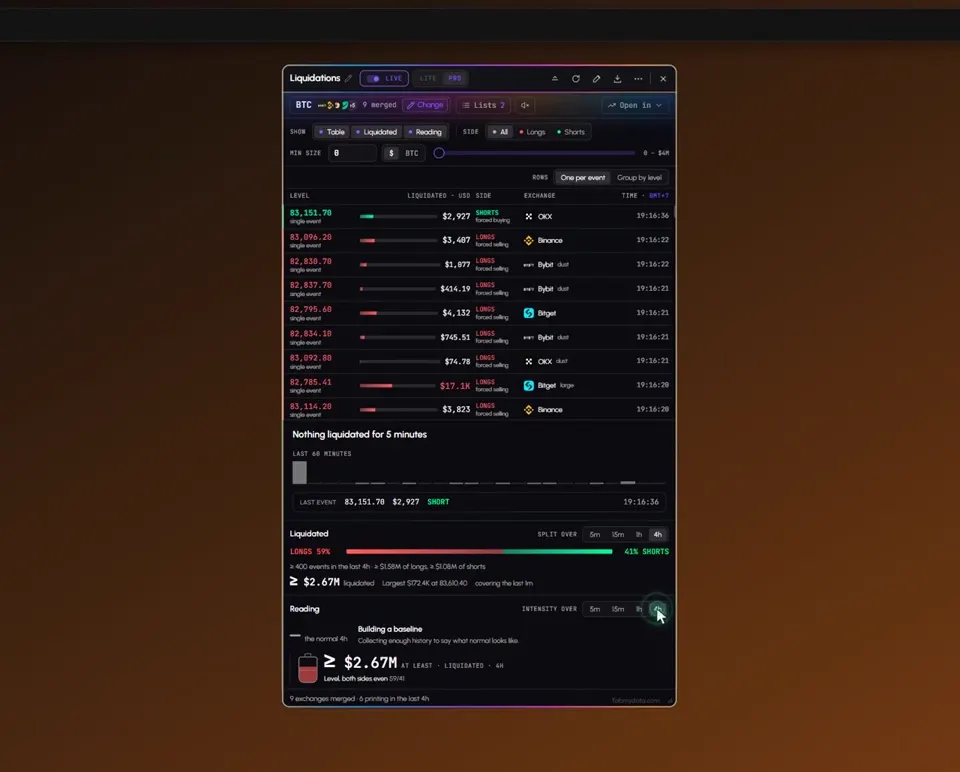
Live forced closes from many exchanges, in one feed.
8 of 17Liquidations and derivatives
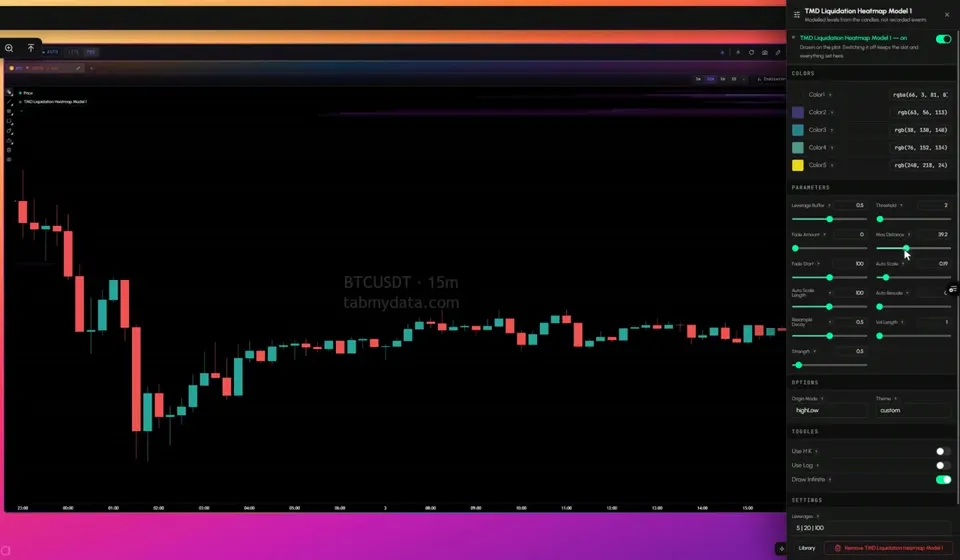
Modeled liquidation levels by price, an indicator in Charts, labeled as estimates.
9 of 17Hyperliquid and alerts
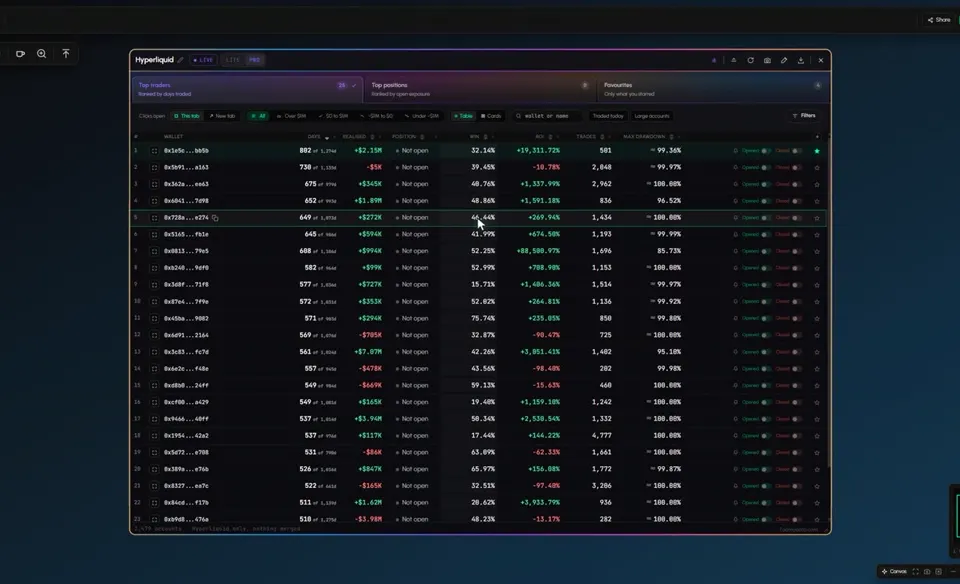
Top traders, top positions and the accounts you follow.
Tami, our AI assistant, is coming soon.
Your workspace, your layout, your look.
Drag, resize, or minimize it to a card. Or let a layout preset tidy everything up in a click.
Four workspaces per account. From scalping and macro analysis to watching wallets, each opens exactly as you left it.
Send a tab by link, or share a whole workspace. The other person adds it to their own workspace and sees your changes as you make them.
Shared workspaces are views of the market, not advice.
Pick a background from the gallery, a living background, a solid or gradient fill, or upload your own image. Put skins on your tabs and colour their parts in solid or gradient. Choose a still background if you prefer a quiet screen.
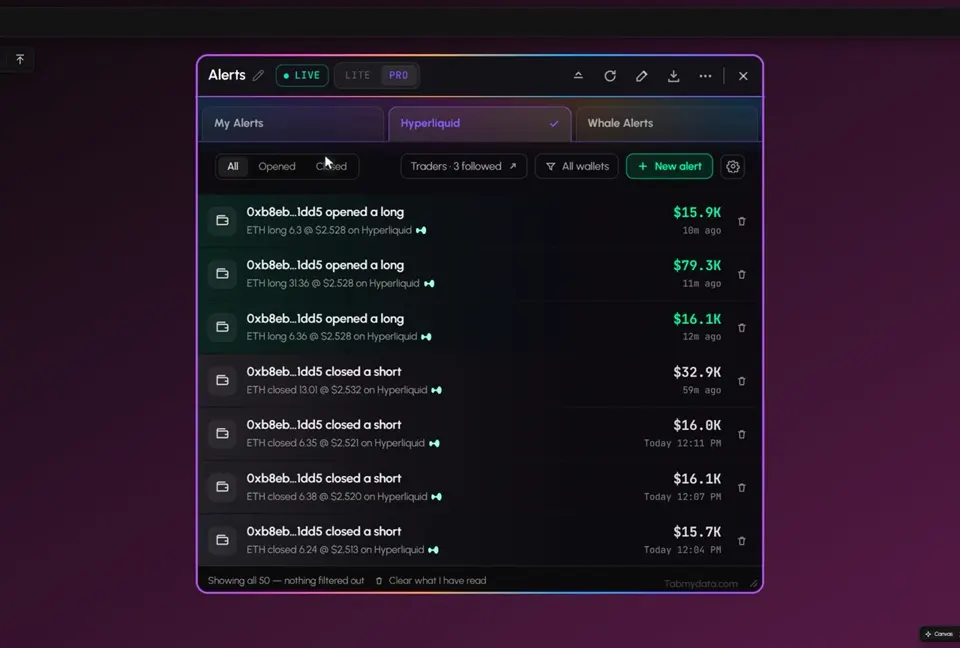
Follow a Hyperliquid wallet and hear when it opens or closes a position. Turn on whale alerts for large buys and sells. Set a reminder before a market session opens, or an alert when news lands on a topic you follow. Get it in the app, by email, by push or in your Discord. Market-wide alerts come through our public Telegram channel.
Community
Chat with other Tabmydata users without leaving your workspace.
Chat is between users. Nothing in it is advice from Tabmydata.
Live data
Browse workspaces shared by Tabmydata creators.
Explore this workspace
serena
807 views0 likes0 shares
Explore Full Workspace: Serena's Practice SpaceWorkspaces are views of the market, not advice.
People whose shared workspaces get the most views.
Ranked by total views of the public workspaces of each creator.
With email or Google.
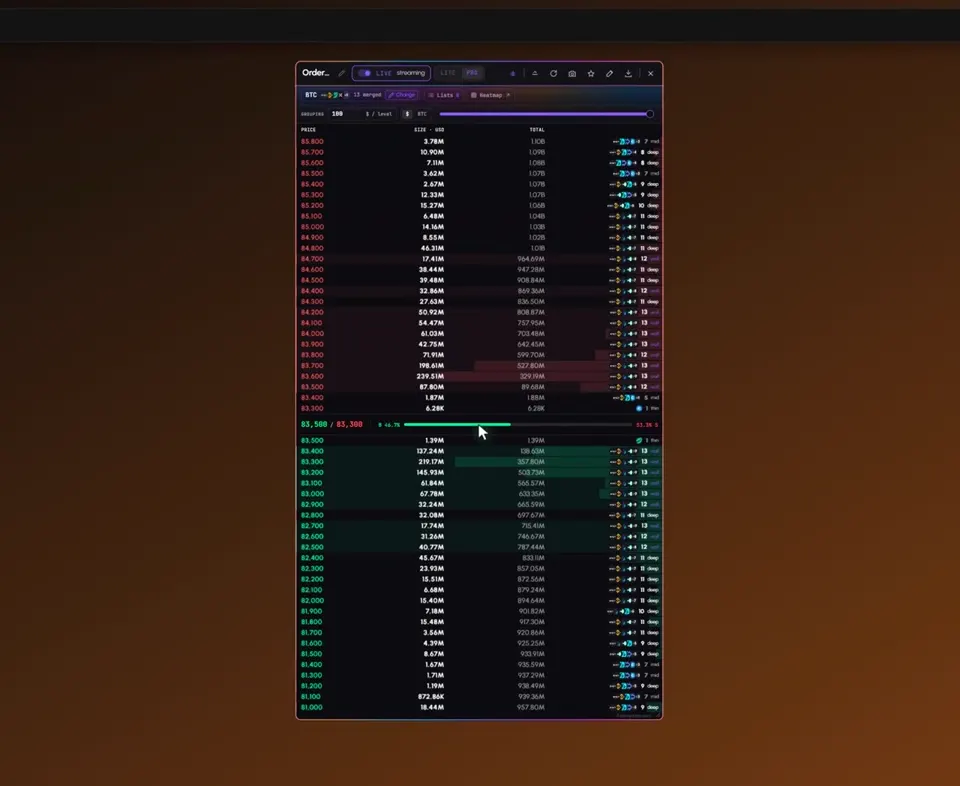
Start with the Orderbook Heatmap, then put Liquidations, a chart or the order book beside it. Pick the coin and, in most tabs, the exchanges that feed it.
Size and dock the tabs, set a few alerts, and keep up to 4 workspaces for different routines. It opens as you left it.
Still have a question? Ask us on Discord.
A market workspace. You arrange live market tabs side by side: a liquidity heatmap with months of history, order book, liquidations, charts, Hyperliquid accounts, alerts, news and more.
Crypto and capital markets. The Orderbook Heatmap stores history on 93 instruments: 43 crypto, 44 stocks, ETFs and tokens, and 6 commodities including gold. Other tabs, like the Orderbook, work live on the coins the exchanges list.
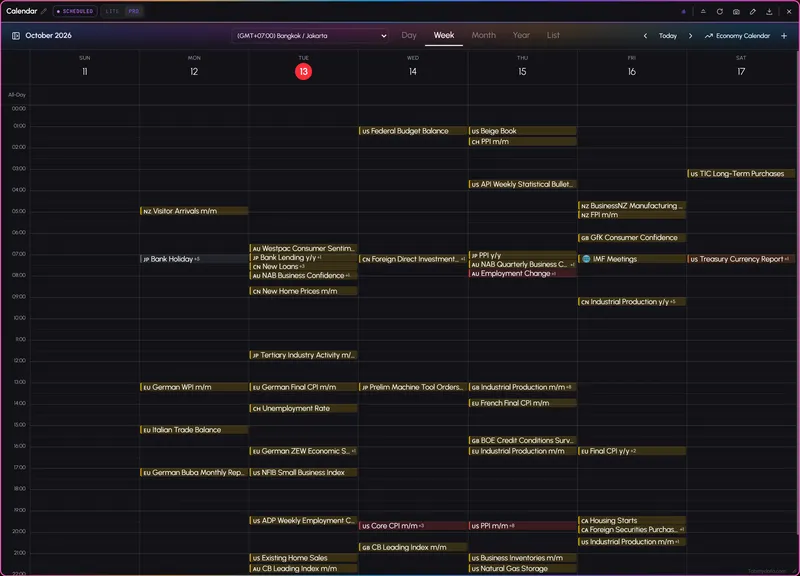
Yes. The heatmap covers tokenized stocks, ETFs and gold as they trade on crypto exchanges, and Market Clock and Financial Calendar sit beside it for session hours and macro releases.
24+ exchange connections across the platform. Each tab uses the exchanges that publish its data, and in most tabs you choose which ones to include.
Free during Alpha. No card needed.
A chart that shows resting order-book liquidity as colour over time. Bright bands are large resting size at a price; faint areas are thin. The Orderbook Heatmap merges depth from many exchanges, and you choose which ones.
In the Liquidations tab. It streams forced closes from many exchanges in one feed, with longs in red and shorts in green.
Open the Hyperliquid tab and browse accounts in one table. Sort by the column you choose, open any account for a full breakdown and star the ones you follow.
Yes. You get four workspaces per account. Each keeps its own layout and opens as you left it. Use one workspace per routine, and switch between them with the arrows at the screen edge.
Yes. Share a whole workspace, or send a single tab by link. A shared tab keeps updating live with your changes.
LITE is the default and keeps the controls simple. PRO widens coin selection. Every tab and feature is in both.
No. Tabmydata shows market data. What you do with it is your decision. It does not give trading signals.
Free during Alpha.
Sign up freeCookie preferences
Choose which cookies we may set. Strictly necessary cookies are always on, because the site cannot work without them. You can change your choice at any time.
Sign-in, security and keeping the site working.
Helps us see how the site is used so we can improve it. Google Analytics.
Used to show relevant ads and measure them. Google Ads and the Facebook and Instagram Pixel. Decline or switch off to opt out of ad "sharing".
Remembers choices such as your theme.
Read the Cookie Policy