Feature 1 of 5
Your coins, live
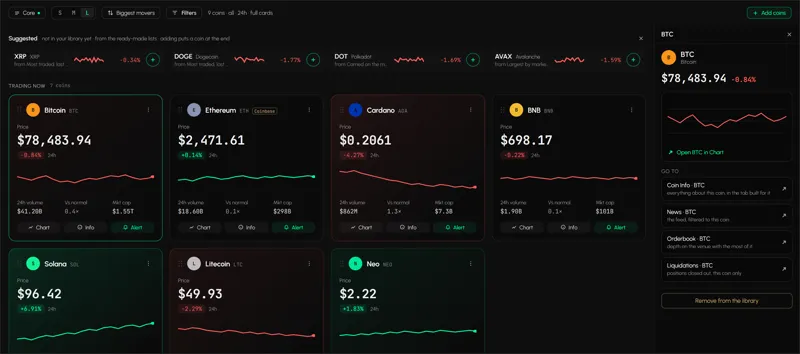
Live price and 24-hour change for the pairs on your list, in one column.
Watchlist
Help: How to create and use a watchlist
A crypto watchlist in Tabmydata shows live price and 24-hour change for the coins you pick, from the exchanges you choose. Keep a saved list per setup and load it in one press. Free during Alpha.
Free during Alpha.

Product tour
Watchlist cuts the market down to the pairs you care about. Pick pairs from any exchange Tabmydata covers, spot or futures, and see the live price and the 24-hour change beside each one in a single column. Keep separate saved lists for separate setups.
Features
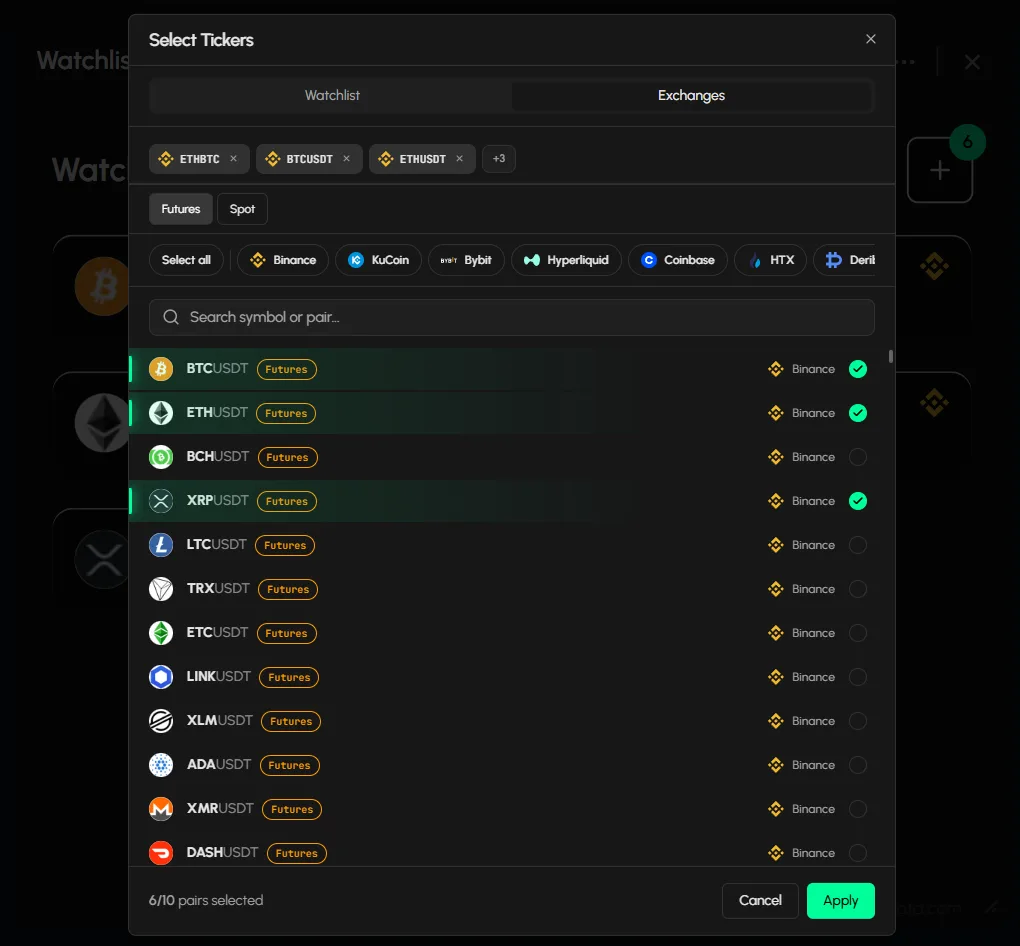
Press "+" and Select Tickers opens. Choose from your saved lists, or from the Exchanges tab: toggle Futures or Spot, choose the exchange, search by symbol or pair and select. The tab keeps the list short, so it stays readable. A counter shows how many pairs you have picked before you apply.
Price and 24-hour change sit beside each pair, updating live.
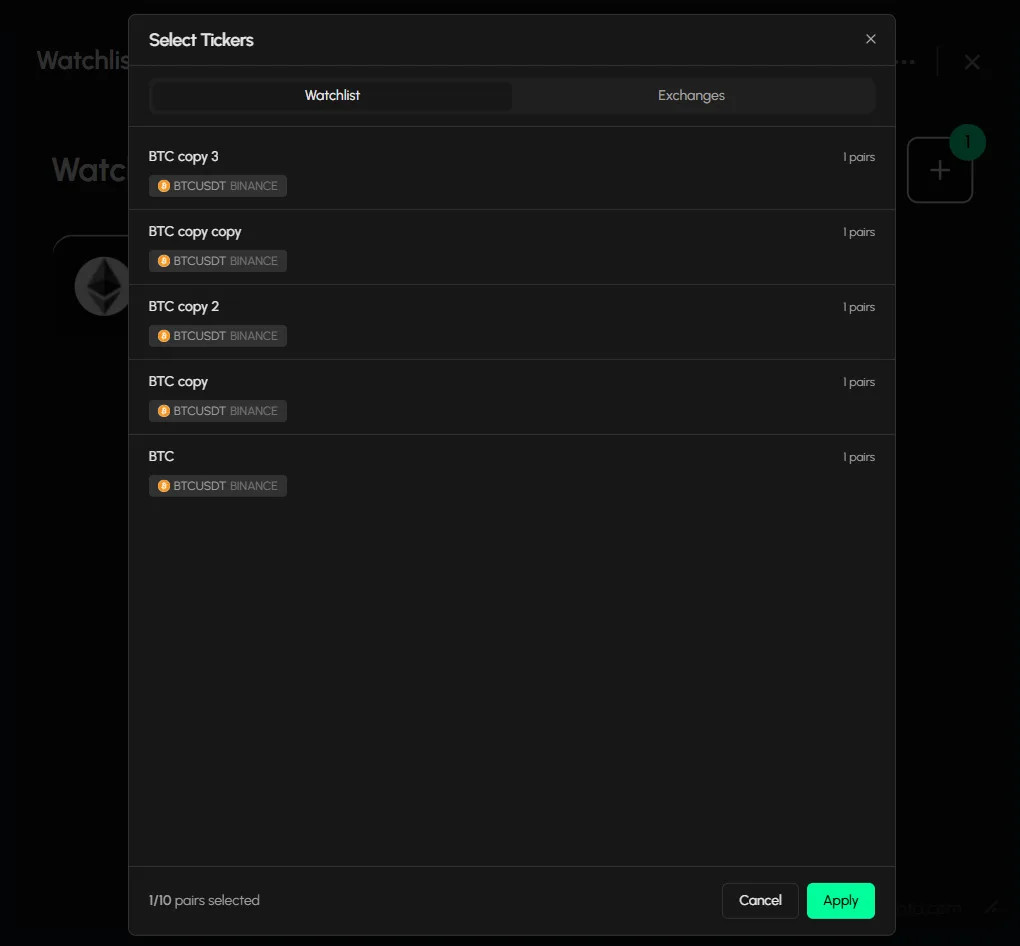
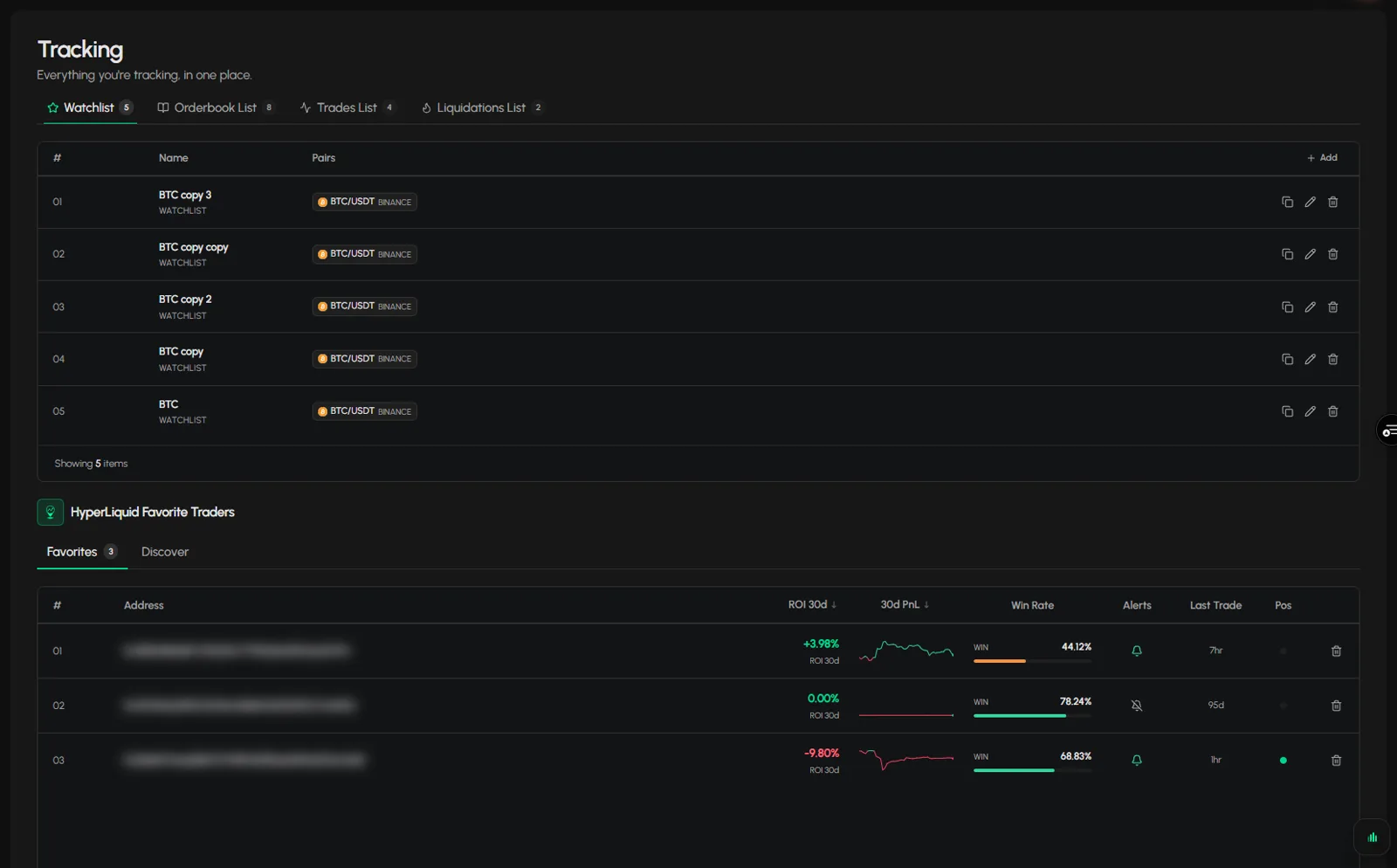
Saved lists show as cards with the pair and the exchange on each. Keep one list per setup and load it in one press. See how to save a coin list.
Minimise it to a card, resize it from the corner or arrange it with a Layout preset. Rename the tab, refresh it, take a screenshot or restyle it from the header.
Feature 1 of 5
Live price and 24-hour change for the pairs on your list, in one column.
Feature 2 of 5
Keep separate saved lists for separate setups and load one in a press.
Feature 3 of 5
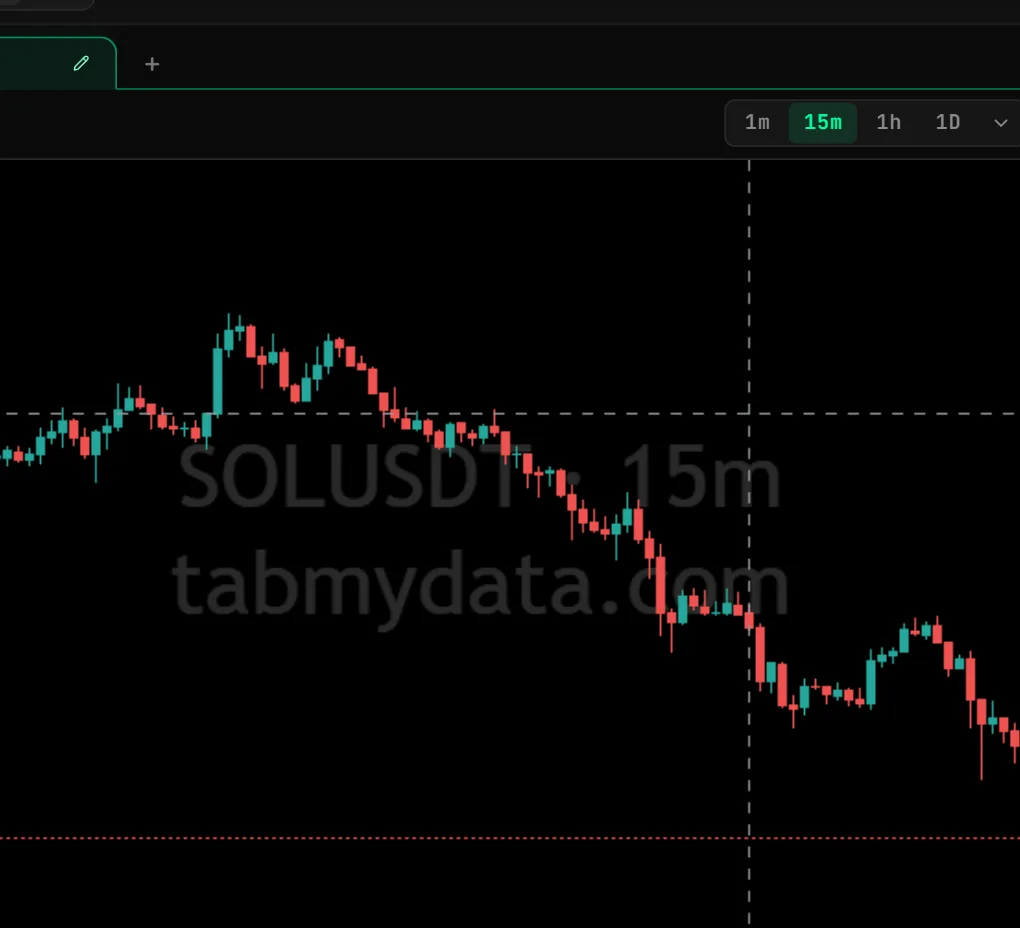
Each pair gets a row with its live price and 24-hour change.
Feature 4 of 5
Press "+", pick an exchange, toggle Futures or Spot, search a pair and select it.
Feature 5 of 5
Start from a saved list shown as a card and apply it.
Use cases
Open your shortlist and check price and change before you plan the session.
One saved list for majors, one for stock tokens, one for coins you are researching.
Spot a coin on the crypto market heatmap and add it to the list.
FAQ
Open the Watchlist tab, press "+", pick your pairs and apply. Step by step: how to make a crypto watchlist.
Yes. Save many lists and load the one you need. Each shows as a card with its pairs.
Yes. The list shows the live price and the 24-hour change for each pair.
From the exchanges Tabmydata covers. In the Select Tickers dialog, open the Exchanges tab, toggle Futures or Spot, choose the exchange, search by symbol or pair and select.
No. It shows price and change for the pairs you chose. The decisions are yours.
Yes. Tabmydata is free during Alpha. Sign up with no card needed.
A crypto watchlist in Tabmydata shows live price and 24-hour change for the coins you pick, from the exchanges you choose. Keep a saved list per setup and load it in one press. Free during Alpha.
Sign up freeFree during Alpha.
Sign up freeCookie preferences
Choose which cookies we may set. Strictly necessary cookies are always on, because the site cannot work without them. You can change your choice at any time.
Sign-in, security and keeping the site working.
Helps us see how the site is used so we can improve it. Google Analytics.
Used to show relevant ads and measure them. Google Ads and the Facebook and Instagram Pixel. Decline or switch off to opt out of ad "sharing".
Remembers choices such as your theme.
Read the Cookie Policy