Feature 1 of 4
Headlines beside your chart
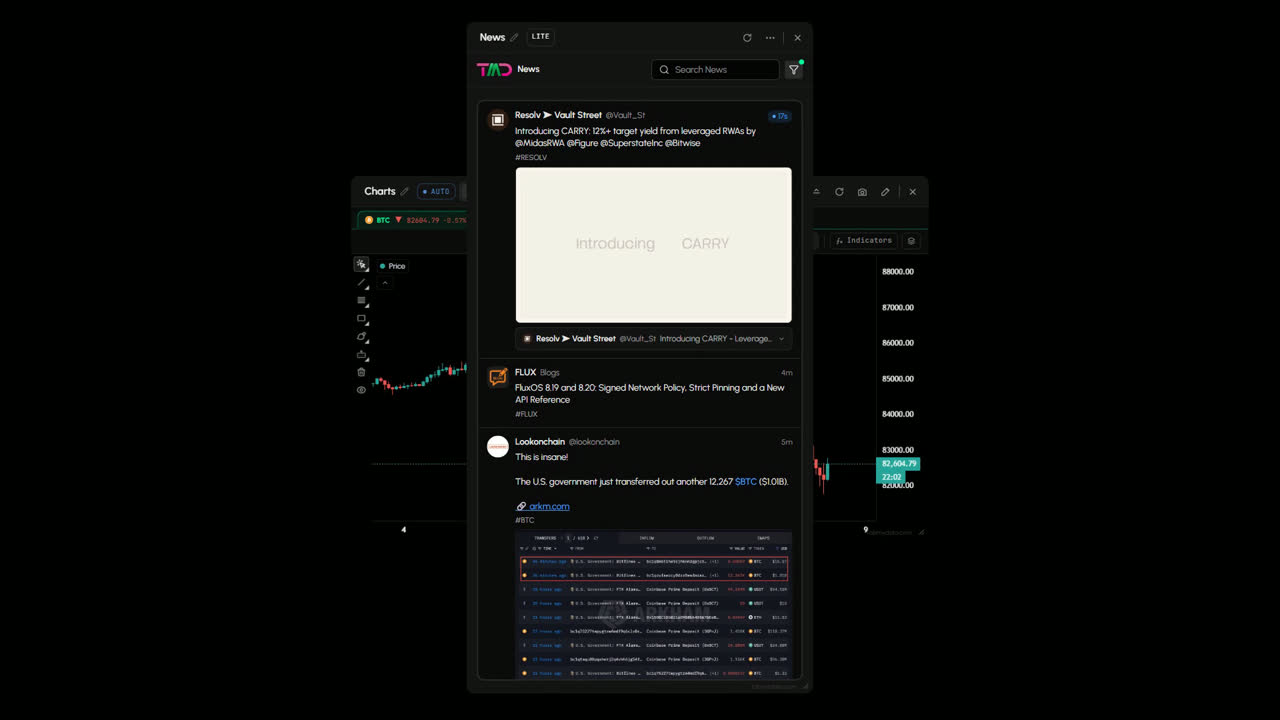
Headlines arrive as they are published and sit next to your chart in the same workspace, newest on top.
News
A crypto news aggregator sits beside your chart: a live crypto and markets news feed you can read without leaving your workspace. Search by keyword and switch the 14 source feeds on or off. Free during Alpha.
Free during Alpha.
What's happening
Headlines beside your chart
Headlines arrive as they are published and sit next to your chart in the same workspace, newest on top.
Product tour
News is a crypto news aggregator inside your workspace. It brings crypto and markets headlines into one feed, so you read them next to the chart instead of on another site. The newest story is on top, with the source named on each one and ticker chips like #BTC. Search by keyword, and use the source filter to keep the feed to the outlets and accounts you follow.
Features
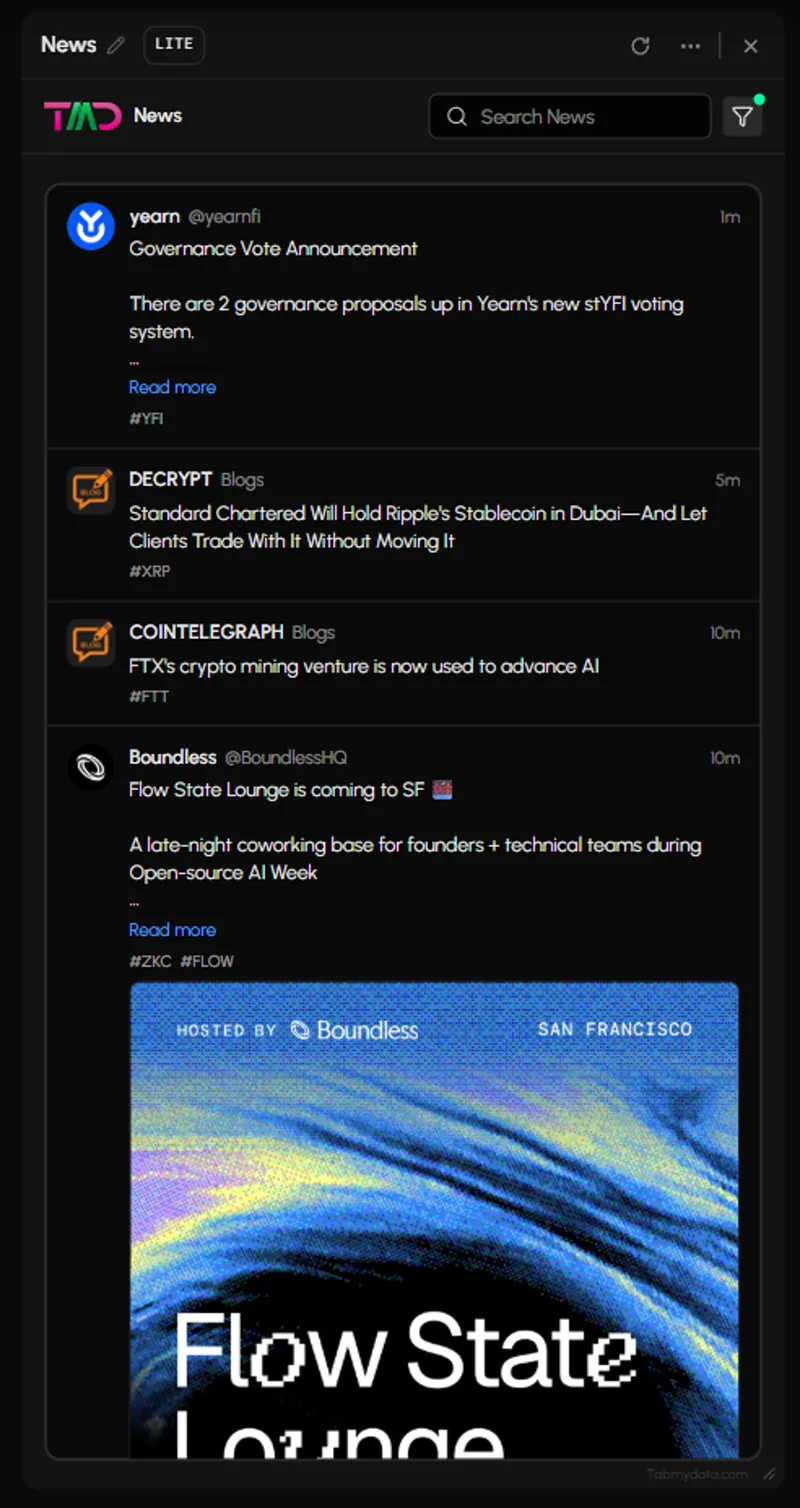
Headlines arrive as they are published and sit beside your chart. Each item shows the source, its age and the headline, with ticker chips where a story names a coin. Posts from X accounts show their image cards. Read more expands a story in the feed.
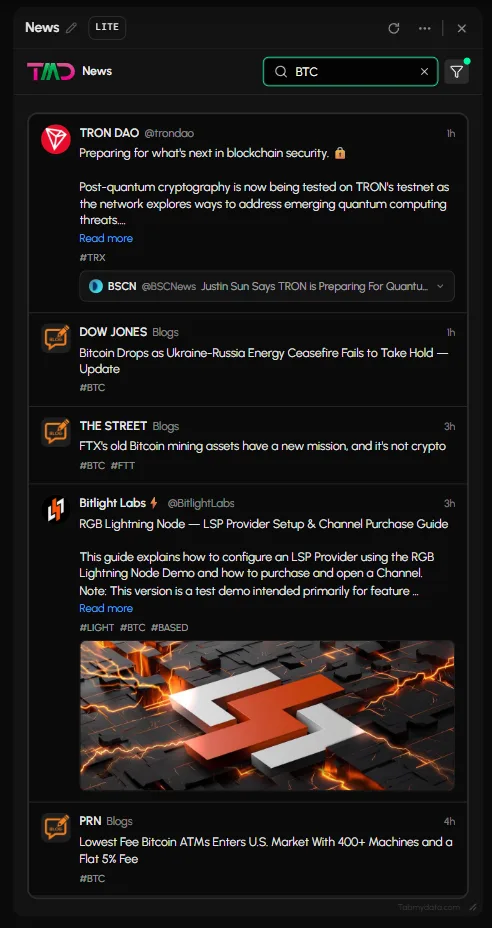
Type in the Search News field and the feed narrows to matching stories.
Press the funnel and switch sources on or off. The list has 14 source feeds, including Bloomberg, Arkham, X and Telegram. All and Clear reset it. A green dot on the funnel shows a filter is active. If nothing matches, the tab says so and suggests adjusting your filters.
In the Alerts tab, the "News publishes on a topic I follow" trigger puts the article link on the alert. You pick the topic there.
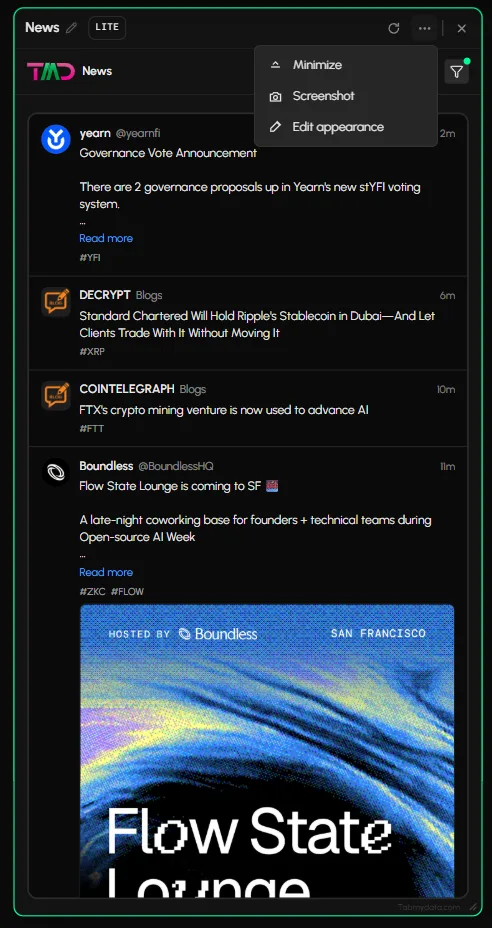
Minimise it to a card, resize it from the corner or arrange it with a Layout preset, so the feed fits beside any chart.
Feature 1 of 4
Headlines arrive as they are published and sit next to your chart in the same workspace, newest on top.
Feature 2 of 4
Type in the Search News field and the feed narrows to matching stories.
Feature 3 of 4
Open the source filter and switch outlets and accounts on or off.
Feature 4 of 4
In Alerts, choose "News publishes on a topic I follow" and the article is linked on the alert.
Use cases
Price jumps on the chart. Look one panel over to see what is out.
Keep News docked beside the chart, with the economic calendar and the Fear & Greed Index nearby.
Search a keyword after hearing about a listing, then read it without leaving the workspace.
FAQ
A crypto news aggregator collects headlines from many sources into one feed. In Tabmydata the News tab does this inside your workspace: crypto and markets stories, newest on top, with the source named on each one.
Headlines arrive as they are published, newest on top. Press Read more to expand a story in the feed.
The source filter lists 14 source feeds, including Bloomberg, Arkham, X and Telegram. Switch the ones you want on or off.
Yes. Use the funnel to switch sources on or off, and the Search News field to narrow the feed by keyword. See how to filter crypto news.
No. It shows the news. How you read it is up to you.
Yes. Tabmydata is free during Alpha. Sign up with no card needed.
A crypto news aggregator sits beside your chart: a live crypto and markets news feed you can read without leaving your workspace. Search by keyword and switch the 14 source feeds on or off. Free during Alpha.
Sign up freeFree during Alpha.
Sign up freeCookie preferences
Choose which cookies we may set. Strictly necessary cookies are always on, because the site cannot work without them. You can change your choice at any time.
Sign-in, security and keeping the site working.
Helps us see how the site is used so we can improve it. Google Analytics.
Used to show relevant ads and measure them. Google Ads and the Facebook and Instagram Pixel. Decline or switch off to opt out of ad "sharing".
Remembers choices such as your theme.
Read the Cookie Policy