Liquidation Heatmap
Liquidation heatmap: modeled liquidation levels over time
Help: How to read a liquidation heatmap
Tabmydata's Liquidation Heatmap draws modeled liquidation levels by price under the candles. It is its own tab, and you can also add it as a layer in Charts. The levels are estimates: not real orders and not a forecast. The Orderbook Heatmap is a separate tab. Free during Alpha.
Free during Alpha.
Product tour
What you can do in the Liquidation Heatmap tab
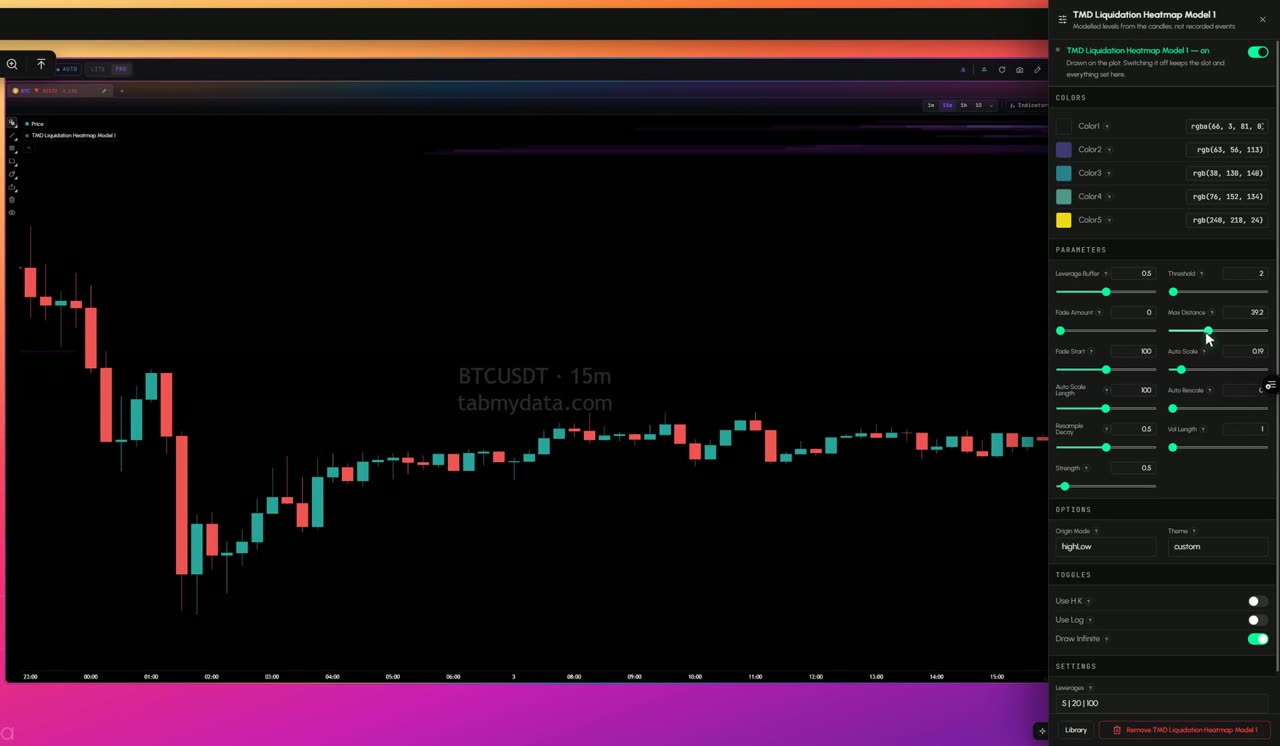
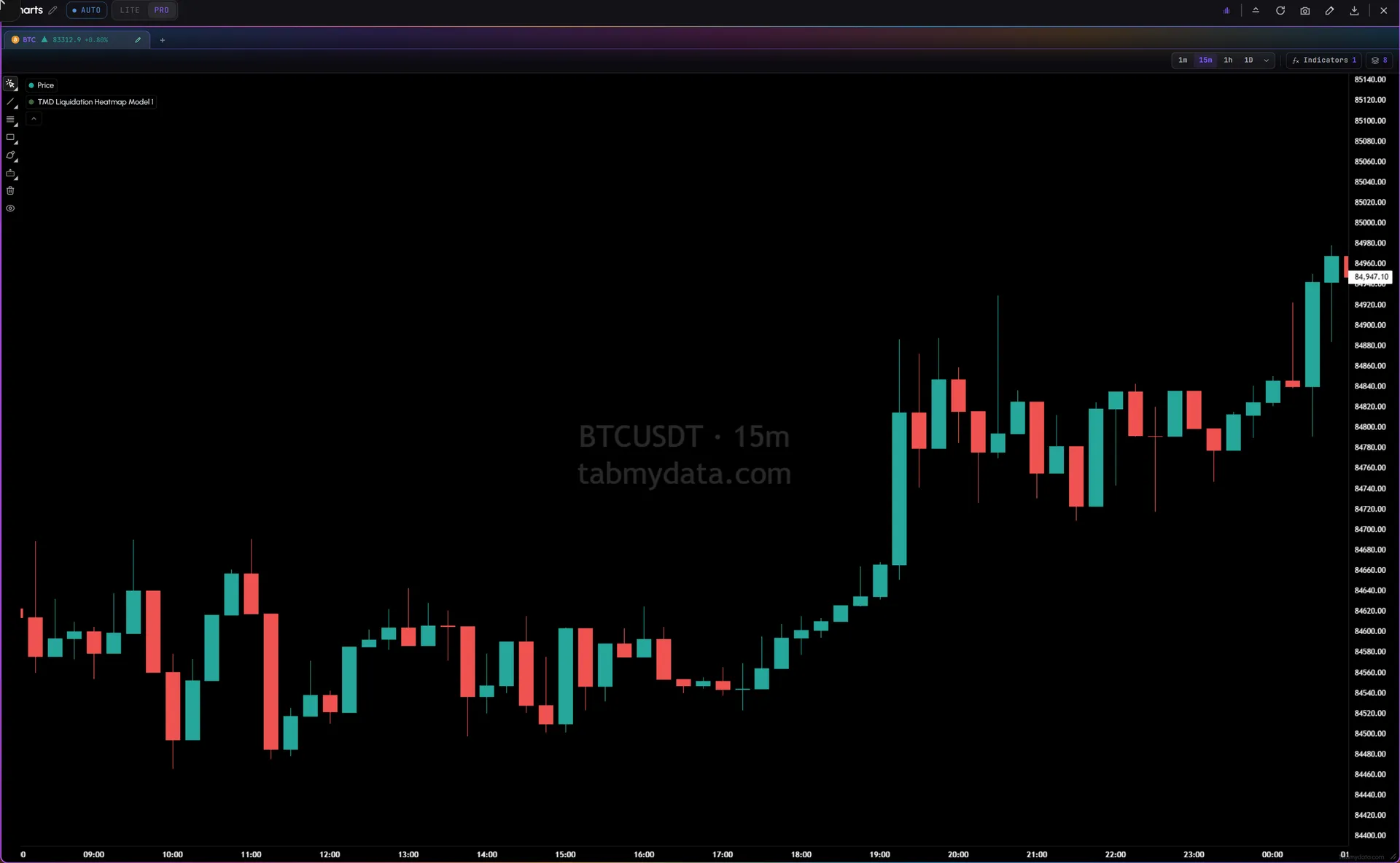
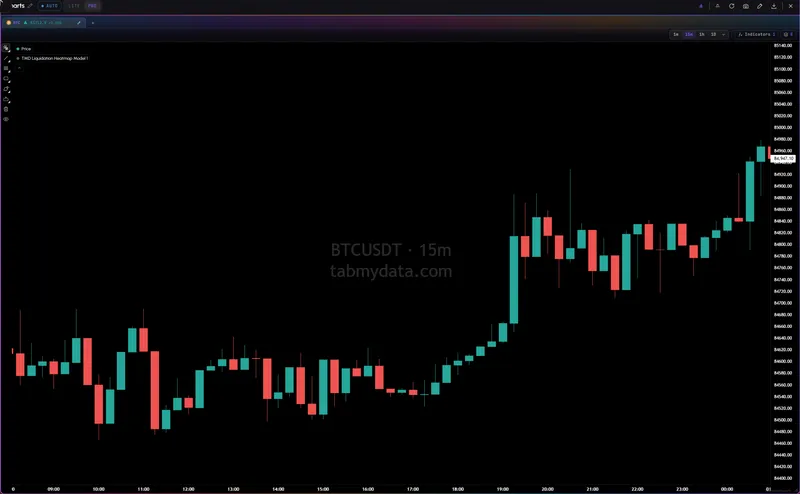
The Liquidation Heatmap is its own tab, and you can also add it as a layer in the Charts tab. It draws estimated liquidation density at each price level over time, on the same price scale as the candles. No exchange publishes these levels, so they are modeled estimates, and the indicator is described as modeled. The liquidity heatmap (the Orderbook Heatmap) is its own tab: resting orders there, estimated forced closes here.
Features
- 01
Modeled liquidation levels
Estimated liquidation density by price over time. Brighter bands mean more estimated liquidations at that price. These are model estimates, not orders on a book.
- 02
Labeled as modeled
In Charts the indicator is described as modeled levels, not recorded events, so you always know what you are looking at.
- 03
Not the Orderbook Heatmap
Same idea, different job. The Orderbook Heatmap is a separate tab and shows recorded resting orders. The Liquidation Heatmap is its own tab, and also a layer in Charts, and shows modeled liquidation levels.
- 04
A layer in Charts
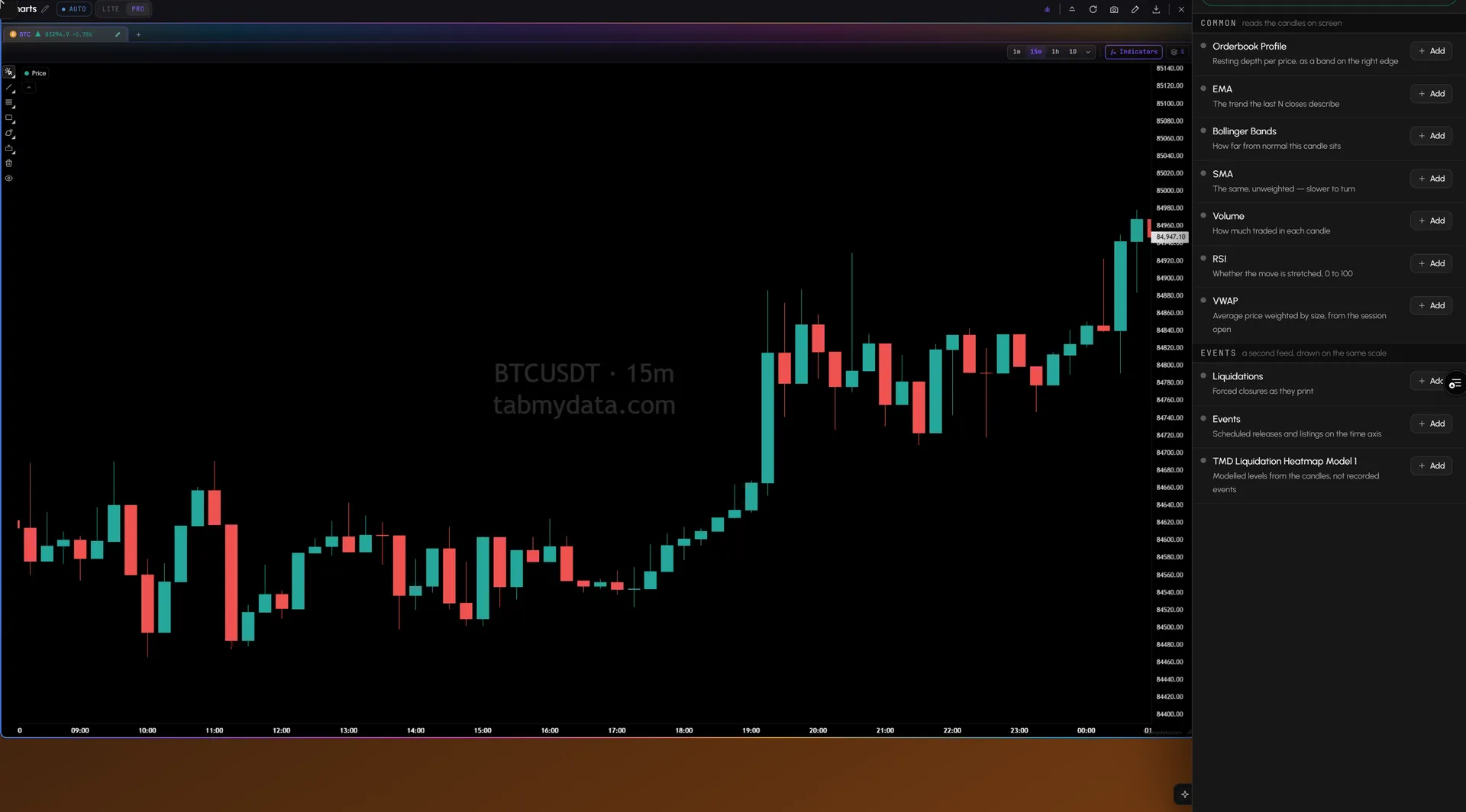
Add it to a chart from the Indicators library, with your other layers. It counts as one of the chart's eight layers.
- 05
Tune the layer
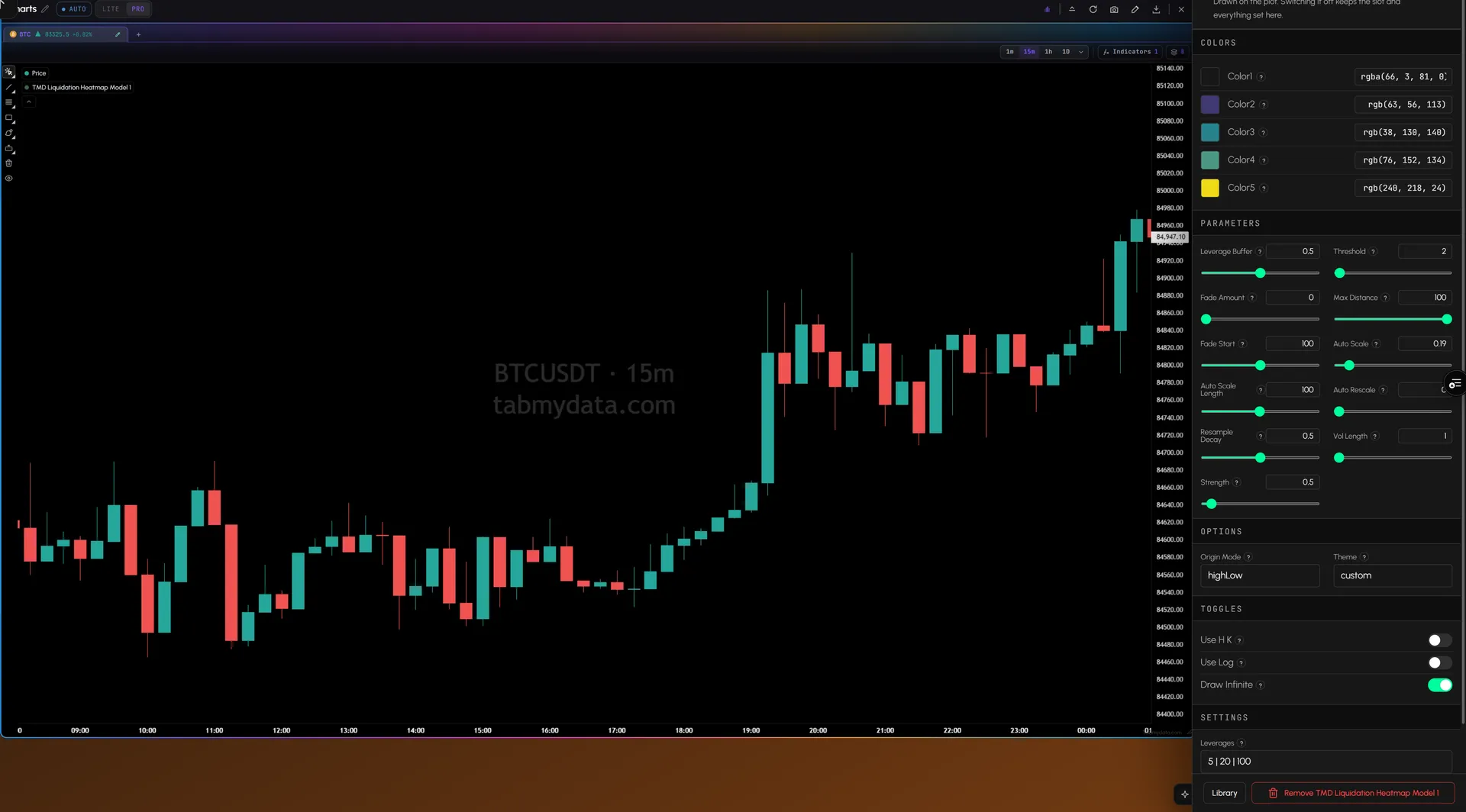
Open the layer's settings to set its colours and sliders such as Threshold, Fade, Max Distance and Strength, plus the Origin Mode and Theme.
Use cases
How traders use it
- 01
Two views
The Orderbook Heatmap tab and a chart with the Liquidation Heatmap on BTC, same time frame, to compare resting orders with estimated liquidation levels.
- 02
Around price
Check where the brightest estimated bands sit above and below current price.
Who it's for
- Derivatives traders who want to see estimated liquidation levels next to price.
- Traders who already use the Orderbook Heatmap and want a second view of the same coin.
- Newer traders who want a liquidation map that says plainly what is modeled and what is not.
How to use it
- Open a Charts tab and pick a coin. These steps add the Liquidation Heatmap as a layer in Charts.
- Open the Indicators library and add the Liquidation Heatmap layer.
- Read the bands. Brighter means more estimated liquidations at that price. Candles run through them.
- Open the Orderbook Heatmap in its own tab on the same coin and time frame, and compare resting orders with modeled levels.
- Add the live feed. The Liquidations tab shows forced closes that already happened.
- Read the guide. Step by step: how to read a liquidation heatmap.
Related tools
- Liquidity heatmap: resting liquidity over time, with months of history.
- Liquidation tracker: the live feed of forced closes.
- Charts: add it as a layer, beside your other indicators.
- Financial Calendar: releases such as CPI and rate decisions.
- Learn: liquidity heatmap vs liquidation heatmap.
FAQ
Liquidation Heatmap FAQ
What is a liquidation heatmap?
A heatmap of estimated liquidation levels by price over time. In Tabmydata it is its own tab, and you can also add it as a layer in Charts.
How do you read a liquidation heatmap?
Read brightness: brighter bands mean more estimated liquidations at that price. Step by step: how to read a liquidation heatmap.
Are these real liquidation orders?
No. Exchanges don't publish liquidation levels. The indicator shows modeled estimates and labels them as modeled.
Is a liquidation heatmap accurate?
It's a model. It estimates where leveraged positions could be liquidated if price reached those levels, so treat its levels as estimates, not as known orders. It is not a forecast.
How is it different from a liquidity heatmap?
A liquidity heatmap shows resting orders that sat in the order book. This one shows modeled liquidation levels. The full comparison: liquidity heatmap vs liquidation heatmap.
Is the Liquidation Heatmap free?
Yes. Tabmydata is free during Alpha, and that includes the Liquidation Heatmap.
Free during Alpha.
Tabmydata's Liquidation Heatmap draws modeled liquidation levels by price under the candles. It is its own tab, and you can also add it as a layer in Charts. The levels are estimates: not real orders and not a forecast. The Orderbook Heatmap is a separate tab. Free during Alpha.
Sign up free