Getting Started
What's new in Alpha: a quick guide
What changed in Tabmydata: one setup panel for data tabs, saved lists, a new tab frame, a tool rail, and new tabs like the Liquidation Heatmap.
On this page
rebuilds every tab in the same frame and moves the shared actions to the same places. If you used Tabmydata before, this page shows where things went.
Setting up a tab
- The Change panel replaces "Select Assets". Pick exchanges, then the coin, then review the markets and save. How to
- Saved lists replace the Watchlist button in tab headers. How to
- Open in sends the same coin to another tab. How to
Working in the workspace
- The tool rail replaces the tools bar. How to
- One tab frame: title row, Live marker, menu, resize from the corner, minimised card. How to
- Fit, zoom, minimap, tab list in the bottom bar. Tour
- One time zone for the whole account. How to
- LITE and PRO modes: LITE is the default; they differ only in coin selection. How to
- More new guides: arrange tabs, manage workspaces, share a tab or workspace, the detail dock, top bar widgets, search and keyboard shortcuts.
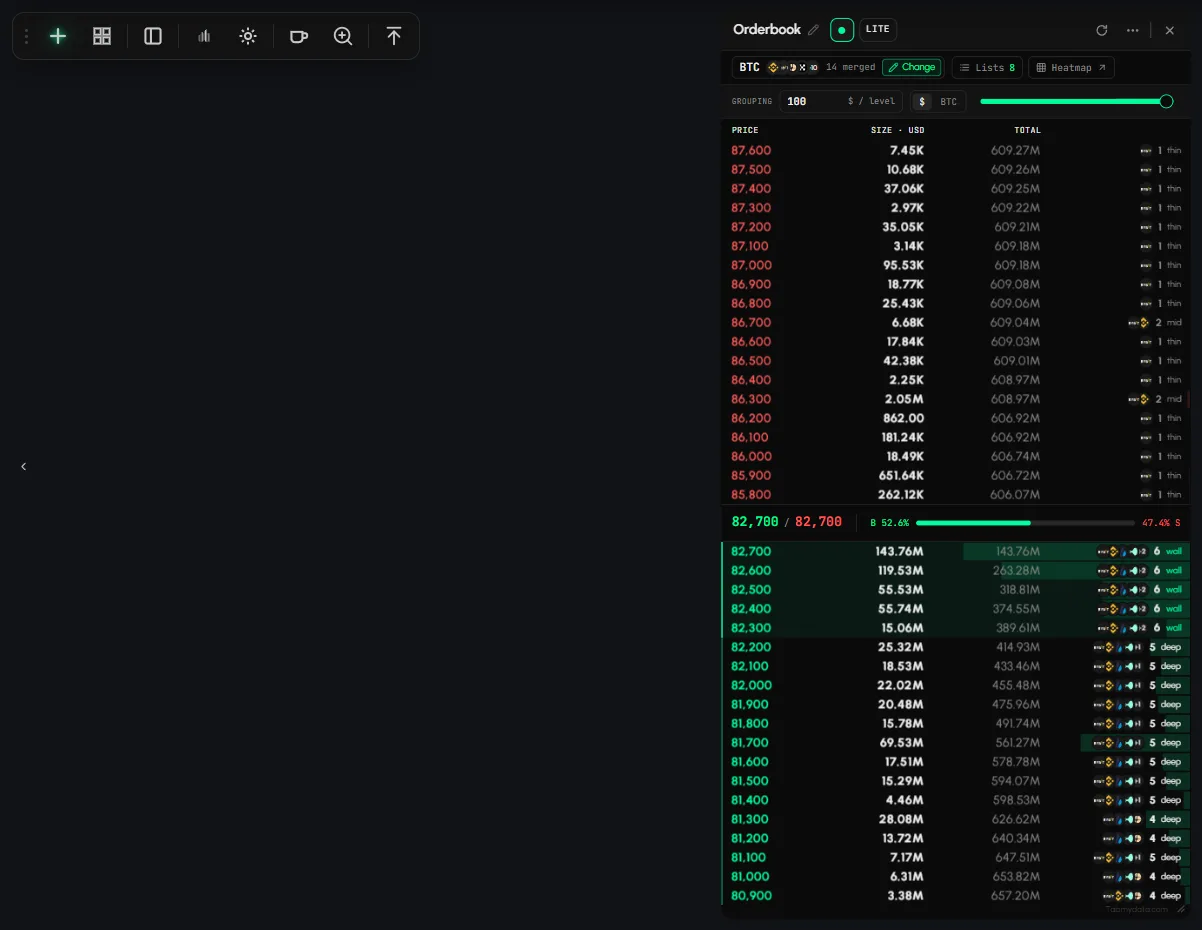
Renamed tabs
| Before | name |
|---|---|
| Liquidity Heatmap | Orderbook Heatmap |
| Trade Data | Live Trades |
| Heatmap (coin tiles) | Market Heatmap: the market as tiles by sector. Overview: Market Heatmap page |
New tabs
- Liquidation Heatmap: modeled liquidation levels, now its own tab. Overview: Liquidation Heatmap page.
- Market Clock: which markets are open, on one timeline. Overview: Market Clock page.
Alerts
Alerts now has three sub-tabs: My Alerts, Hyperliquid and Whale Alerts. How to use the Alerts tab
Coming soon
Tami, an AI assistant inside the tabs, is coming soon.
Frequently asked questions
Where did "Select Assets" go?
It's now the Change button in each data tab. See the Change panel.
Where is the Liquidation Heatmap indicator?
The Liquidation Heatmap is now its own tab, and it is still available as an indicator in the Charts tab. See Liquidation Heatmap.
Do I lose my workspaces when launches?
Answer to be confirmed before publishing.
Is PRO a paid plan?
No. LITE and PRO are modes. They differ only in coin selection.