Platform
Workspaces & Tabs
Everything about Tabmydata workspaces: creating them, using the tools bar, adding and arranging tabs, and customizing colours, zoom and backgrounds.
Workspace basics
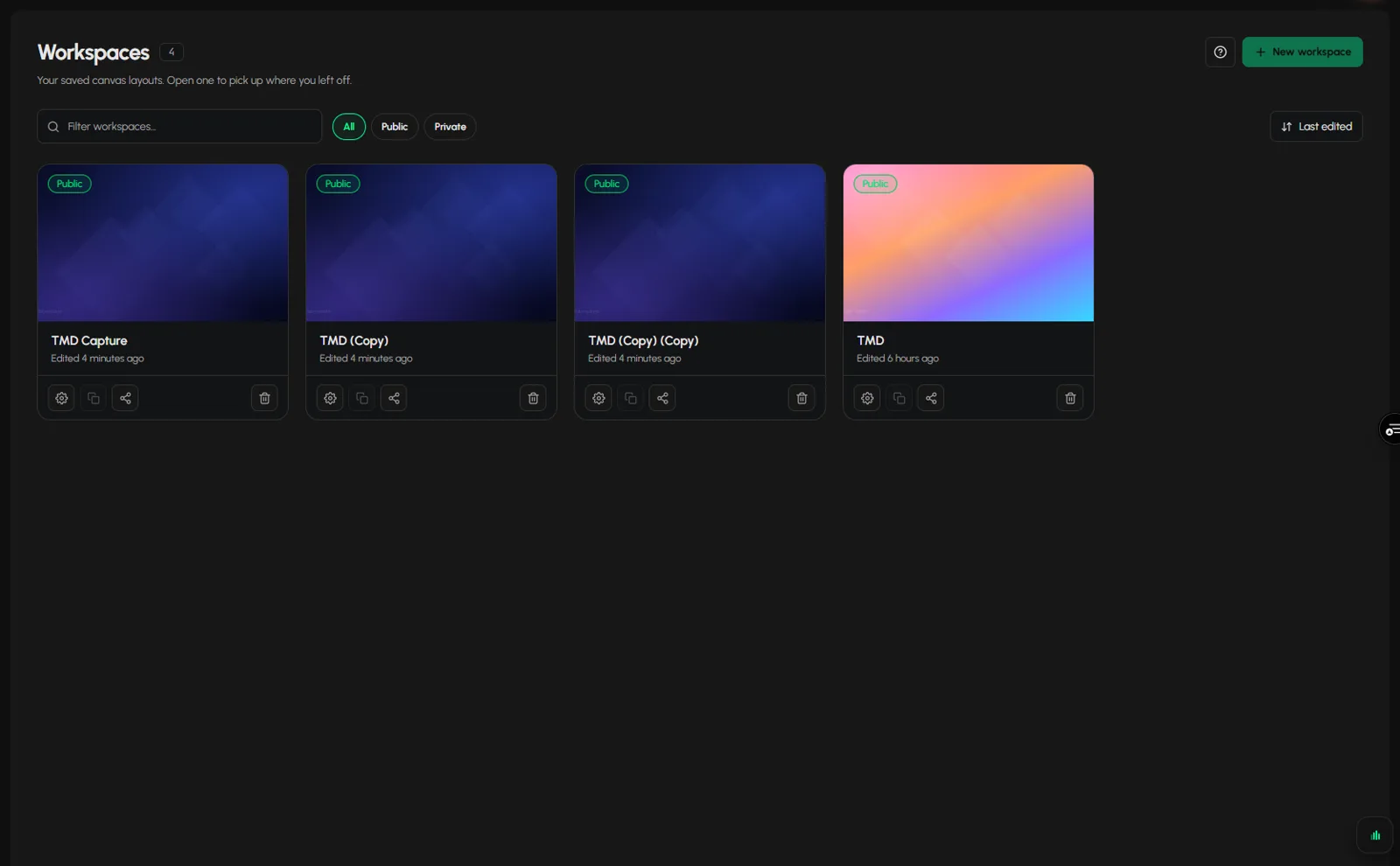
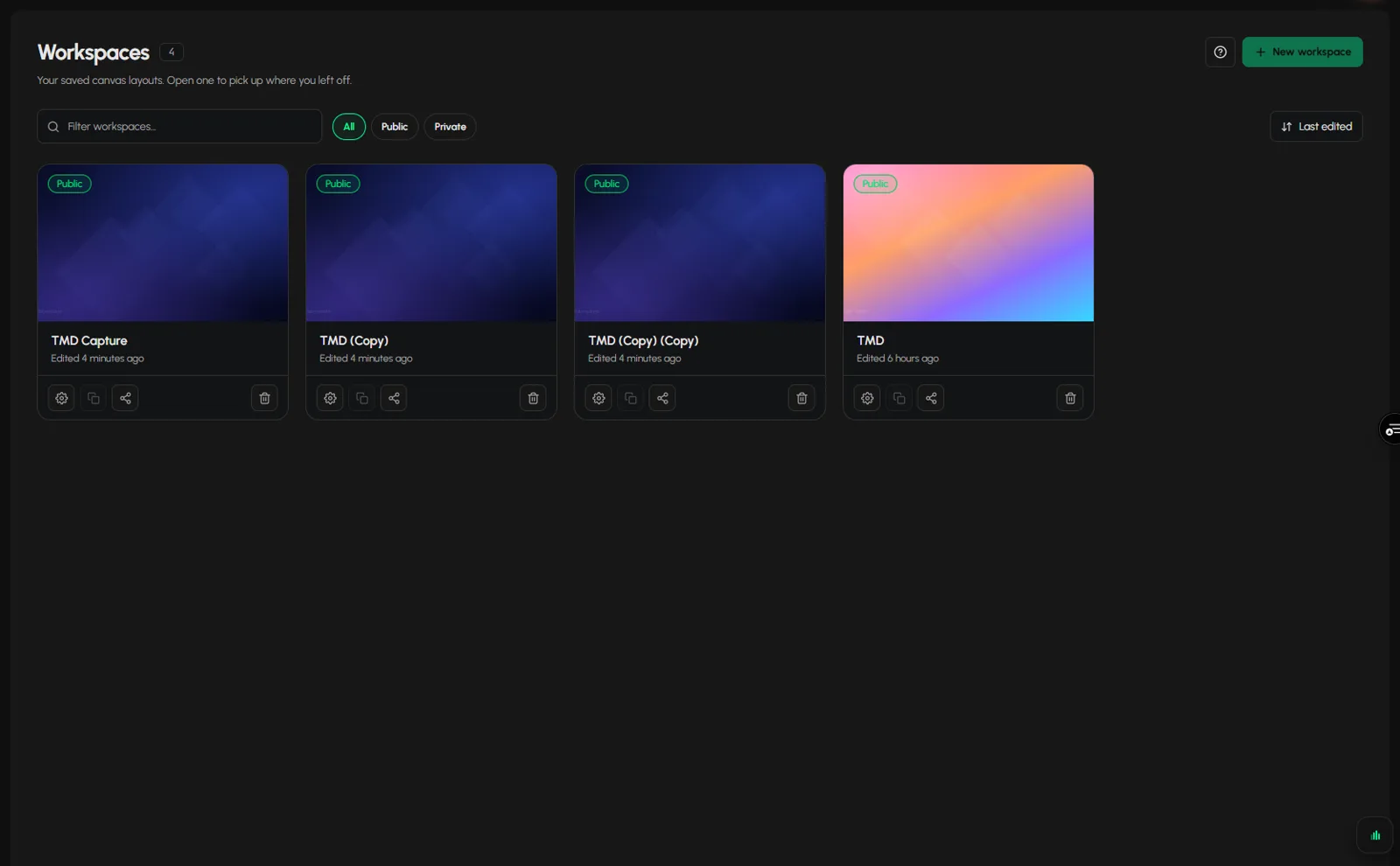
- How to create a workspace and move around itTo create a workspace in Tabmydata, open the Dashboard or the Workspaces list and click New workspace. A workspace is a saved canvas where your tabs sit side by side. Add... · 5 min
- How to switch, rename or delete a workspaceTo switch workspaces in Tabmydata, click the workspace name at the top of the screen and pick another one. The same menu lets you rename, duplicate, open the settings of ... · 4 min
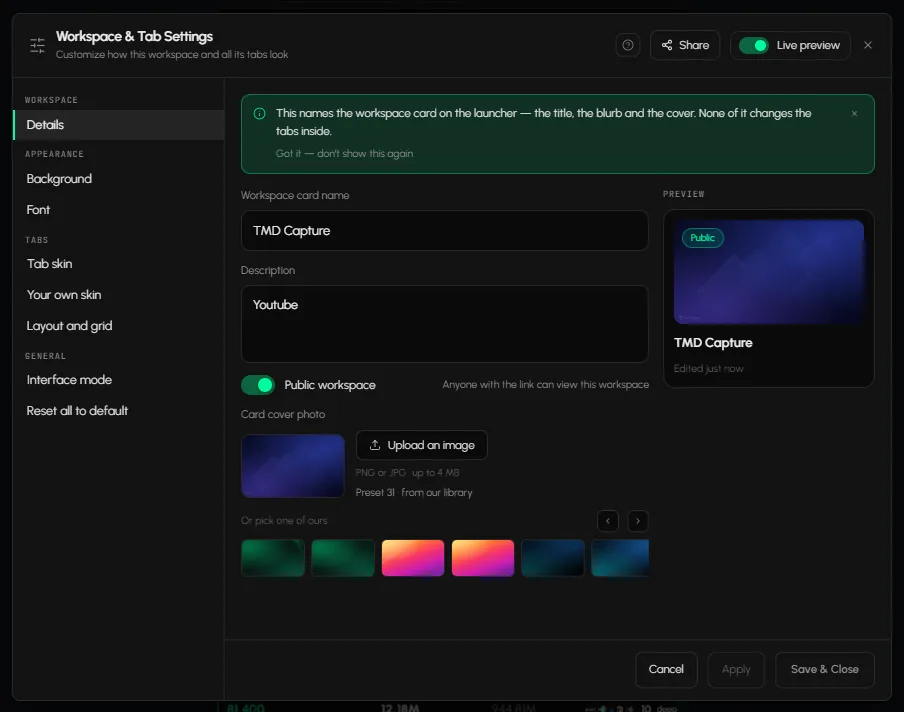
- How to use Workspace & Tab SettingsTo change a workspace in Tabmydata, open Workspace & Tab Settings: click the gear on the tool rail or press ,. One dialog holds every setting of the workspace and all its... · 6 min
- How to use the tool railThe Tabmydata tool rail (also called the toolbar) holds the actions you use most: add a tab, return to the Dashboard, arrange the layout, take a break, open workspace set... · 3 min
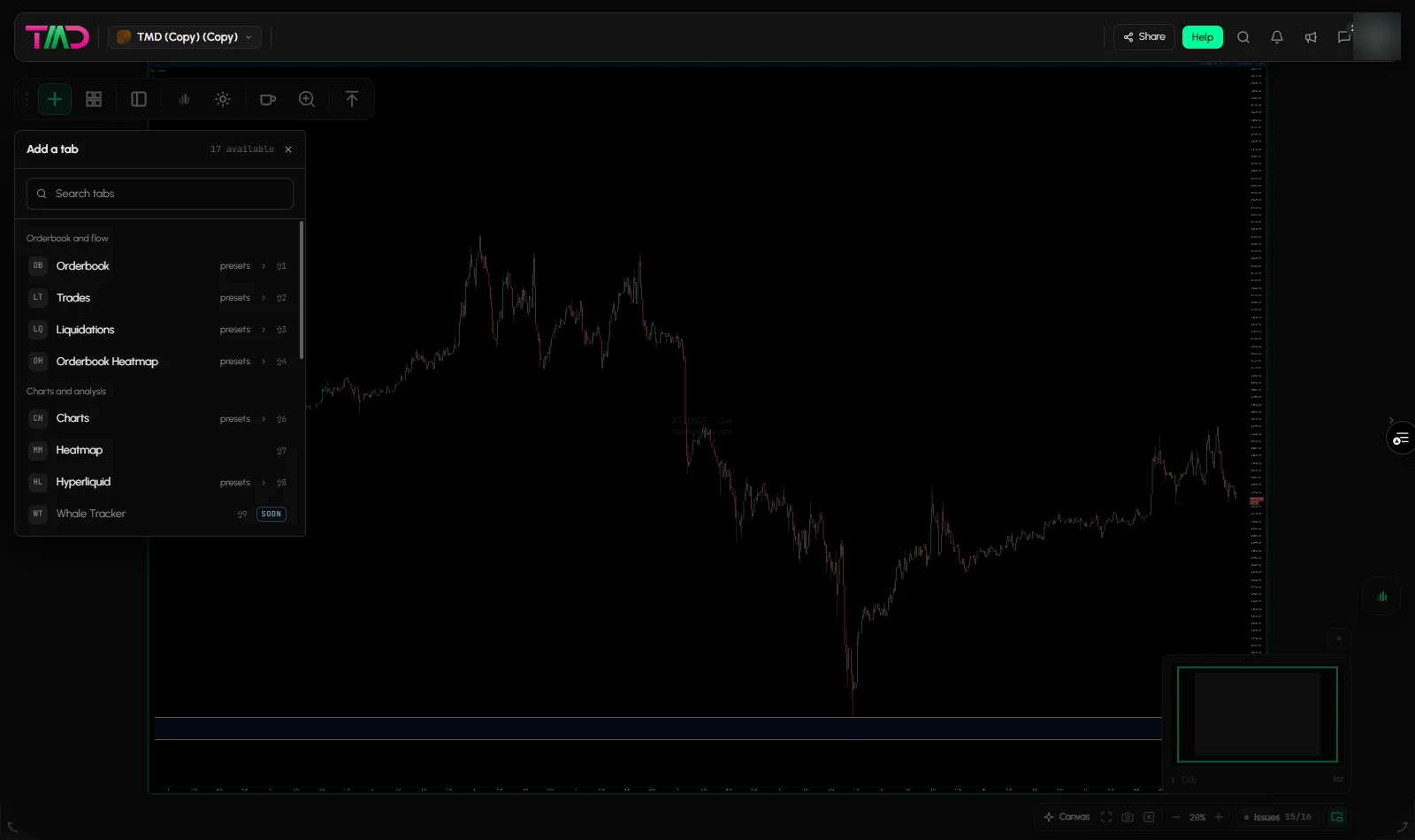
- Which tab does what in TabmydataThe Add a tab panel in Tabmydata lists 17 entries in five groups: Orderbook and flow, Charts and analysis, Market data, News and events, and Tools. Open it with + on the ... · 4 min
- How to arrange tabs in your workspaceTo arrange tabs in Tabmydata, click Arrange on the tool rail (or press L) and pick a layout: Tidy, Columns, Rows, Lead + strip, Two-up or Sidebar. Your open tabs repack a... · 3 min
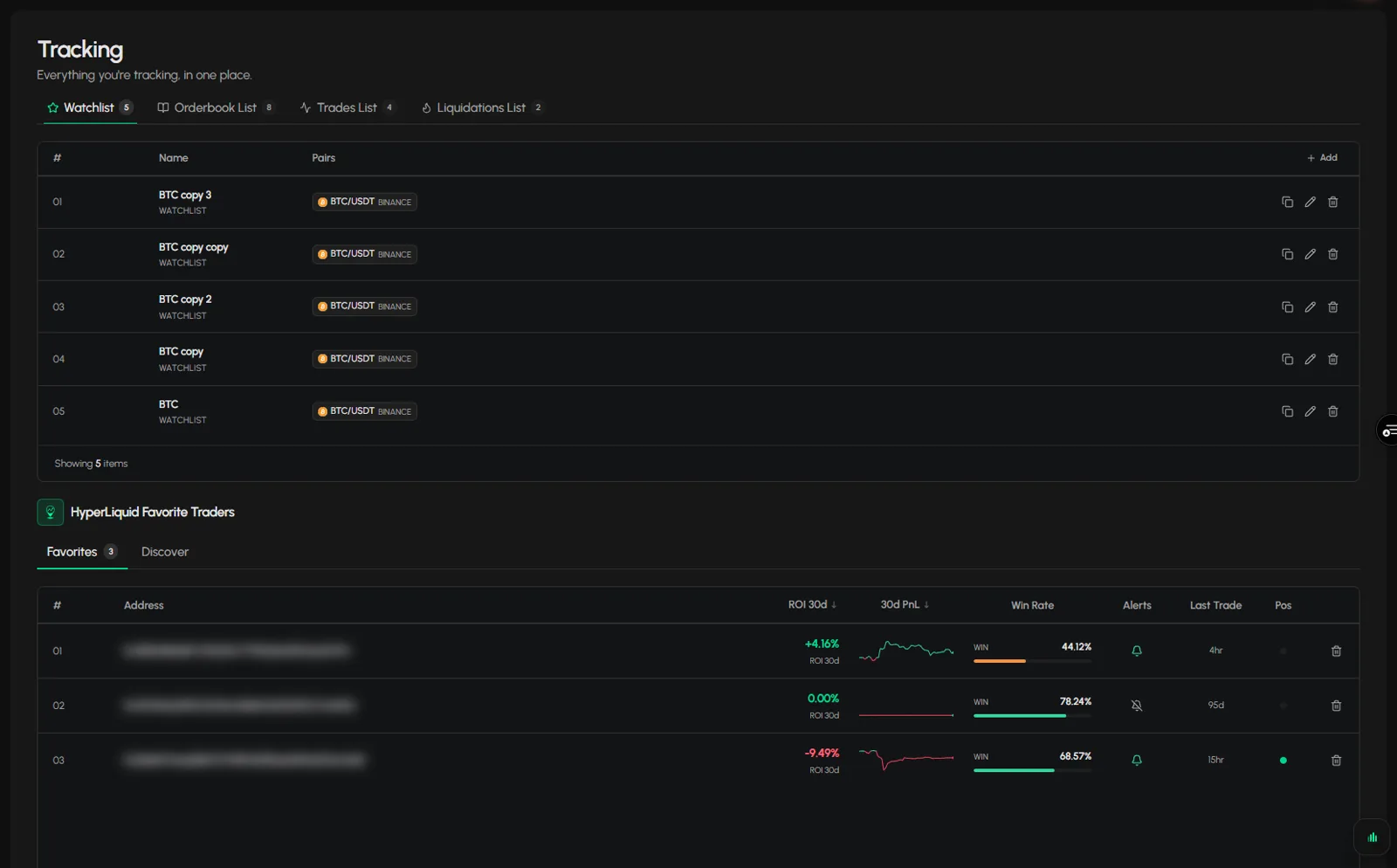
- How to use the Tracking pageThe Tabmydata Tracking page, opened from Tracking in the sidebar, keeps everything you follow in one place: your saved Watchlist, Orderbook, Trades and Liquidations lists... · 3 min
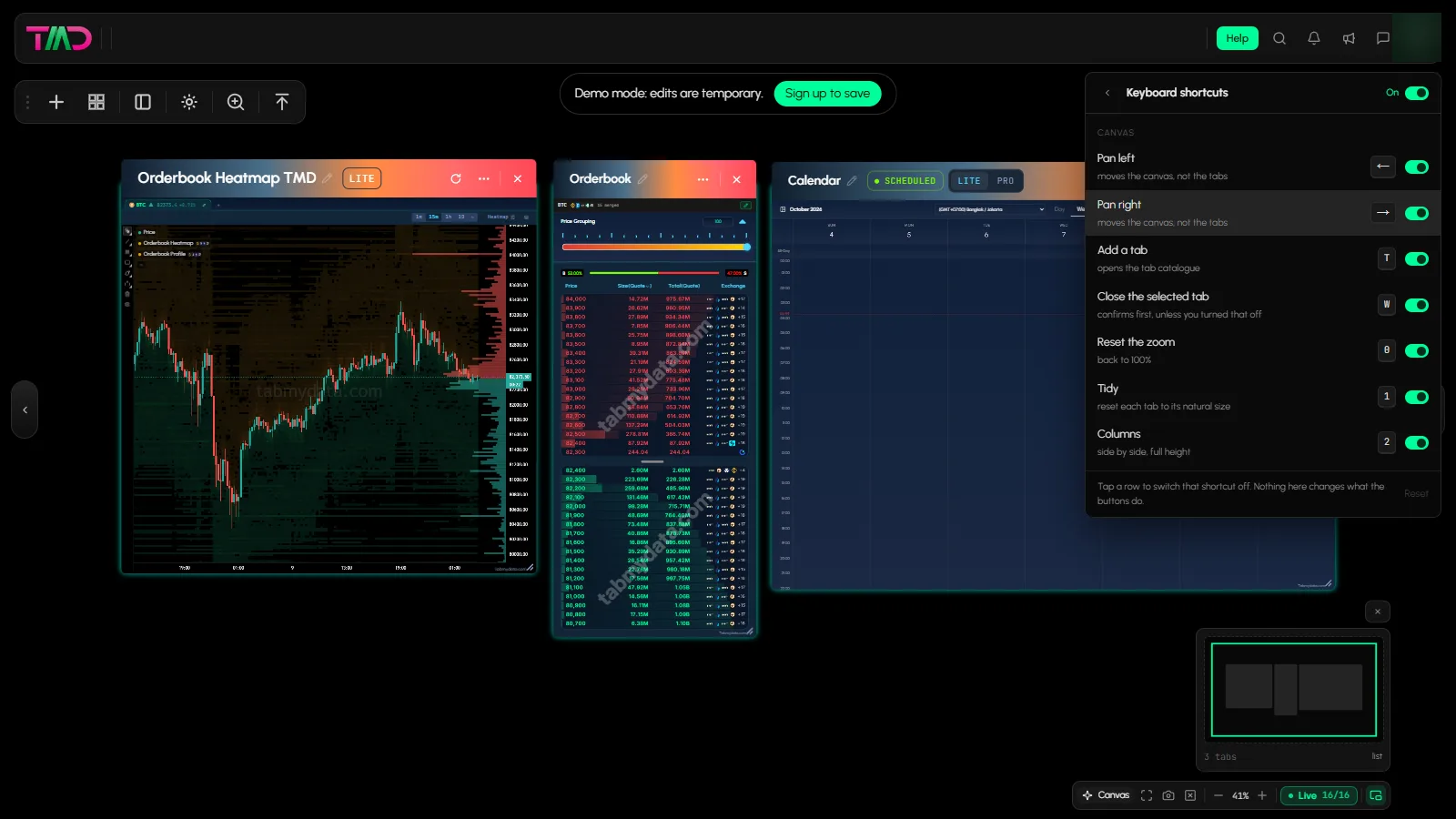
- How to search and use keyboard shortcutsIn Tabmydata, click the magnifier in the top bar or press Ctrl/Cmd+K to search for a coin, a tab or a person. Press ? in a workspace to see every keyboard shortcut, which... · 3 min
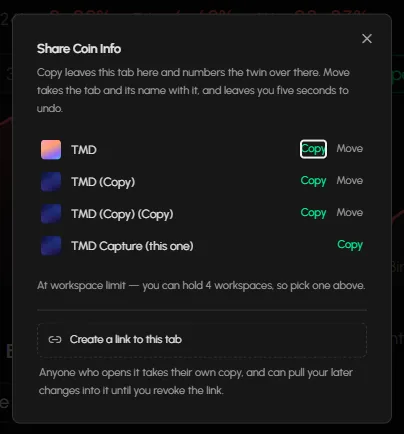
- How to share a tab or workspaceIn Tabmydata you can share a chart or workspace three ways: take a screenshot of one tab or the whole workspace, send a tab to another workspace or as a link (PRO), or sw... · 4 min
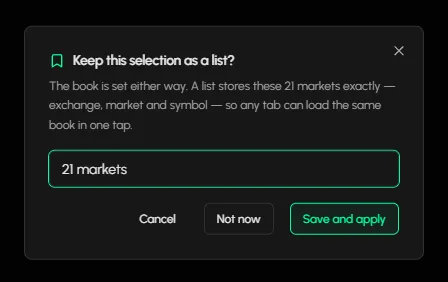
- How to save and load coin listsIn Tabmydata you save the markets of a tab as a named list, then load it again in one tap from the Lists button of the Orderbook, Trades or Liquidations tab. Your lists a... · 3 min



Shared tab tools
- How to move, resize, rename and pause a tabEvery tab in Tabmydata has the same title bar, so you can move, resize, rename, pause, refresh, minimise, screenshot or close any tab the same way. Drag the title bar to ... · 7 min
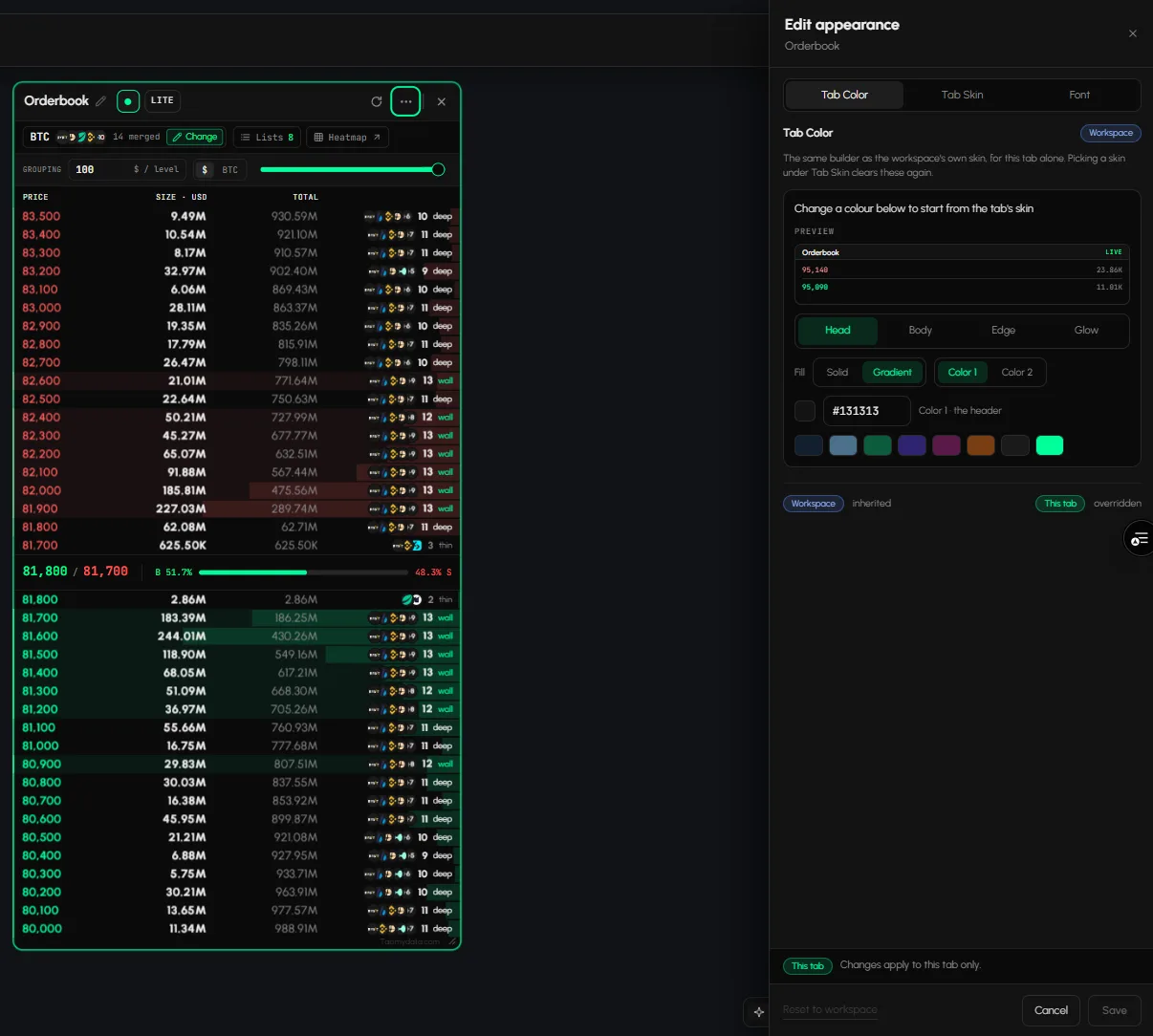
- How to change tab skins and coloursApply a skin to one tab or the whole workspace and set your own colours, font and text size. · 3 min
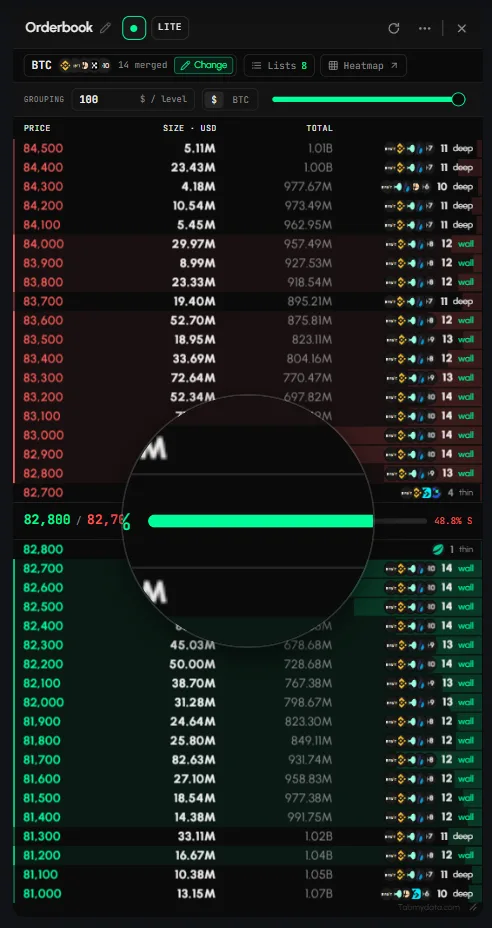
- How to use the MagnifierEnlarge any part of a tab, from 1.5x to 5x, without resizing your layout. · 3 min
- How to open details in the side panel (detail dock)Open the full detail of a row, level, story or event in a side panel, then close it to return. · 2 min
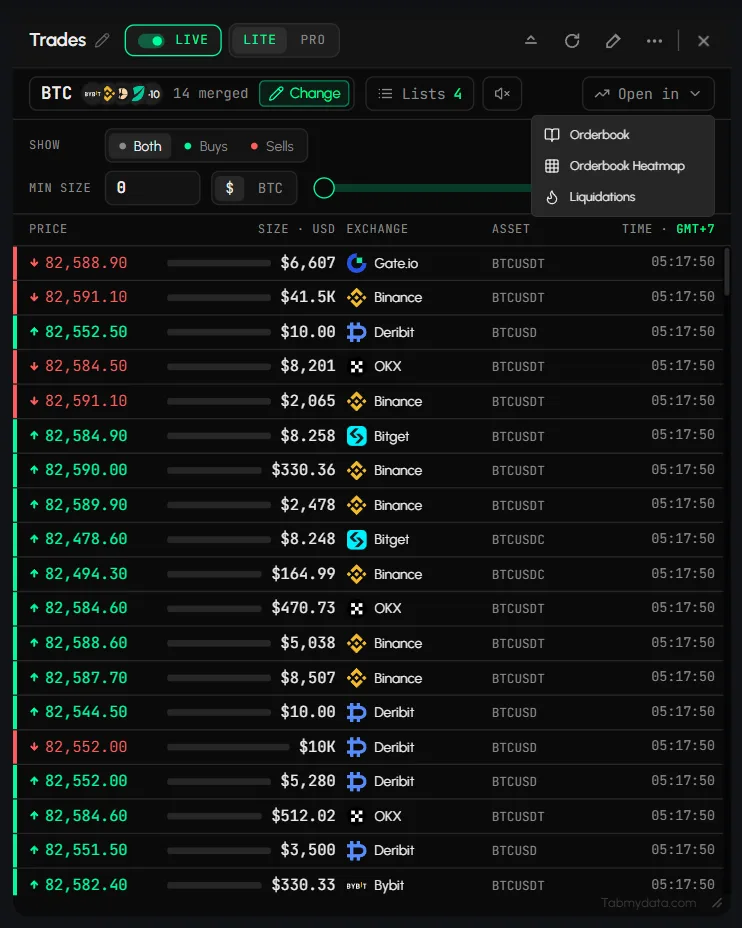
- How to open a coin in another tabTo open a coin in another tab in Tabmydata, use the Open in control in the tab you are on, or the links under the coin header in Coin Info. The target tab (a chart, an or... · 3 min
- How to choose coins and exchanges in a tabPick a coin, review the markets behind it and apply your selection to a tab. · 3 min
- How to edit the top bar widgetsAdd, remove, reorder and resize the widgets in the top bar, such as the clock, market sessions and coin prices, so they stay visible over any layout. · 2 min
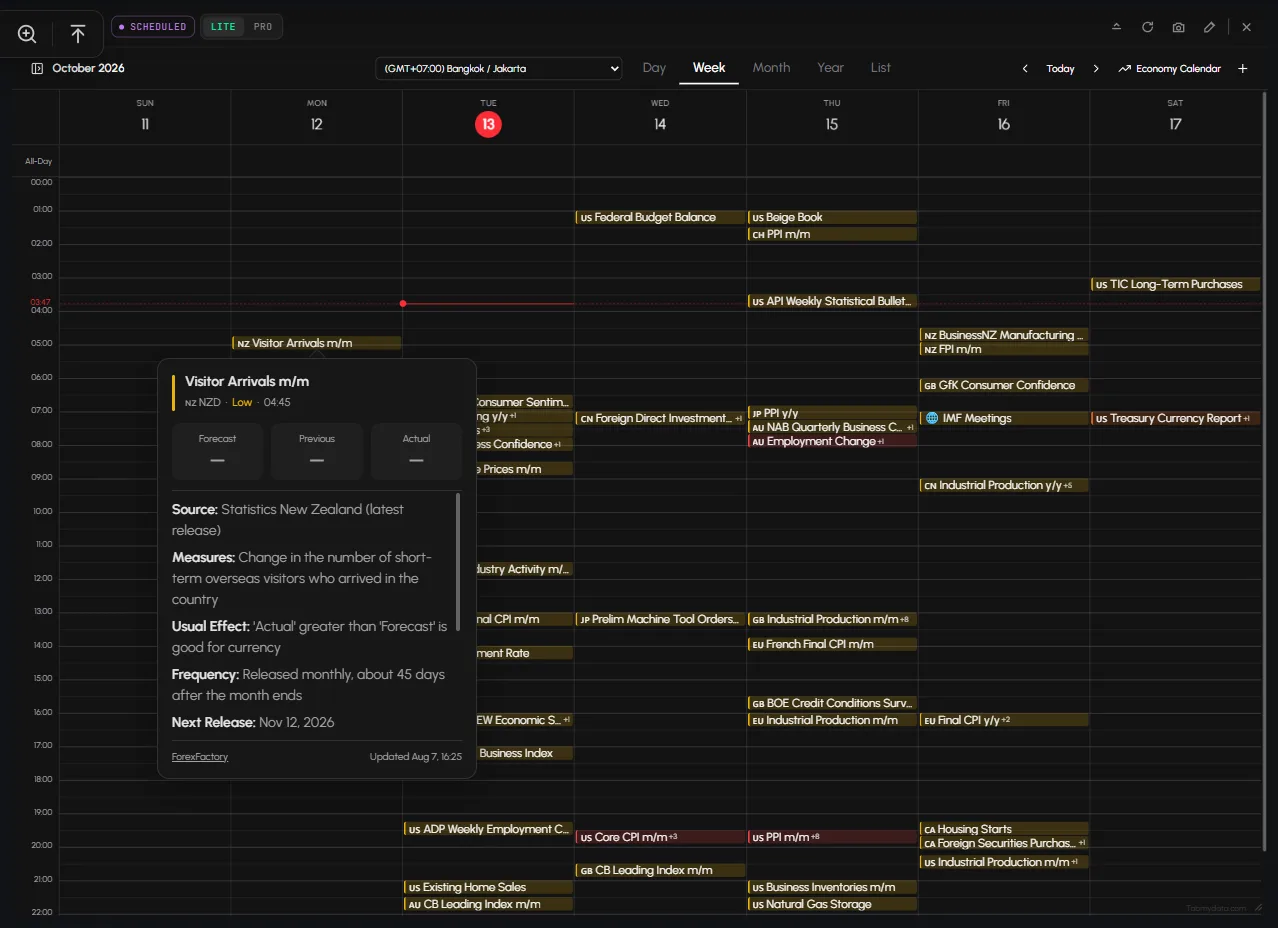
- How to set your time zoneSet your time zone so the Market Clock and the Calendar read in your own hours. · 2 min



Customisation
Tab guides
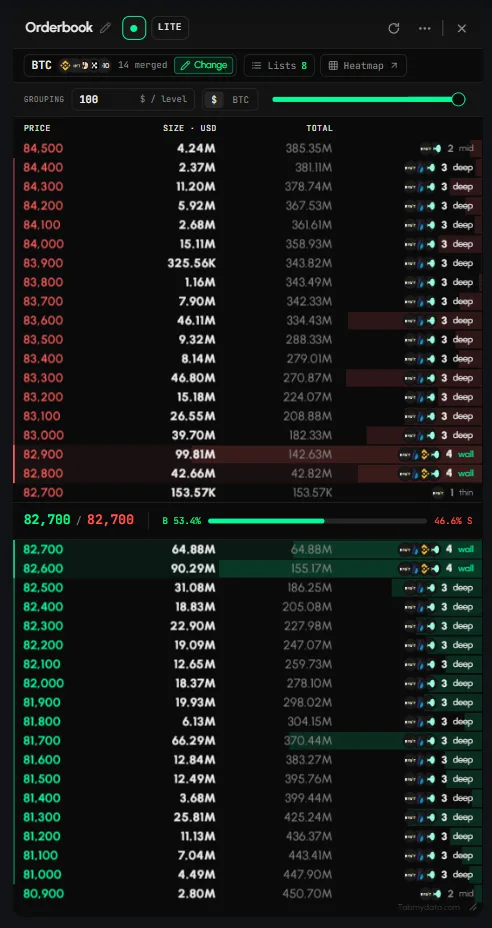
- How to read a crypto order book in the Orderbook tabTo read a crypto order book in Tabmydata, open the Orderbook tab and pick a coin. It merges the live bids and asks of the futures markets you choose into one ladder. Asks... · 10 min
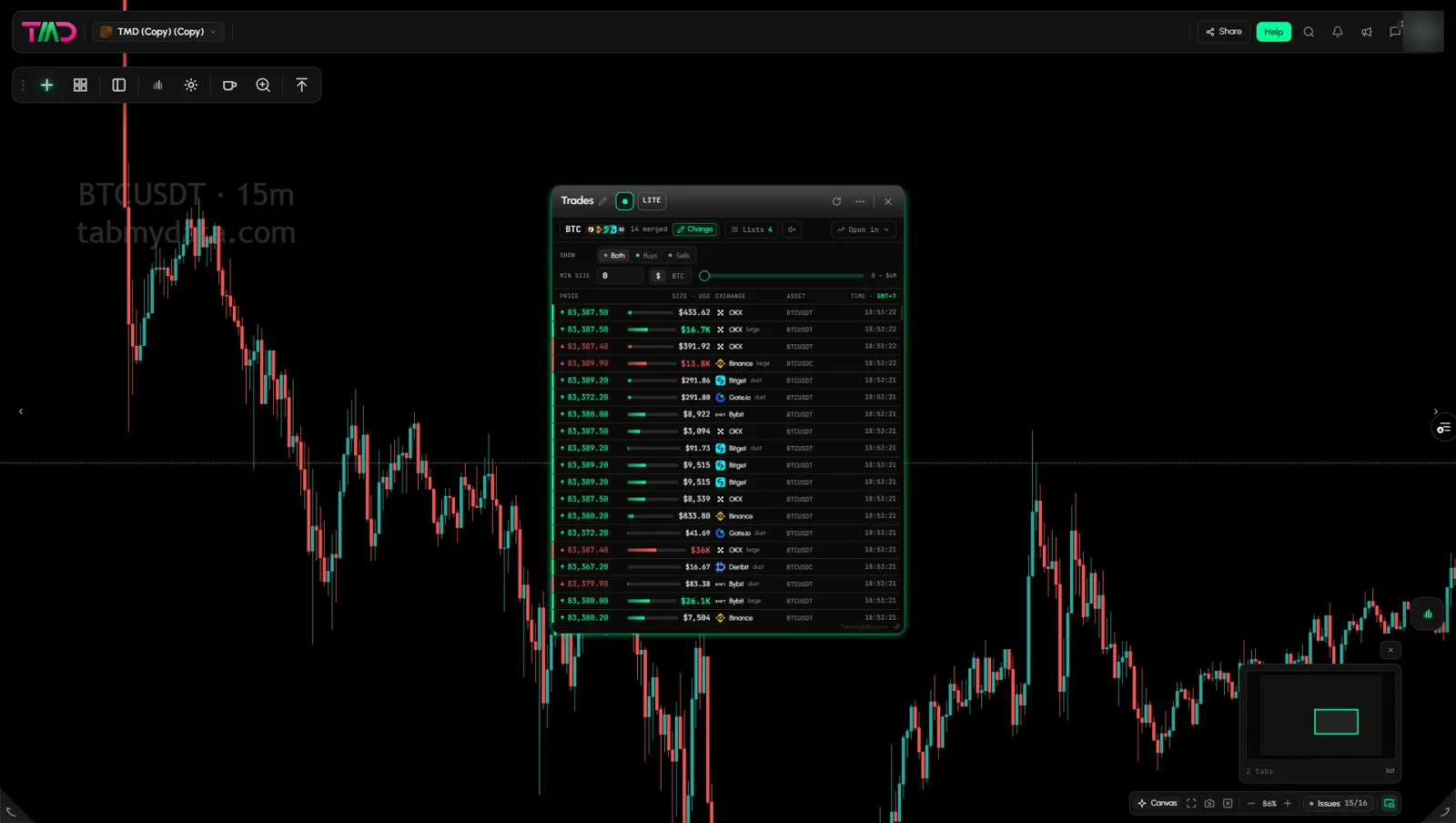
- How to use the Trades tabTo see live crypto trades in Tabmydata, open the Trades tab and pick a coin. It lists every print from the exchanges you choose in one tape, newest on top, with its price... · 7 min
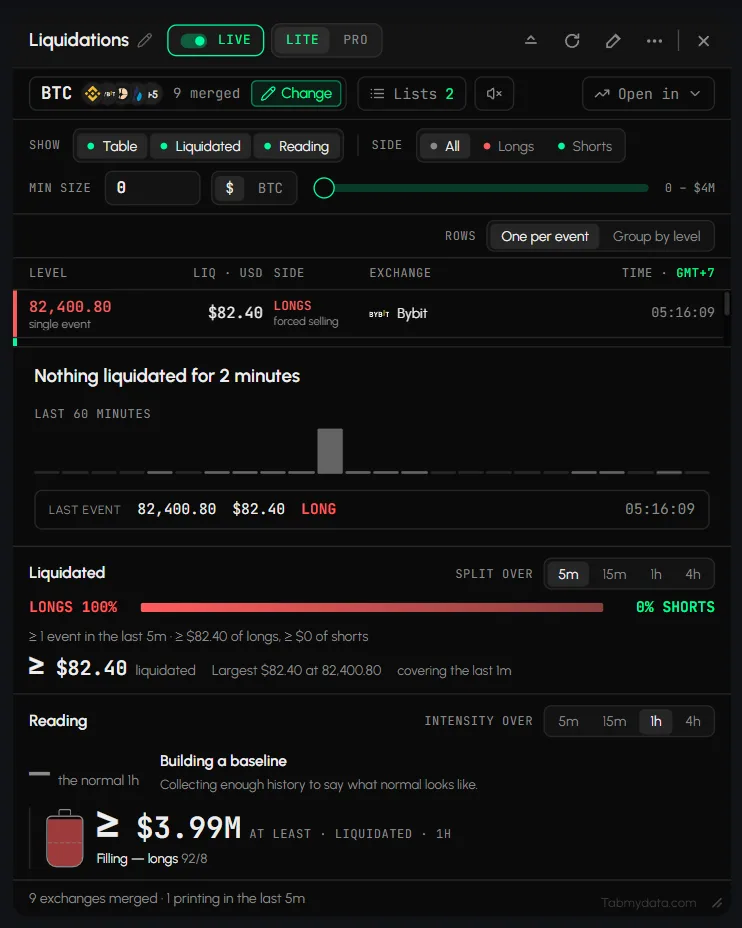
- How to track live liquidations in the Liquidations tabTo track crypto liquidations live in Tabmydata, open the Liquidations tab and pick a coin. It lists forced closes of leveraged futures positions as they hit, sized and si... · 9 min
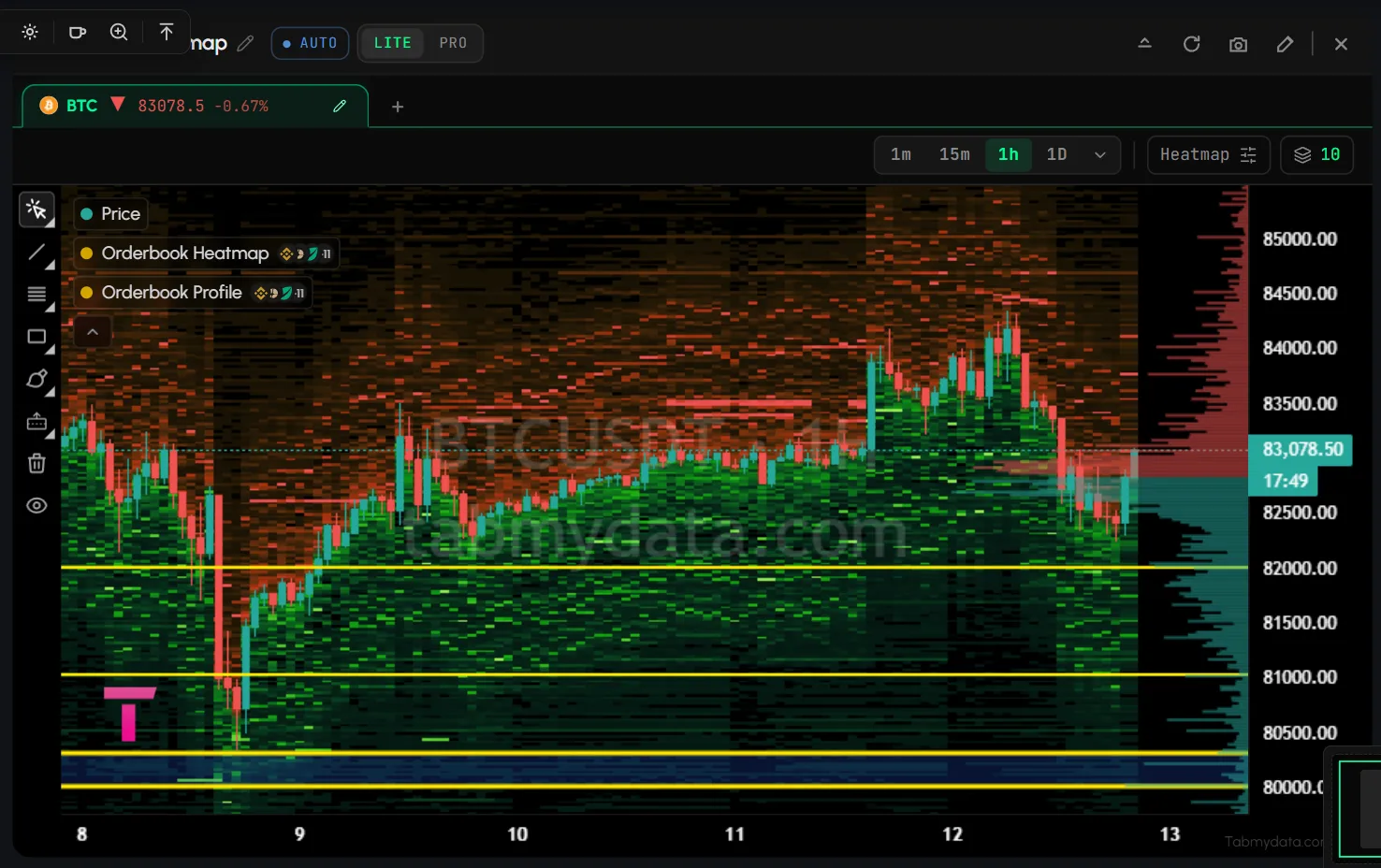
- How to read a liquidity heatmap in the Orderbook Heatmap tabA liquidity heatmap of the order book shows where resting depth sat over time, drawn on top of the candles. It draws resting order-book depth by price, over time, behind ... · 8 min
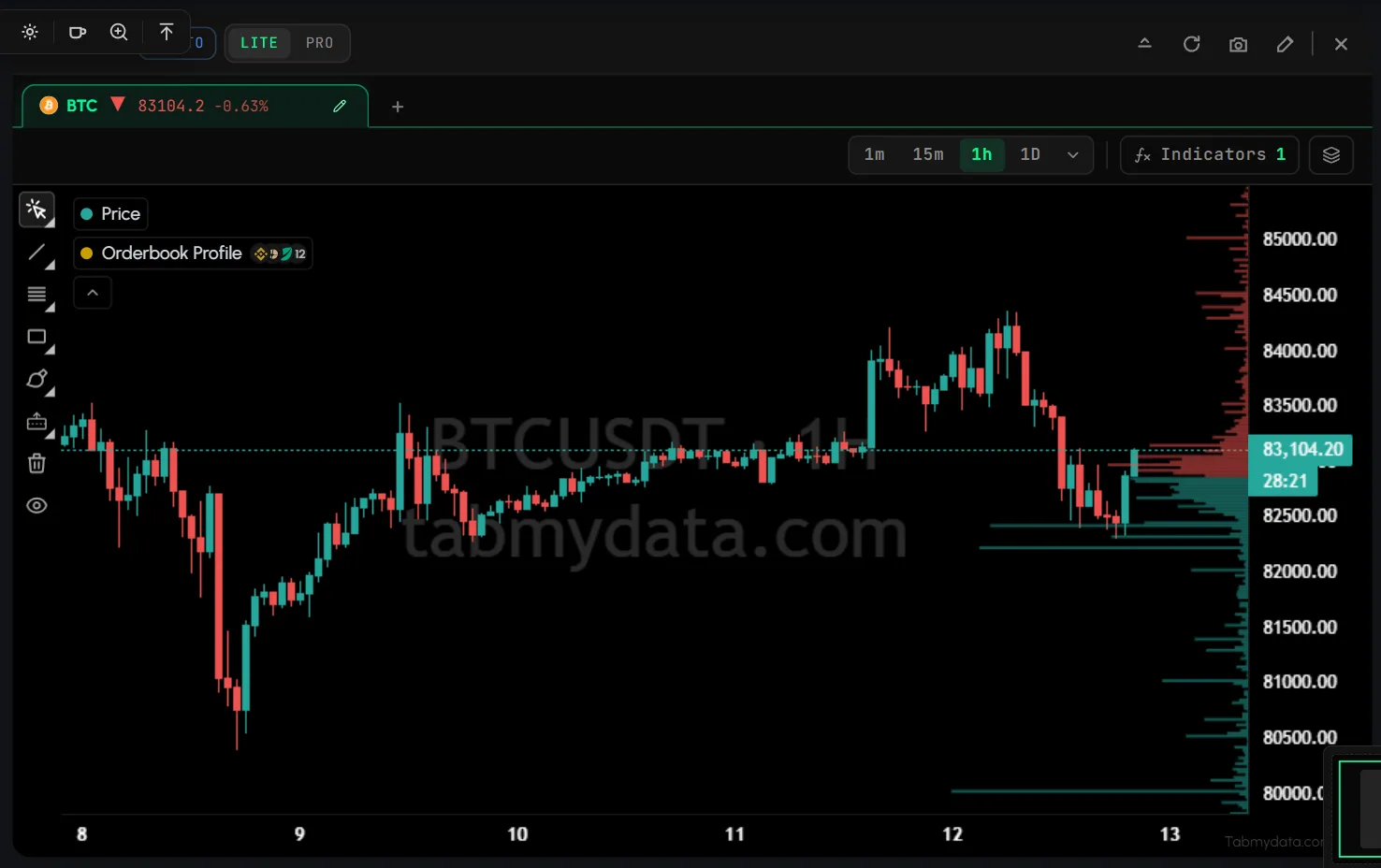
- How to read the Orderbook ProfileRead resting size by price level as bars beside the chart, live or summed over a window you choose. · 6 min
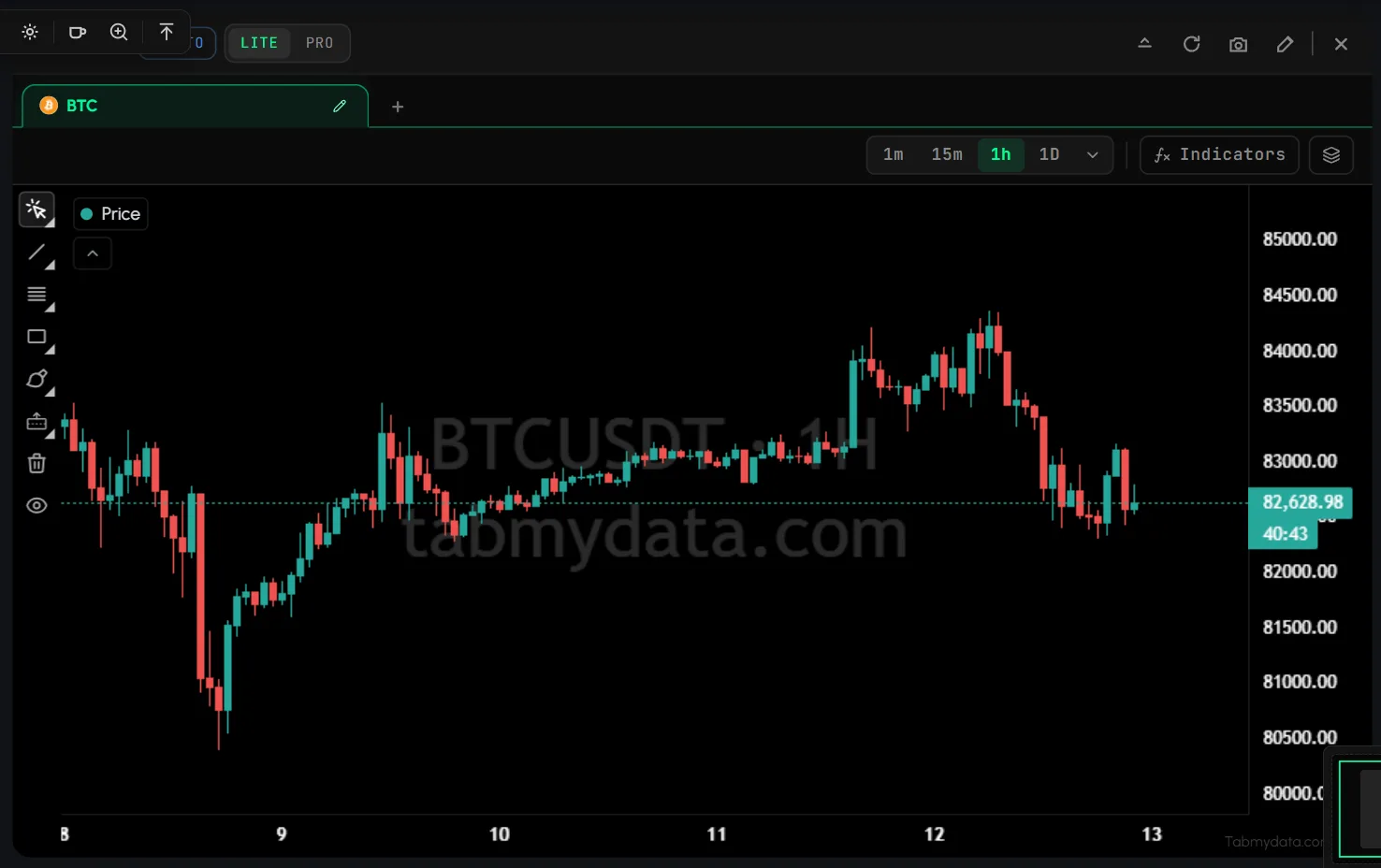
- How to add liquidations to a chartOpen a coin in the Chart tab to see liquidations on price, and add indicators such as EMA and Bollinger Bands. You can stack up to 8 layers on one chart, from EMA and Bol... · 9 min
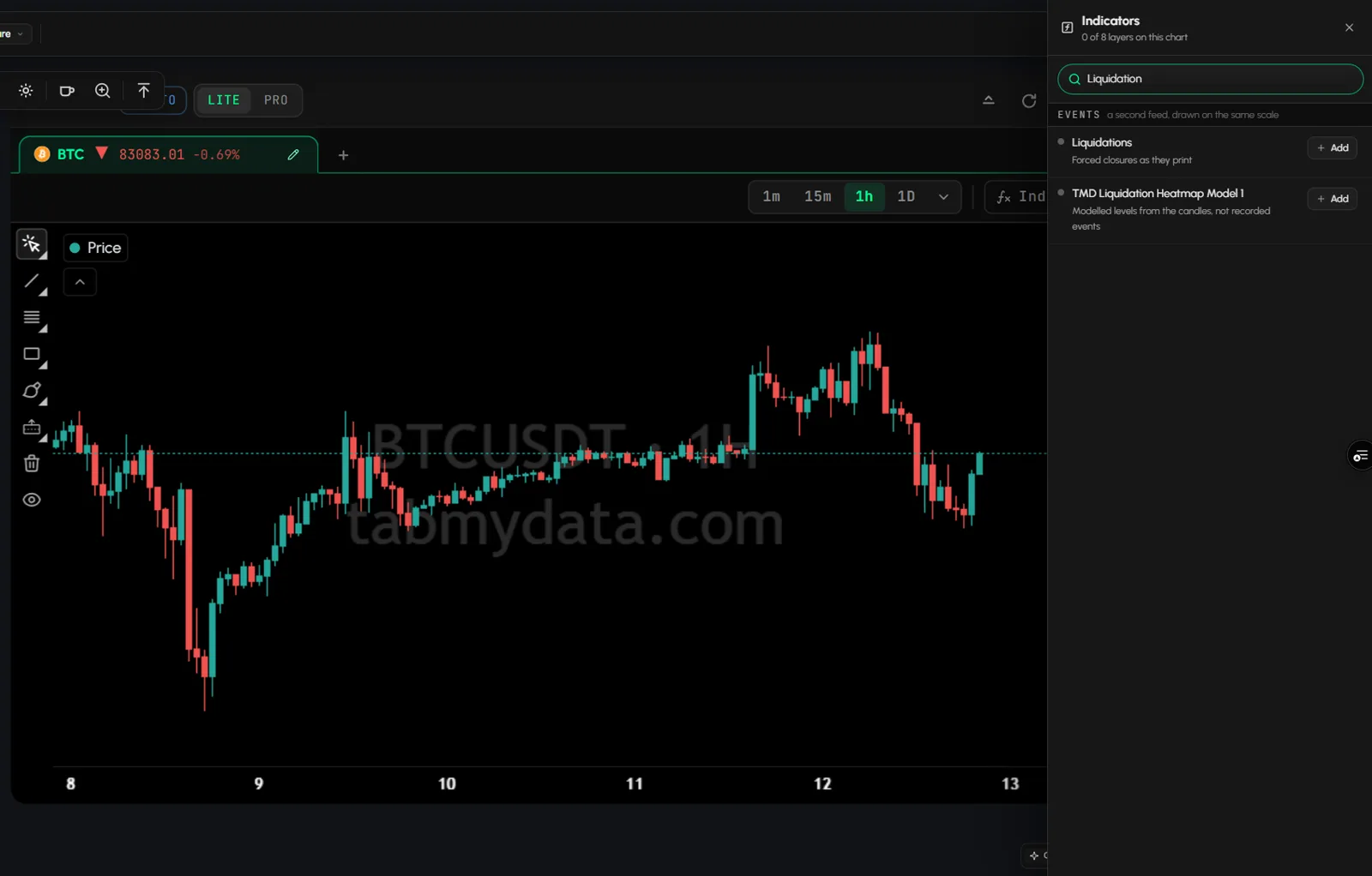
- How to read a liquidation heatmapAdd the Liquidation Heatmap layer to a chart and read the modeled levels against price. · 7 min
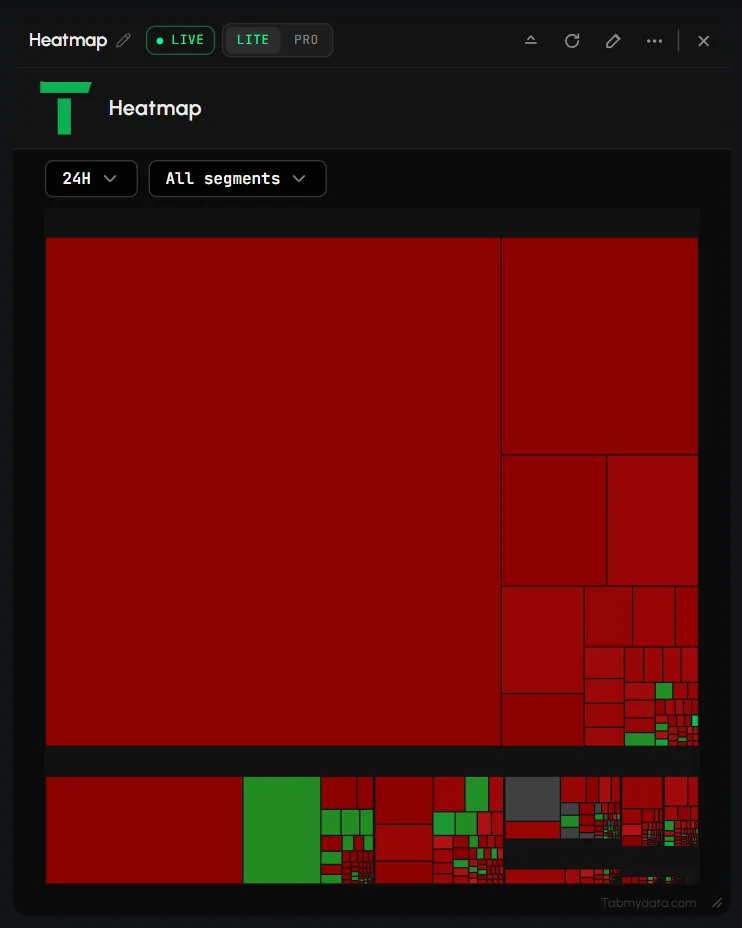
- How to read the crypto market heatmap in the Market Map tabRead the crypto market heatmap in the Market Heatmap tab: each coin is one tile, sized by market cap and coloured by its price move. Every coin is a tile: a bigger tile i... · 5 min
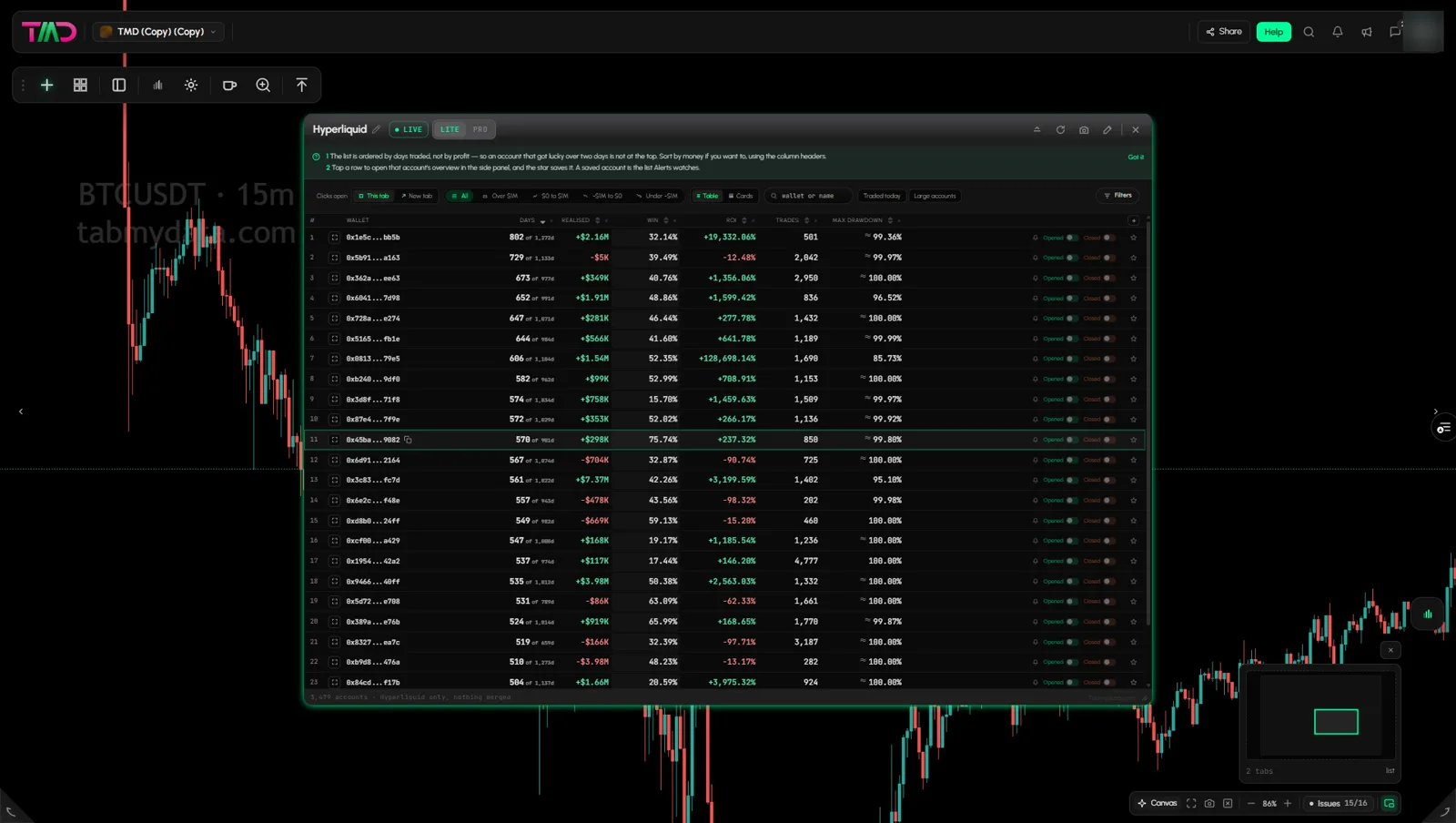
- How to track Hyperliquid wallets in the Hyperliquid tabTo track a Hyperliquid wallet, open the Hyperliquid tab, find the account in top traders or top positions, and star it. The tab lists public Hyperliquid accounts in one t... · 10 min
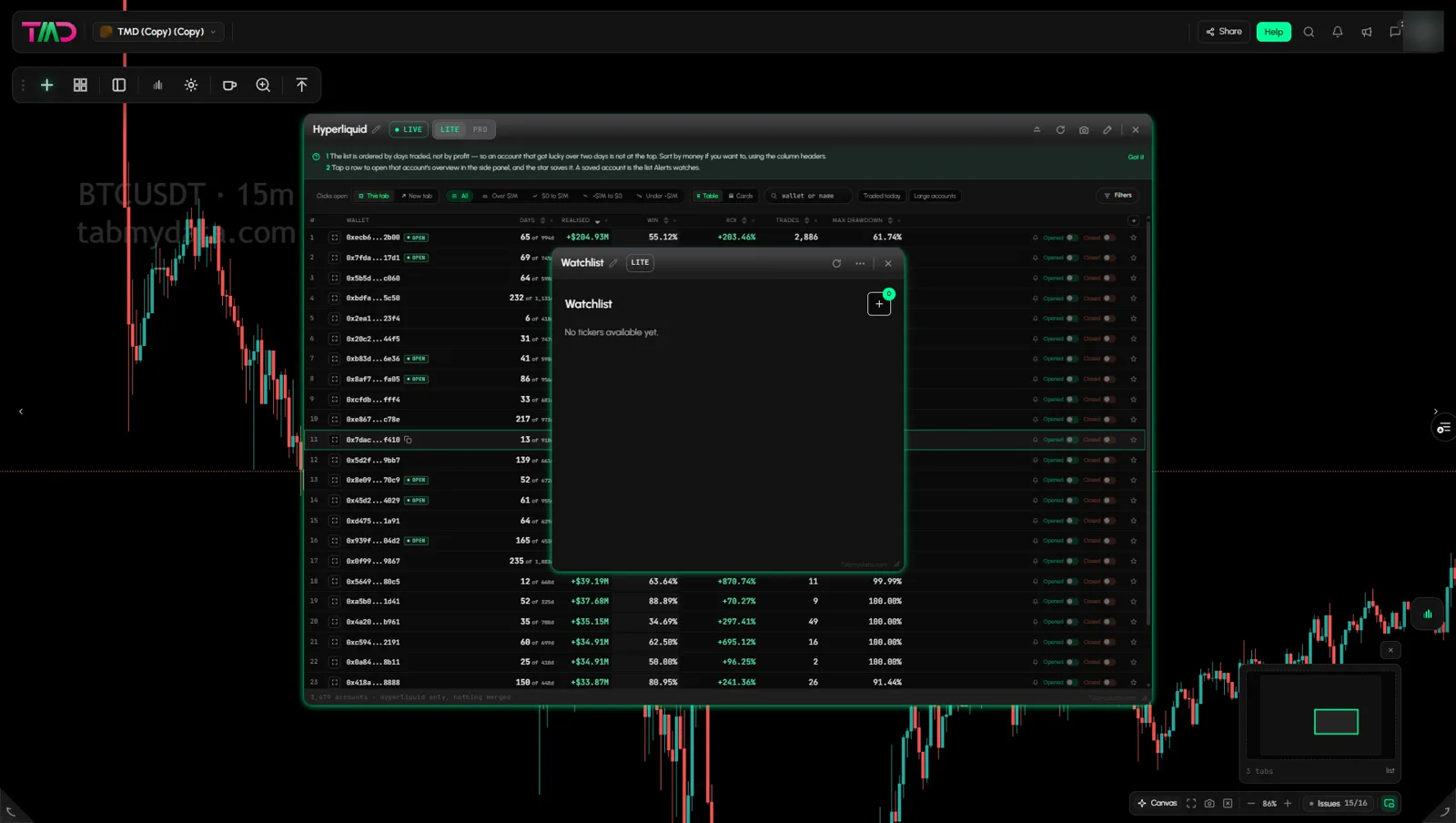
- How to create and use a watchlistTo make a crypto watchlist in Tabmydata, add the Watchlist tab, click + and pick your pairs from any covered exchange, futures or spot. The tab keeps them in one column w... · 3 min
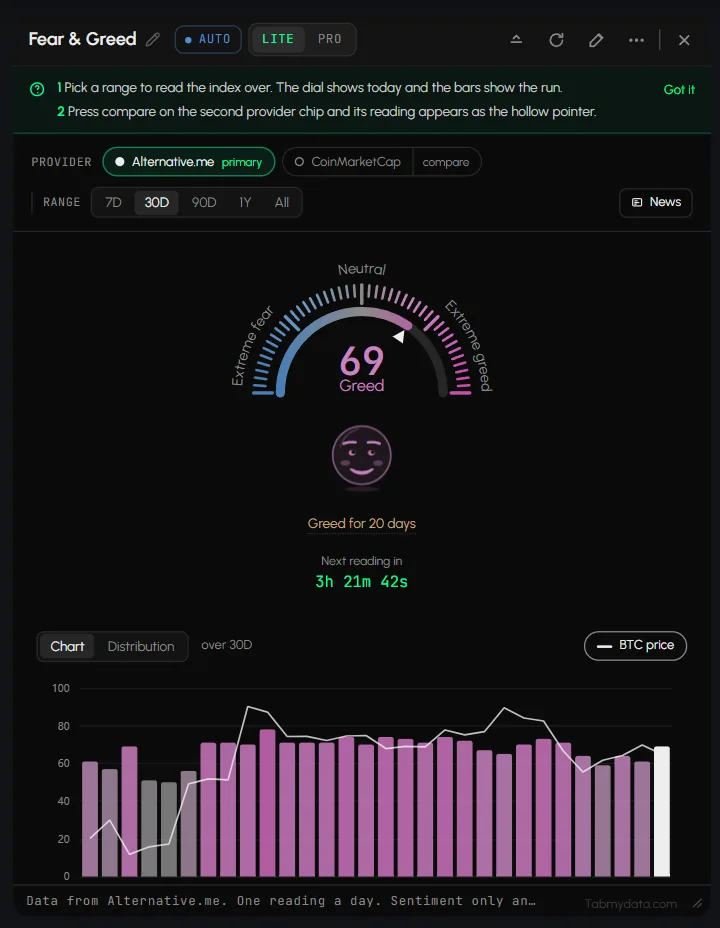
- How to read the crypto Fear and Greed Index in the Fear & Greed tabThe Fear & Greed tab shows the crypto Fear and Greed Index as a daily reading, with its history and BTC price on the same chart. A dial shows today's value from Extreme f... · 5 min
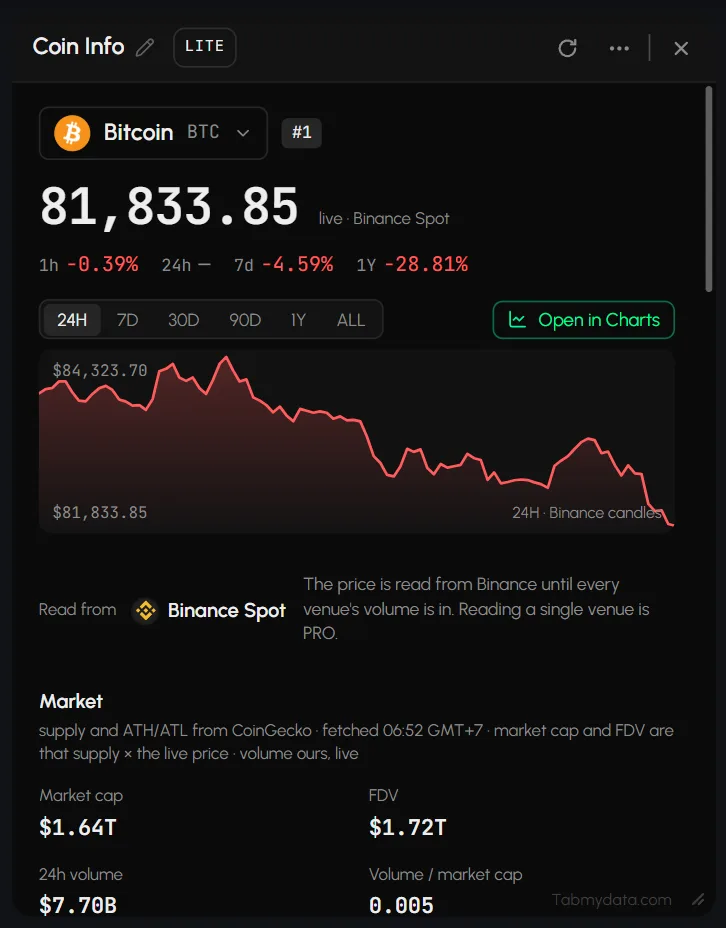
- How to check a coin's market cap and supply in Coin InfoCoin Info shows a coin's price, 24-hour volume, market cap, fully diluted valuation (FDV) and supply in one card. · 7 min
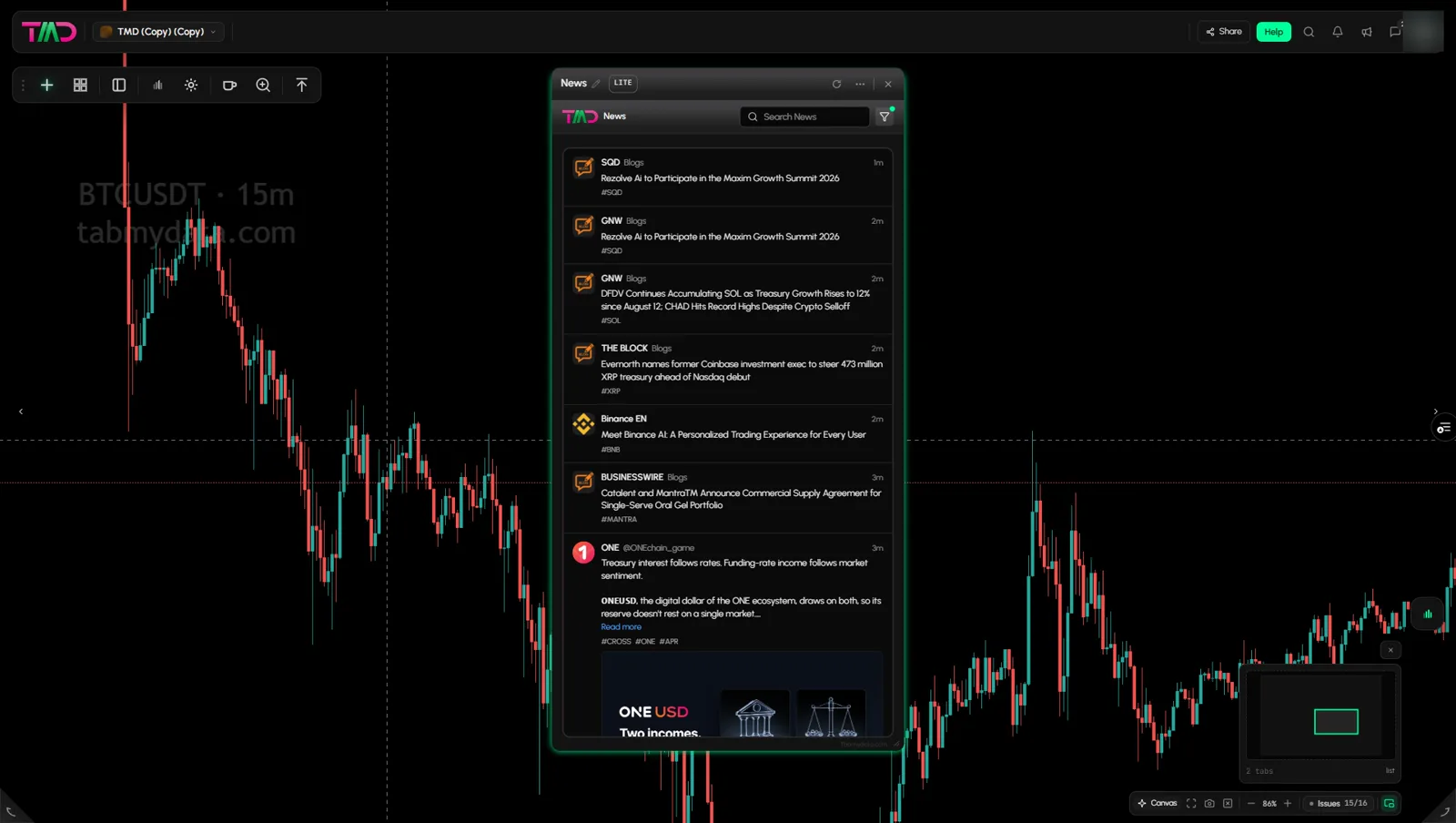
- How to use the News tabThe News tab in Tabmydata is a live crypto news feed, newest first, that you can place next to a chart. Each story names its source, and you choose which of the 14 source... · 3 min
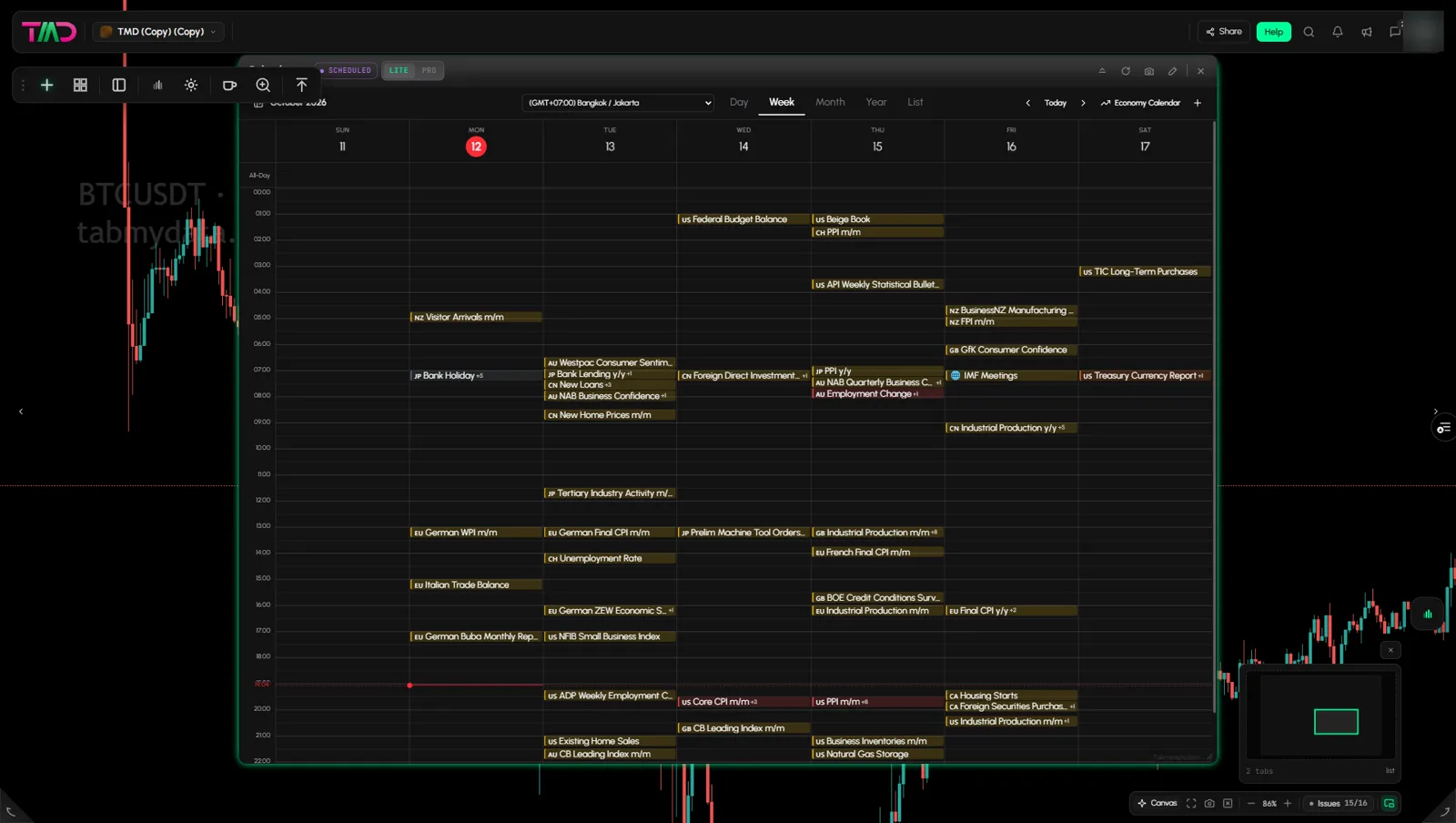
- How to use the economic calendar in the Calendar tabThe Calendar tab is the economic calendar for crypto traders: scheduled releases in your time zone, with impact, forecast and actual figures. Filter by impact and currenc... · 5 min
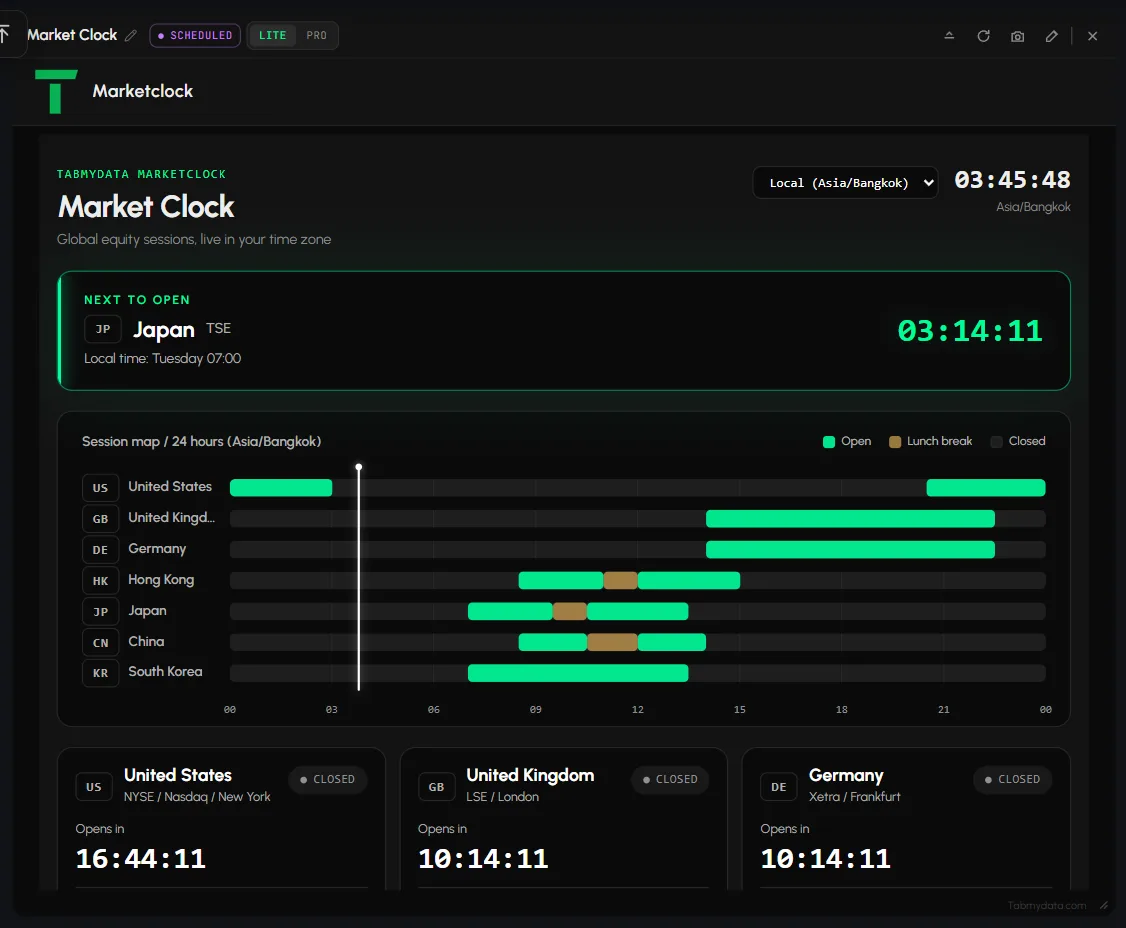
- How to see which markets are open now in the Market ClockThe Market Clock shows which markets are open now, when each one opens next, and all sessions on one 24-hour map in your time zone. · 3 min
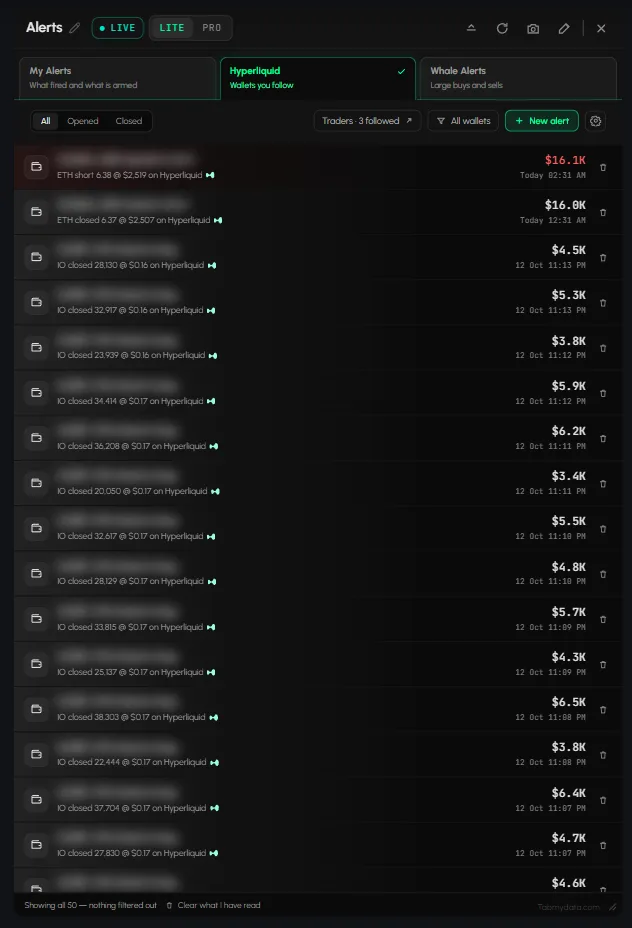
- How to use the Alerts tabTo manage crypto alerts in Tabmydata, open the Alerts tab. It holds every alert that reached you, your armed rules, the Hyperliquid wallets you follow and the whale alert... · 6 min