Platform
Getting Started
New to Tabmydata? Learn what the platform does, create your account, build your first workspace and take a tour of the dashboard in minutes.
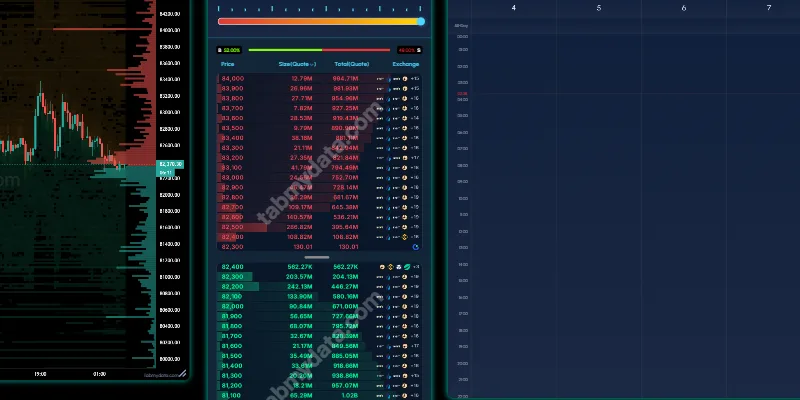
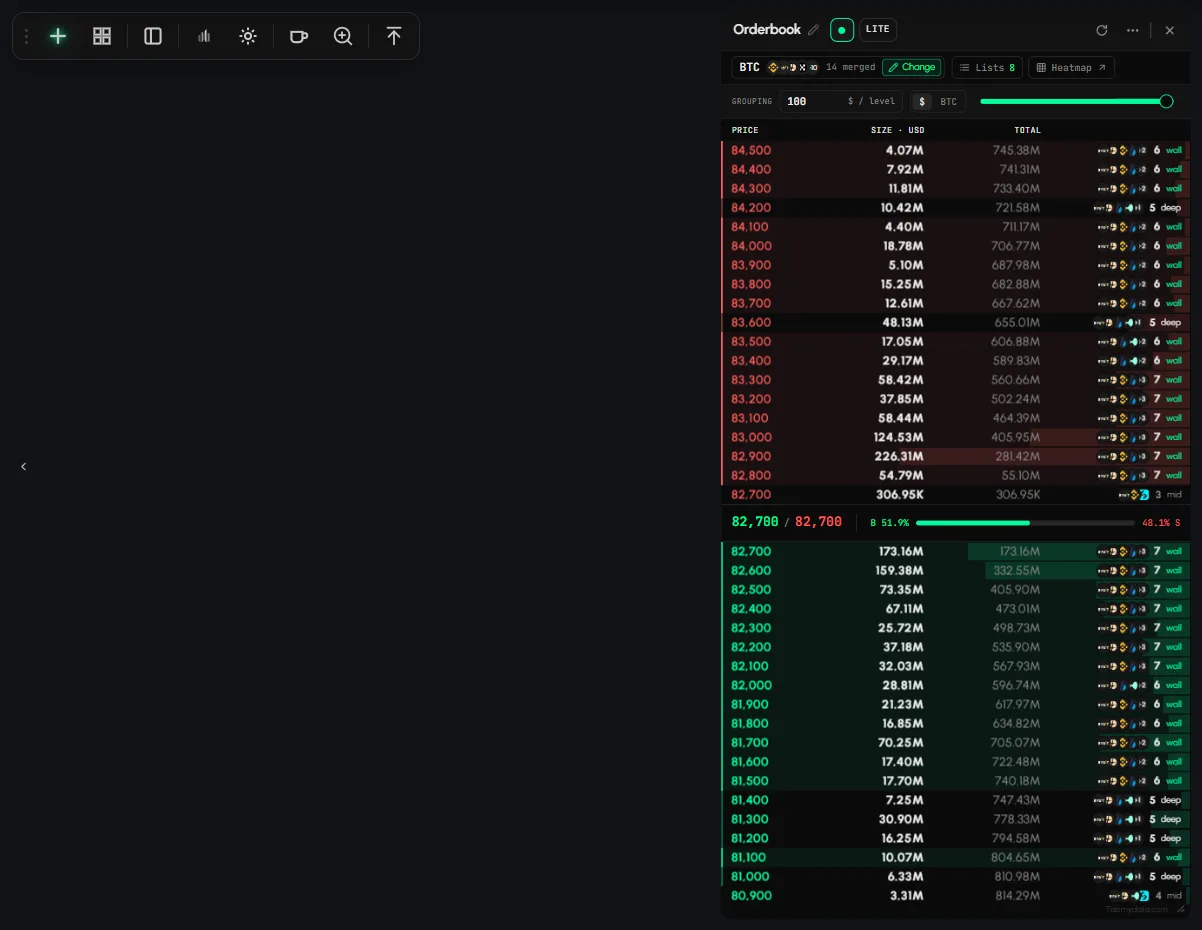
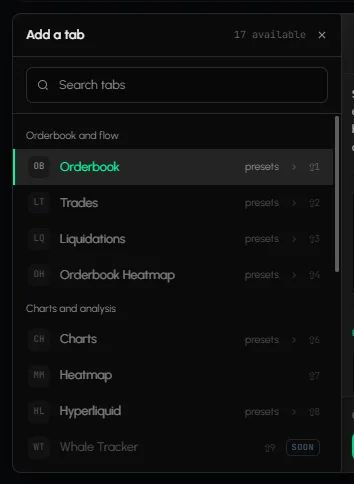
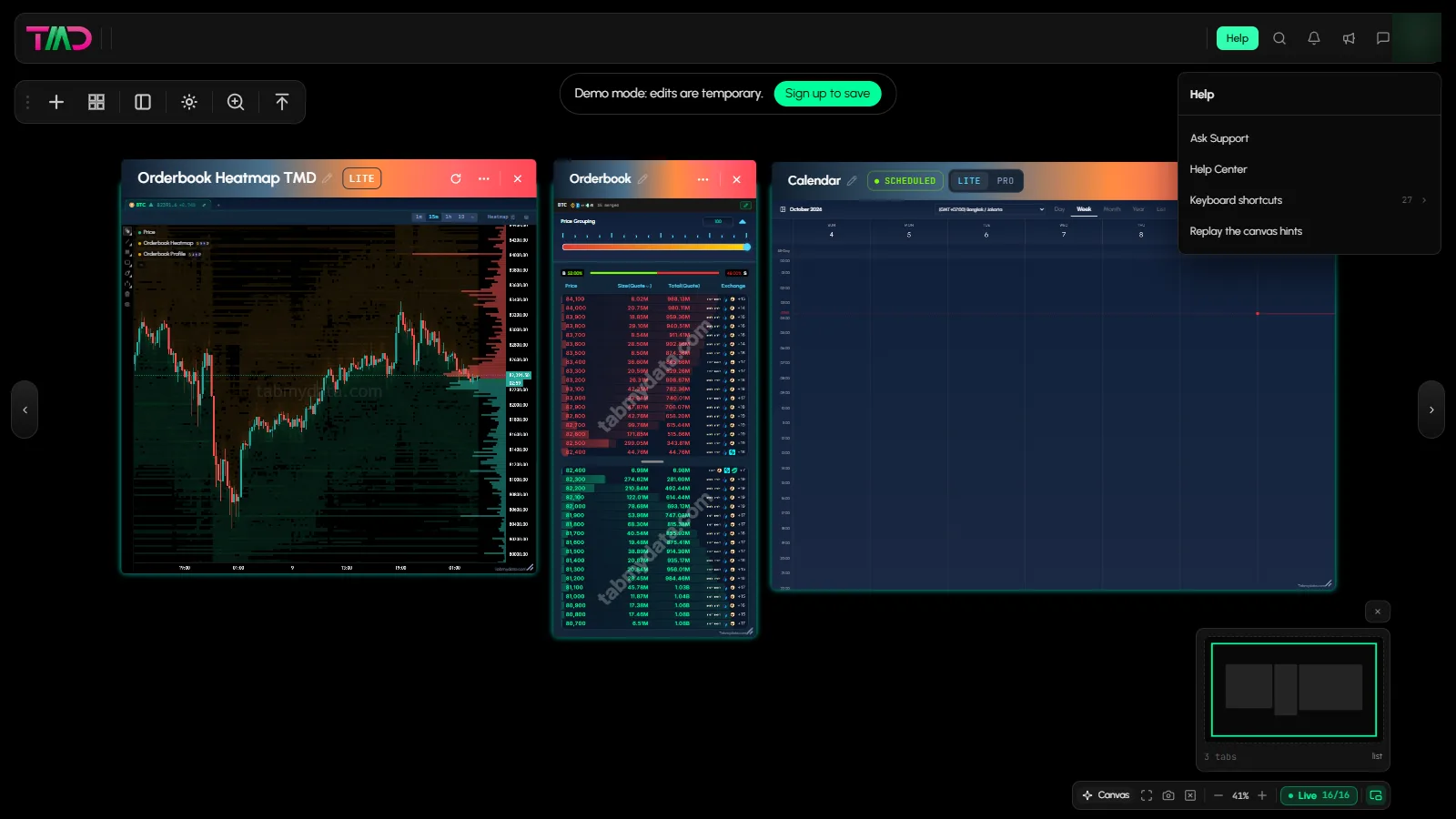
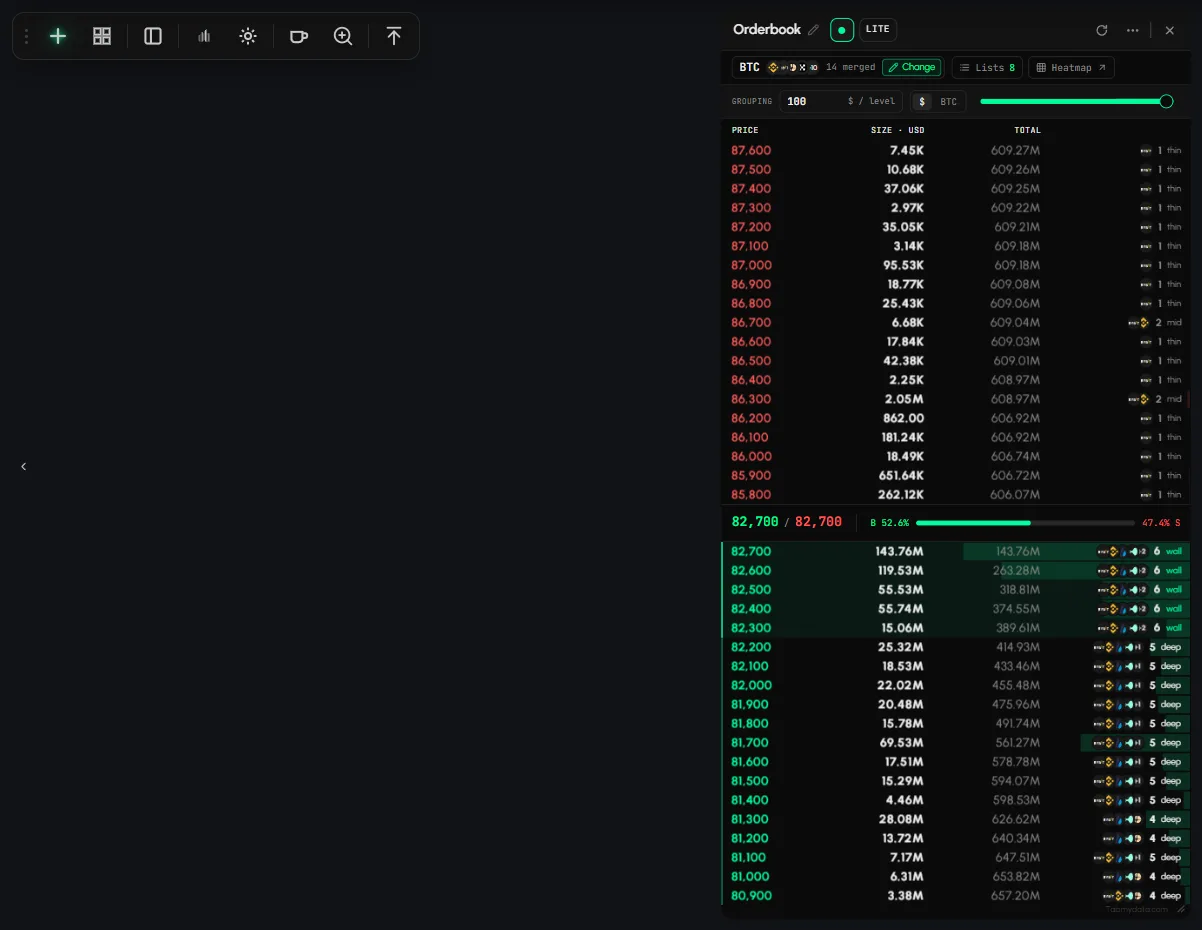
Tabmydata is a market workspace: tabs for the Orderbook Heatmap, the Liquidation Heatmap, the order book, liquidations, charts and the Hyperliquid Whale Tracker, side by side on one canvas. This section is for new users. It explains what the platform is, how to create a free account (free during Alpha), how to set up your first workspace, and where everything lives once you are in. If you want a single route through it, the First 10 minutes learning path walks through the essentials in order.
Start here
- What is Tabmydata and how do you use it?: what the platform does and how the tabs fit together.
- How to create a Tabmydata account: Google, a wallet or email. A demo workspace lets you look around first with no account.
- How to set up your first workspace: start from a ready-made desk or add tabs one by one.
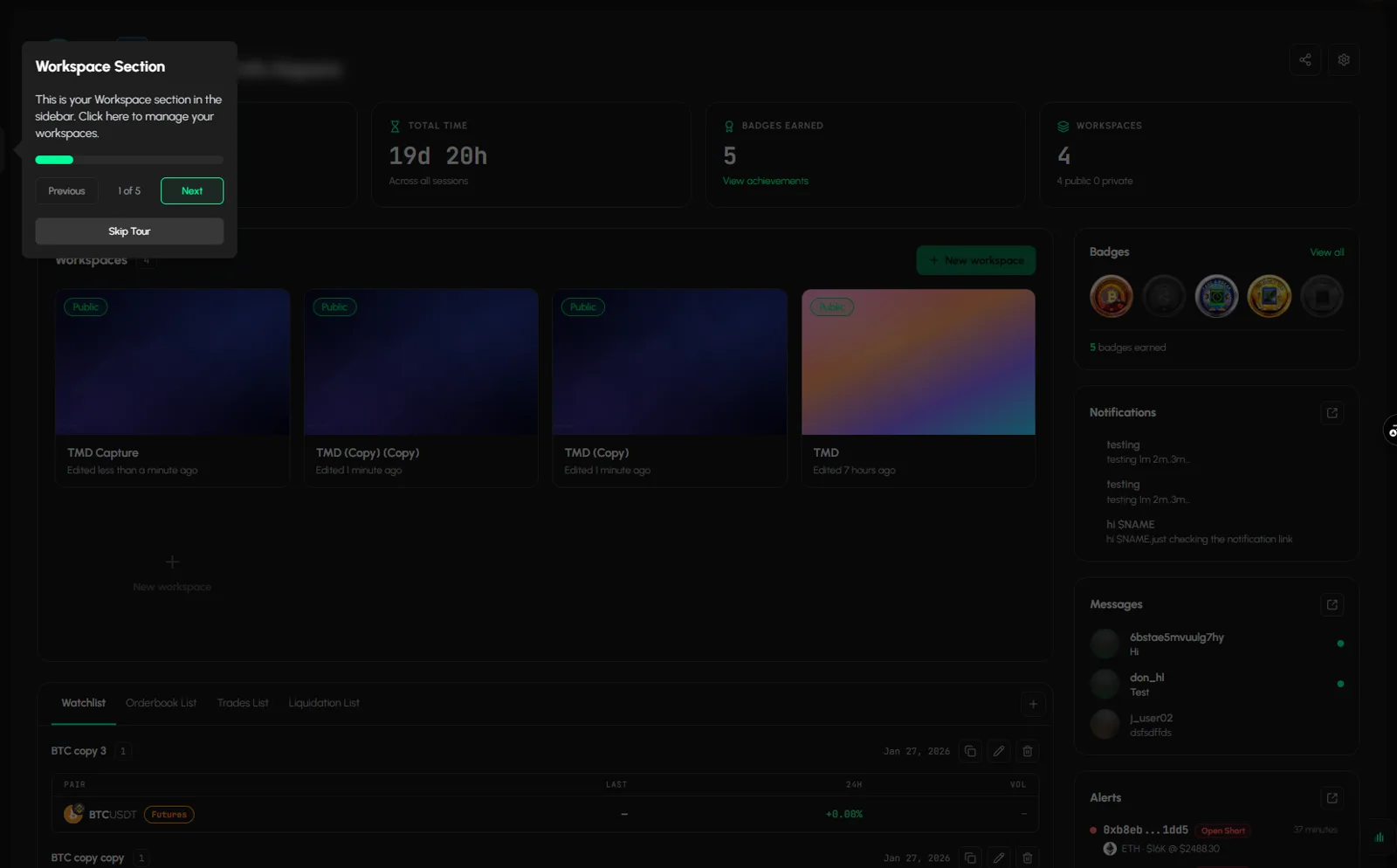
- How to use the Tabmydata Dashboard: the Dashboard holds your workspaces; press D in a workspace to go back to it.
- How to find your way around a workspace: tool rail, top bar, tab frame and canvas controls.
- How to switch between dark and light mode: the moon switch in the top bar sets the page, and Canvas appearance in the avatar menu sets the canvas.
- How to switch between LITE and PRO mode: LITE is the default; both show the same data.
- What's new in Alpha: a quick guide: where things went if you used Tabmydata before.
- What is Tabmydata and how do you use it?Understand what Tabmydata is and how its tabs fit together on one canvas. · 3 min
- How to create a Tabmydata accountSign up with Google, a wallet or your email and open your first workspace. · 3 min
- How to set up your first workspaceStart from a ready-made desk or add tabs one by one, then arrange them side by side. · 3 min
- How to use the Tabmydata DashboardThe Tabmydata Dashboard is the home screen of your account and holds all your workspaces. Click Dashboard in the sidebar, or click the logo (or press D) inside a workspac... · 5 min
- How to use the sidebar and top barThe sidebar on the left and the top bar above it take you to every page in Tabmydata: Dashboard, Profile, Tracking, your workspaces, Messages, Notifications, Alerts, sear... · 4 min
- How to switch between dark and light modeTabmydata has two separate Dark and Light choices. The moon switch in the top bar sets the look of the page, and Canvas appearance in your avatar menu sets the workspace ... · 2 min
- How to find your way around a workspaceKnow where every control lives: the tool rail, the top bar, the tab frame and the canvas controls. · 3 min
- How to start the tutorial and replay the hintsTabmydata has three ways to learn the canvas: a guided tutorial, hints on the canvas and ready-made desks. To replay the hints, open Help in a workspace and choose Replay... · 2 min
- How to switch between LITE and PRO modeSwitch between LITE and PRO display modes; both show the same data. · 2 min
- Is Tabmydata free, and what are the limits?Tabmydata is free during Alpha. You do not need a card. This page lists the limits you can run into today. · 2 min
- What's new in Alpha: a quick guideWhat changed in Tabmydata: one setup panel for data tabs, saved lists, a new tab frame, a tool rail, and new tabs like the Liquidation Heatmap. · 2 min






Frequently asked questions
Do I need an account to try it?
No. There is a demo workspace that needs no account. Edits there are temporary.
What is the difference between the Dashboard and a workspace?
The Dashboard is the home screen that holds all your workspaces. A workspace is the canvas where your tabs live.