Platform
Video tutorials
Short video tutorials for Tabmydata tabs: watch the tab in use, then open the matching guide.
Orderbook tab tutorial
Build a merged order book, group prices, read asks and bids, open a price level by exchange, switch the size unit and load saved lists.
In this video
- Choose the markets to merge (Futures) and remove a single market
- Pick a coin, review the markets and click Read (Not now skips saving a list)
- Group prices into levels with the grouping box
- Read asks above, bids below, and the middle row (best ask, best bid, buy and sell balance)
- See which exchanges stand at each price from the logos
- Click a price level to see its size by exchange
One live order book, merged from many exchanges. Let's build it. Click Change to choose the markets to merge. Futures is selected. A book reads one market type at a time. Pick a coin, and review the markets. Each market has its... Orderbook video transcript
More video tutorials
- OrderbookOrderbook tab tutorial
- Live TradesLive Trades tab tutorial
- LiquidationsLiquidations tab tutorial
- Orderbook HeatmapOrderbook Heatmap tab tutorial
- Liquidation HeatmapLiquidation Heatmap tutorial
- ChartsCharts Tutorial: Indicators, Live Liquidations and Layers
- Chart Drawing ToolsChart Drawing Tools Tutorial: Trend Line
- Chart IndicatorsChart Indicators Tutorial: Add, Tune and Remove
- Coin InfoCoin Info tab tutorial
- Fear & GreedFear and Greed tab tutorial
- HyperliquidHyperliquid tab tutorial
- Financial CalendarEconomic Calendar tab tutorial
- Market ClockMarket Clock tab tutorial
- Market HeatmapMarket Heatmap tab tutorial
- NewsNews tab tutorial
- WatchlistWatchlist tab tutorial
- AlertsAlerts tab tutorial
- WorkspaceTabmydata Workspace Tutorial: Menu, Tabs and Settings
- Tokenized StocksTokenized Stocks and ETFs on the Orderbook Heatmap
- Gold Liquidity HeatmapGold Liquidity Heatmap Tutorial: Read XAU Order Books Like BTC
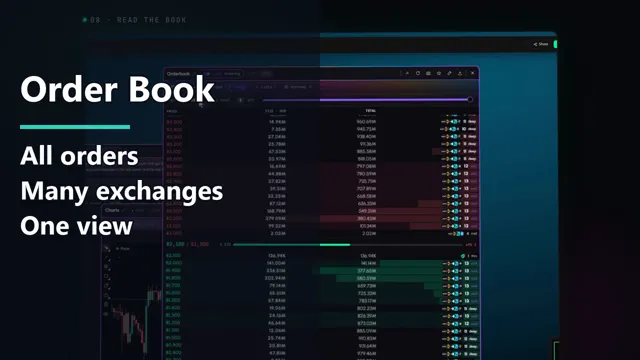 OrderbookOrderbook tab tutorial
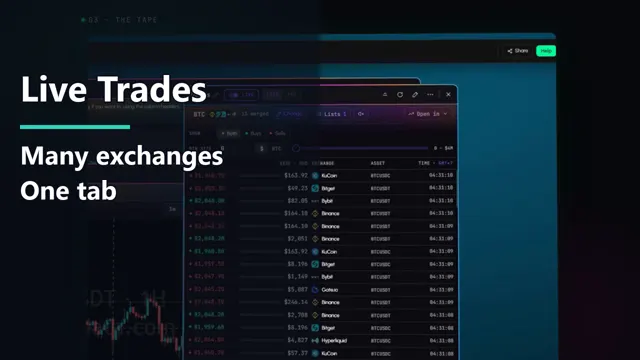 Live TradesLive Trades tab tutorial
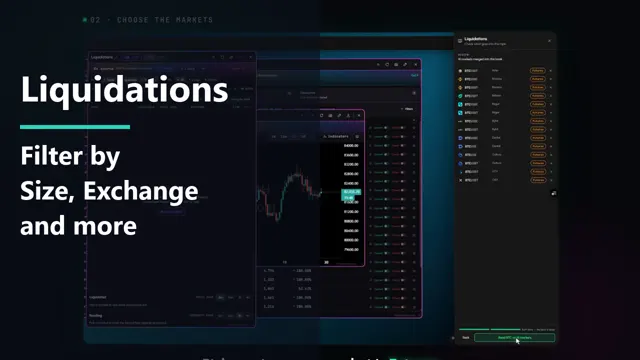 LiquidationsLiquidations tab tutorial
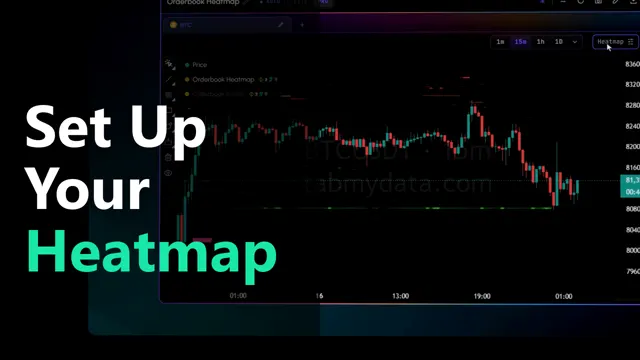 Orderbook HeatmapOrderbook Heatmap tab tutorial
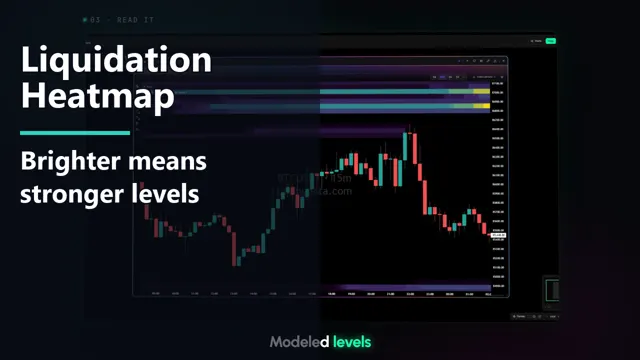 Liquidation HeatmapLiquidation Heatmap tutorial
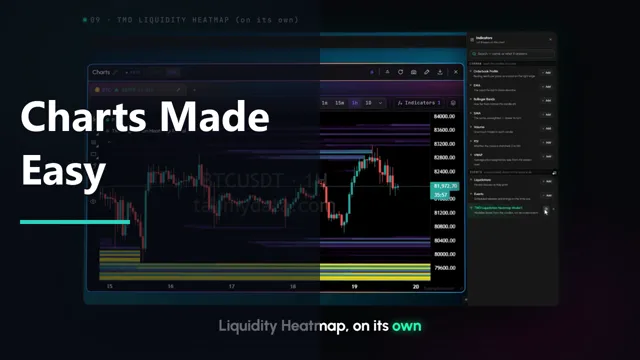 ChartsCharts Tutorial: Indicators, Live Liquidations and Layers
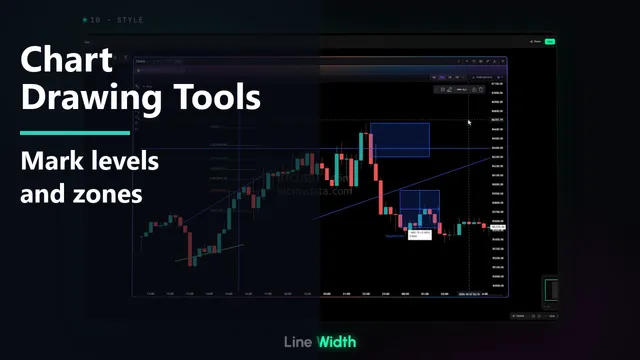 Chart Drawing ToolsChart Drawing Tools Tutorial: Trend Line
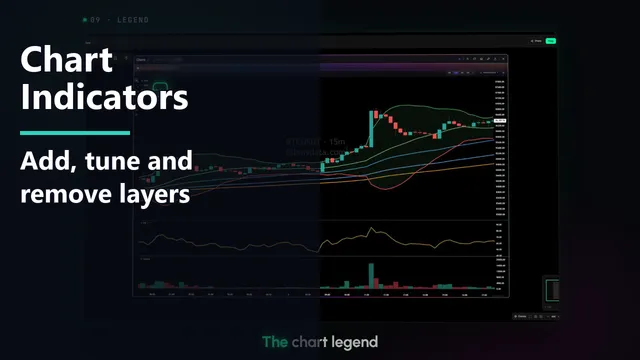 Chart IndicatorsChart Indicators Tutorial: Add, Tune and Remove
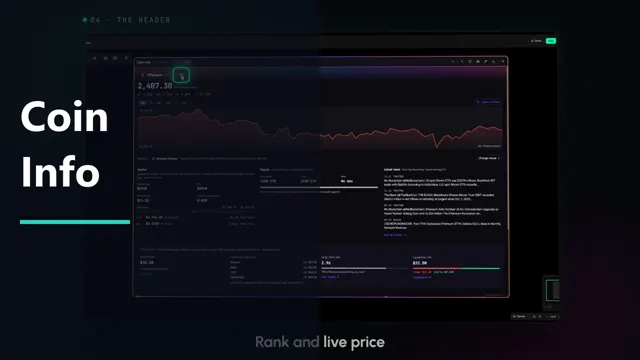 Coin InfoCoin Info tab tutorial
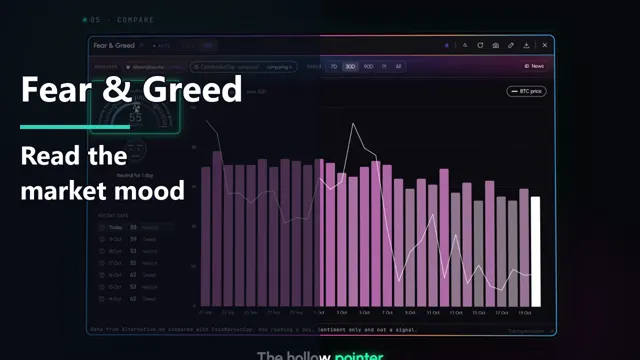 Fear & GreedFear and Greed tab tutorial
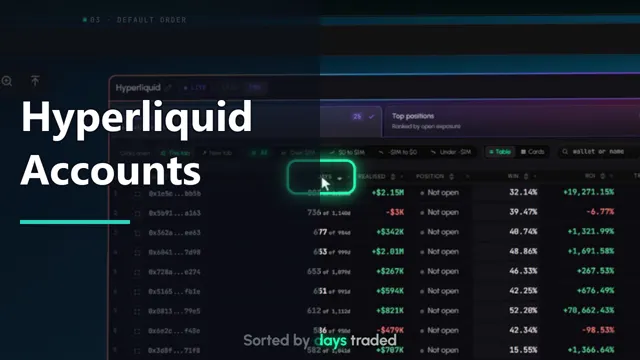 HyperliquidHyperliquid tab tutorial
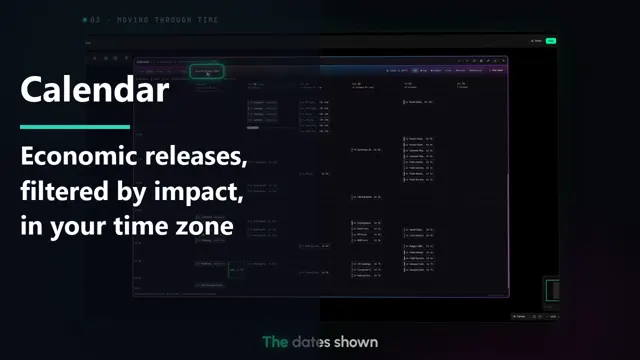 Financial CalendarEconomic Calendar tab tutorial
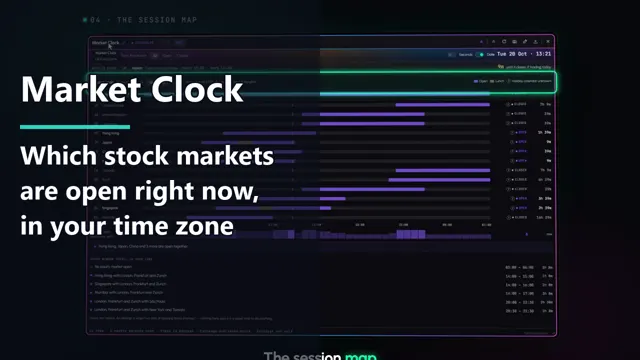 Market ClockMarket Clock tab tutorial
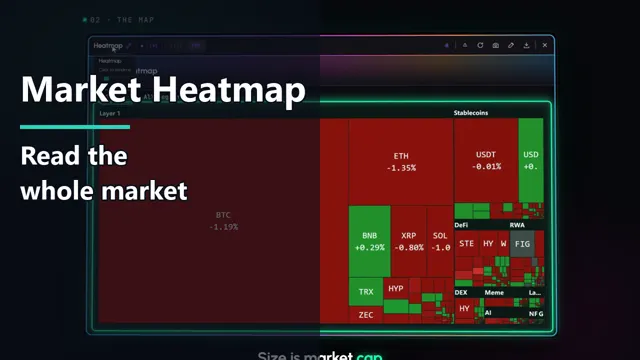 Market HeatmapMarket Heatmap tab tutorial
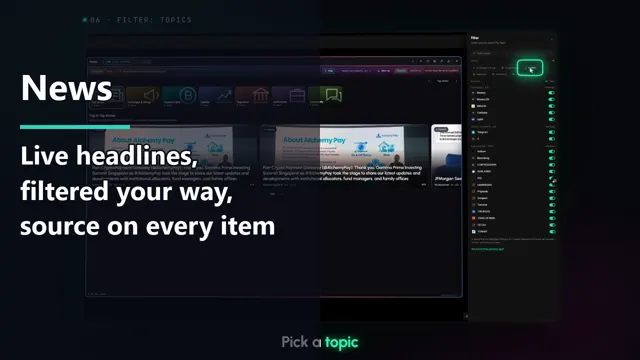 NewsNews tab tutorial
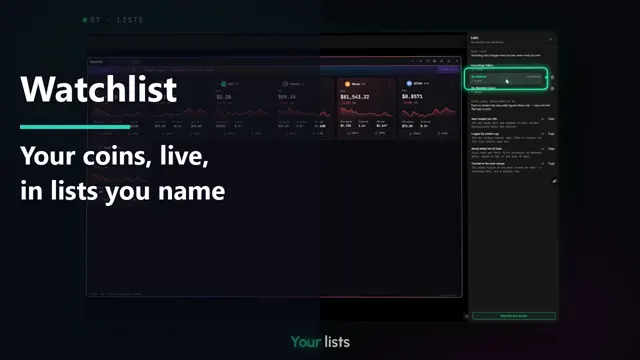 WatchlistWatchlist tab tutorial
 AlertsAlerts tab tutorial
 WorkspaceTabmydata Workspace Tutorial: Menu, Tabs and Settings
 Tokenized StocksTokenized Stocks and ETFs on the Orderbook Heatmap
 Gold Liquidity HeatmapGold Liquidity Heatmap Tutorial: Read XAU Order Books Like BTC
All video tutorials
- Orderbook: Build a merged order book, group prices, read asks and bids, open a price level by exchange, switch the size unit and load saved lists. Orderbook video tutorial · Orderbook guide · Watch on YouTube
- Live Trades: Build a live tape from the exchanges you choose, read buys and sells, filter by side and size, and pause the tape. Live Trades video tutorial · Live Trades guide · Watch on YouTube
- Liquidations: Build the liquidation tape, read the Liquidated and Reading blocks, filter by side and size, and group rows by level. Liquidations video tutorial · Liquidations guide · Watch on YouTube
- Orderbook Heatmap: Set up the heatmap, turn on the Profile, set sensitivity, floor and ceiling, use the legend and click a band. Orderbook Heatmap video tutorial · Orderbook Heatmap guide · Watch on YouTube
- Liquidation Heatmap: The Liquidation Heatmap works as its own tab and as a layer on futures charts in Charts. This tutorial covers the layer: add it, read modeled levels, and change its colors, strength and range. Liquidation Heatmap video tutorial · Liquidation Heatmap guide · Watch on YouTube
- Charts: Set up a BTC futures chart, add indicators and live liquidations, use layers, add coin tabs and draw on the chart. Charts video tutorial · Charts guide · Watch on YouTube
- Chart Drawing Tools: Find the drawing rail, draw trend lines, levels, Fib Retracement, shapes and text, style, lock and undo, then save, export and share your drawings. Chart Drawing Tools video tutorial · Chart Drawing Tools guide · Watch on YouTube
- Chart Indicators: Open the indicator library, search it, add a layer, tune its settings, put RSI and Volume in their own panes and remove layers from the legend. Chart Indicators video tutorial · Chart Indicators guide · Watch on YouTube
- Coin Info: Pick a coin, read the chart ranges, the Market, Supply and Derivatives blocks, where the coin trades and the latest news. Coin Info video tutorial · Coin Info guide · Watch on YouTube
- Fear & Greed: Read the dial, recent days, compare two providers, change the range and read the index against the BTC price. Fear & Greed video tutorial · Fear & Greed guide · Watch on YouTube
- Hyperliquid: Sort and filter accounts, open the overview, read Top positions and Favorites, search a wallet, and follow an account. Hyperliquid video tutorial · Hyperliquid guide · Watch on YouTube
- Financial Calendar: Switch views, read releases by impact in your time zone, open a release and add your own event. Economic Calendar video tutorial · Economic Calendar guide · Watch on YouTube
- Market Clock: See which stock markets are open in your time zone, read the session map, filter the list and read the overlaps. Market Clock video tutorial · Market Clock guide · Watch on YouTube
- Market Heatmap: Read tile size and color, choose the time window and pick which sectors to show. Market Heatmap video tutorial · Market Heatmap guide · Watch on YouTube
- News: Read the Magazine and Feed views, search, filter by topic and source, set an alert and pause the feed. News video tutorial · News guide · Watch on YouTube
- Watchlist: Use cards and sizes, Biggest movers, filters, named lists, add coins and open a coin's details. Watchlist video tutorial · Watchlist guide · Watch on YouTube
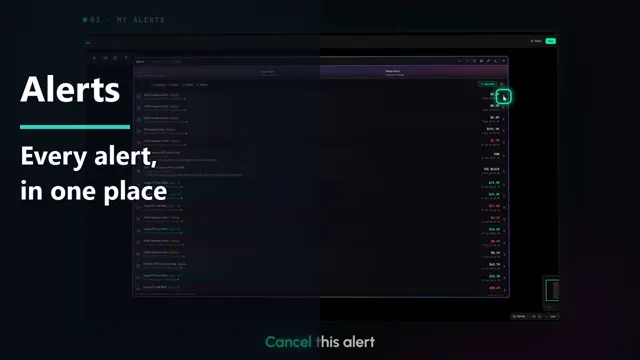
- Alerts: Use the three sub-tabs, the Rules view, kind chips, Whale Alerts, New alert and Settings. Alerts video tutorial · Alerts guide · Watch on YouTube
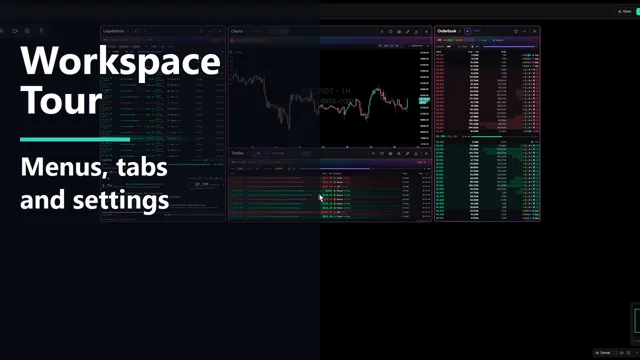
- Workspace: Tour the top bar, main menu, bottom bar and tab title bar, then set up the whole workspace: background, font, skins, layout and interface mode. Workspace video tutorial · Workspace guide · Watch on YouTube
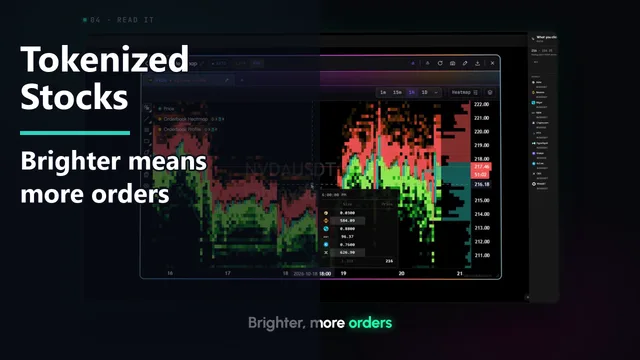
- Tokenized Stocks: Open an Orderbook Heatmap tab, choose Pro, pick NVDA from the Stocks and ETFs group, set Sensitivity to Low and read the bands with stored history. Tokenized Stocks video tutorial · Tokenized Stocks guide · Watch on YouTube
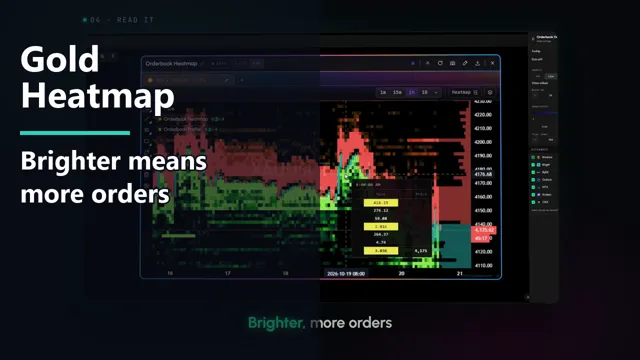
- Gold Liquidity Heatmap: Open an Orderbook Heatmap tab, choose Pro, pick XAU from the Commodities group, set Sensitivity to Low and read the bands with stored history. Tokenized gold on crypto exchanges, not spot gold. Gold Liquidity Heatmap video tutorial · Gold Liquidity Heatmap guide · Watch on YouTube